

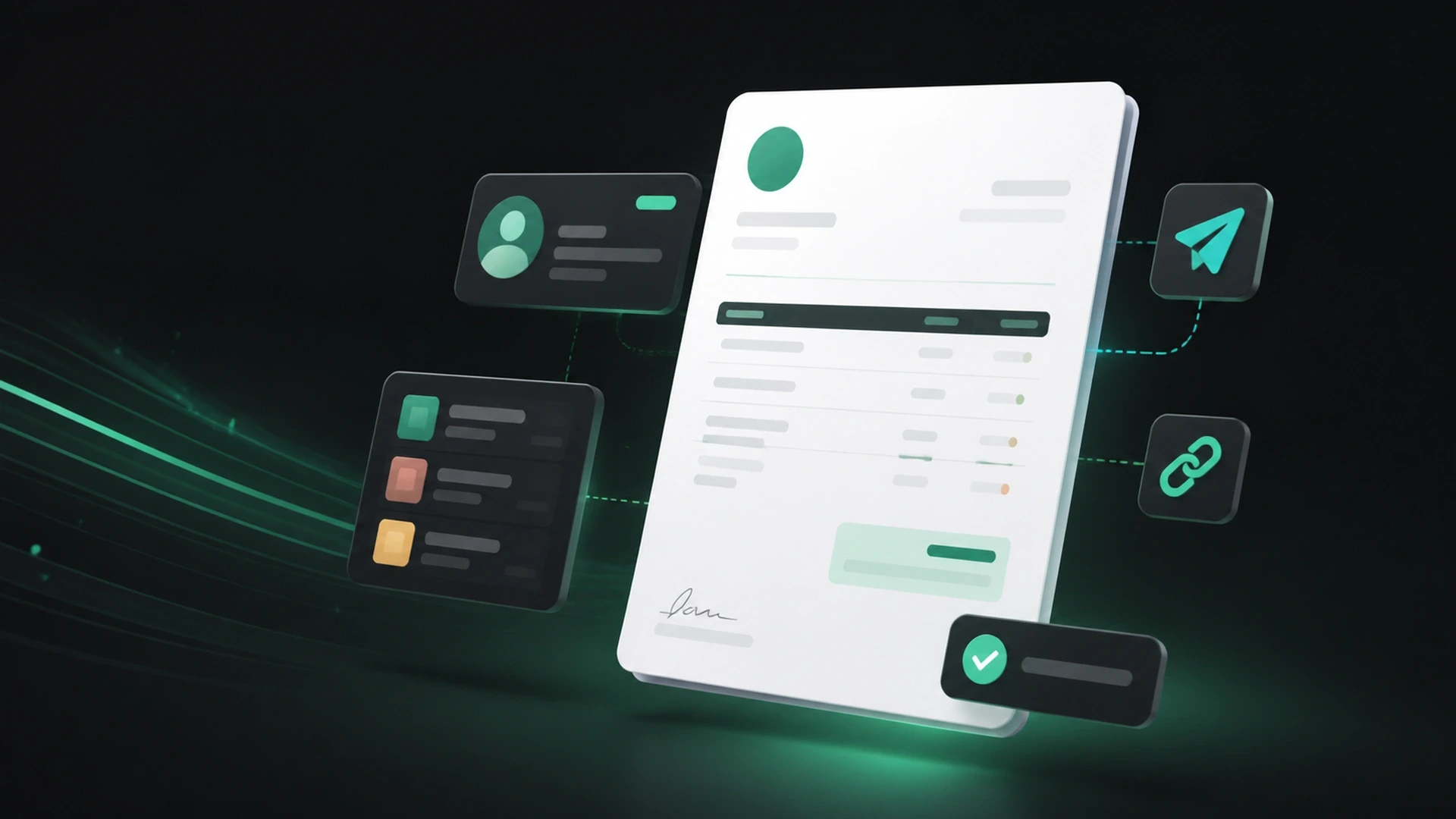
Creating an invoice should not feel like rebuilding your billing process every time you finish a job or deliver an order. A professional invoice gives your client a clear record of what they purchased, what they owe, and how to take the next step.
For a small business, the goal is simple: make the document accurate, easy to understand, and easy to act on. A consistent process also helps you spend less time searching through spreadsheets, messages, and disconnected files.
What is a professional invoice?
A professional invoice is a clear, organized request for payment that identifies your business, your client, the products or services provided, the amount due, and the payment terms.
It should answer five questions without making the client look elsewhere:
- Who is requesting payment?
- Who is being billed?
- What is the charge for?
- How much is due, and when?
- How can the client pay or ask a question?
The exact legal and tax information required on an invoice can vary by location and business type. When in doubt, check the rules that apply to your business or speak with a qualified professional.
What to include in a small business invoice
Your business information
Include the business name your client recognizes and the contact details they should use for billing questions. Depending on your business, this may include an address, email, phone number, website, or tax information.
A unique invoice number
A unique number makes an invoice easier to find, discuss, and track. Use a consistent sequence rather than creating a new naming method for every client.
The invoice and due dates
Show when the invoice was issued and when payment is expected. Avoid vague language when a specific date would be clearer.
Your client’s details
Use the correct client or company name and the appropriate billing contact. A small error here can delay approval or route the invoice to the wrong person.
A clear description of products or services
Describe each line item in language the client will understand. Include quantities, rates, project stages, or service periods when they help explain the charge.
“Consulting services” may be too broad. “Website strategy consulting — August 2026” gives the client more context.
Subtotals and the total due
Present the math in a way that is easy to review. Show relevant discounts, taxes, deposits, previous payments, and the remaining balance when they apply.
Payment terms and instructions
Explain the accepted payment method and any information the client needs to complete payment. If you offer an online payment link, place it where it is easy to find.
Notes and attachments
Use notes for helpful context, such as a short thank-you message or a reference to the approved estimate. Attach supporting files when they help the client verify the work or purchase.
How to create an invoice step by step
1. Confirm the completed work or delivered products
Before creating the invoice, compare the final work with the approved estimate, order, or agreement. Confirm quantities, rates, deposits, and changes.
2. Select the correct client and items
Using a client and product catalog can reduce repeated typing. It also helps keep names, descriptions, and prices consistent across documents.
3. Add the billing details
Enter the invoice number, dates, line items, taxes or discounts when applicable, payment terms, and supporting notes. Review the total before sending.
4. Preview the client’s version
Look at the document from the client’s perspective. Is the amount due obvious? Is the payment path clear? Are names and dates correct? Can the client understand every charge?
5. Send the invoice through a reliable channel
Email works well when the client needs a direct notification. A secure public link can make the invoice easier to view and pay without requiring the client to create an account. A professional PDF is useful when the client needs to download, print, or archive a copy.
6. Record payments and keep the balance current
When a client pays in full or in installments, update the invoice so the remaining balance is accurate. A current record makes future conversations simpler for both sides.
Common invoice mistakes to avoid
Sending an invoice with missing context
If the client cannot connect the invoice to the work, they may need to ask questions before approving it. Use recognizable descriptions and reference the related estimate or project.
Hiding the due date or payment path
Do not make the client search for the next step. Keep the due date, amount due, and payment instructions visible.
Re-entering the same information every time
Manual duplication increases the chance of inconsistent names, prices, or descriptions. Reusable client and product records create a more dependable workflow.
Losing track of partial payments
A deposit or installment should reduce the outstanding balance. Recording partial payments helps prevent confusion about what has already been paid.
Using a document that does not match your business
An invoice is part of the client experience. Consistent, readable documents help your business look organized and make the billing process easier to trust.
How GetBill simplifies invoice creation
GetBill is designed to help small and midsize businesses create professional invoices and estimates without the complexity of traditional accounting software.
You can organize clients and products, create an invoice in under a minute, send it by email or secure public link, generate a professional PDF, add supporting attachments, and track payments and balances in one focused workflow.
GetBill is available for Android in the United States. You can try it free for 3 days before choosing the Starter, Pro, or Business plan that fits your workflow.
A simple invoice checklist
Before you send your next invoice, confirm that it includes:
- The correct business and client details
- A unique invoice number
- The issue date and due date
- Clear products or services
- Accurate quantities, rates, taxes, discounts, and totals
- Deposits or previous payments when applicable
- Payment instructions or a payment link
- Helpful notes or attachments
- A final preview with no obvious errors
A good invoice does more than request payment. It gives the client a clear, professional path to complete the transaction.
Start creating professional invoices
Create your next professional invoice with a focused billing process. Start a free 3-day GetBill trial on Android.