

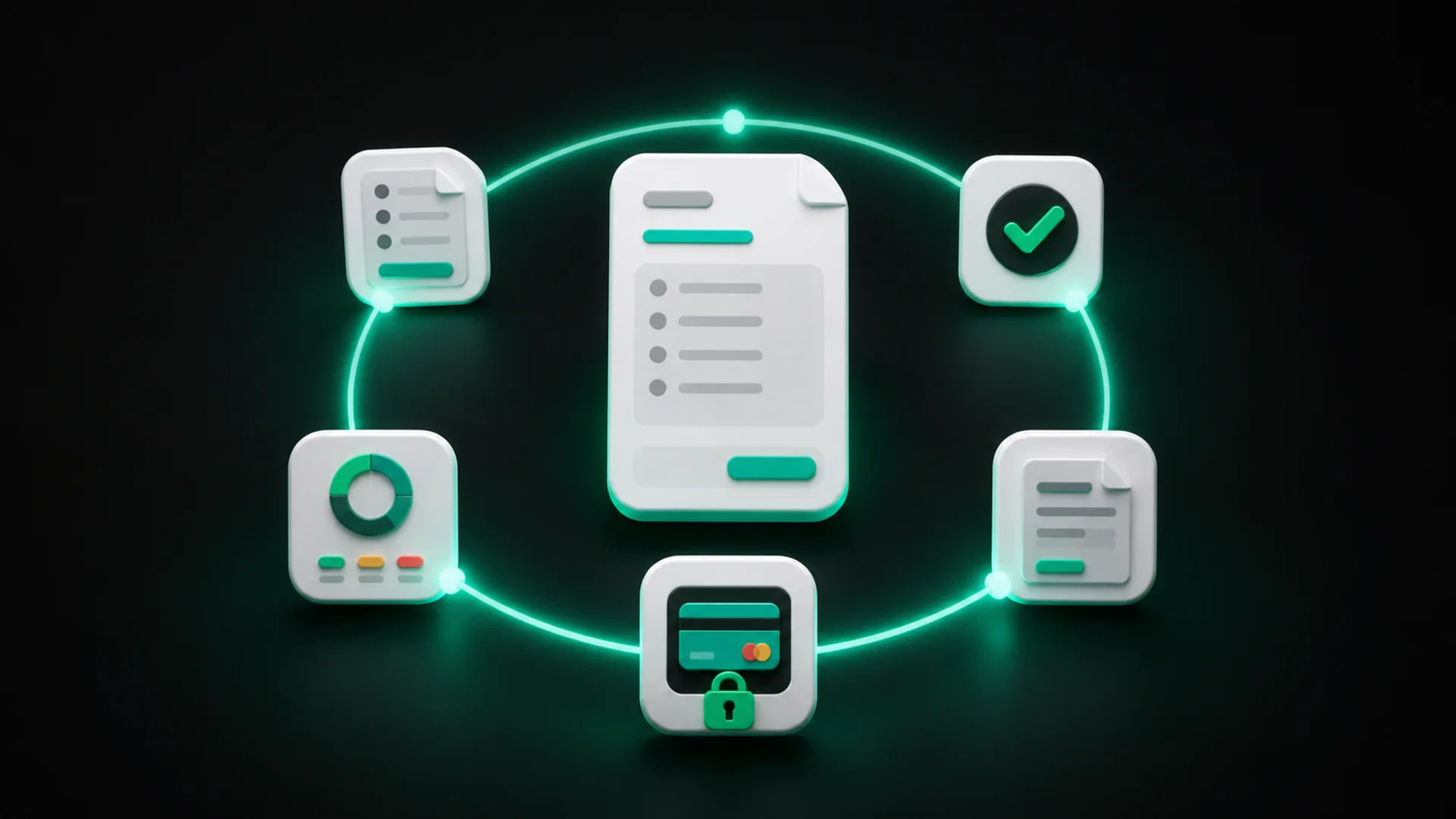
A digital billing workflow is the repeatable process a business uses to move from a potential job or sale to an estimate, invoice, payment, and up-to-date record.
It is more than replacing paper with a PDF. A useful workflow connects the steps that happen around a billing document so that each one makes the next step easier to understand.
For a service business, that may mean moving from an approved estimate to an invoice without re-entering the same information. For a product-based business, it may mean keeping client and product details organized so invoices can be created consistently.
The five stages of a digital billing workflow
1. Define the work or sale
Start with a clear description of what the client will receive. For a service business, this may include the scope, items, taxes, notes, and expected timing. For a product sale, it may include the products, quantities, and prices that belong on the document.
The goal is to create a shared reference before asking for approval or payment.
2. Prepare and send an estimate when needed
An estimate gives the client a way to understand the proposed work before the final invoice is created. It should make the scope and expected amount easy to review.
Digital delivery also makes the next action clearer. The client can review the document, accept or reject it, and communicate a decision without relying on a scattered chain of messages.
3. Convert the approved work into an invoice
Once the estimate is accepted, the business should be able to carry the relevant information into the invoice instead of rebuilding the document from scratch.
This step reduces repeated entry and helps keep the estimate and invoice aligned. It also gives the team a consistent starting point for the payment stage.
4. Give the client a clear payment path
An invoice should answer the basic questions a client has before taking action: what is being billed, how much is due, when it is due, and how payment can be made.
Depending on the product, account, client, and configuration, a business may offer an online payment option. GetBill supports Stripe payment links with the applicable requirements in the United States; availability should not be described as universal.
5. Record payments and keep the balance current
The workflow does not end when the invoice is sent. The business also needs to record payments received and make the remaining balance easy to understand.
This matters when a client pays a deposit, an installment, or only part of the original invoice. The record should keep the original total, payments received, balance remaining, and next due date connected.
Why disconnected billing steps create extra work
A business can use digital tools and still have a fragmented process. Common warning signs include:
- the estimate is created in one tool and the invoice in another;
- client information is copied into every new document;
- payment status is kept in a separate spreadsheet;
- the latest version is stored in a message or personal folder;
- the team cannot tell whether a balance is current;
- clients receive different instructions for similar invoices.
The issue is not that every step must happen in one application. The issue is that the handoffs should be clear enough for the team to repeat them without reconstructing the history each time.
What a small business should organize first
You do not need to digitize every business process before improving billing. Start with the information that is repeated most often.
Client information
Keep a consistent record for the people and businesses you bill. Use the same naming convention and confirm the contact details your team needs to send and discuss billing documents.
Product and service information
Create reusable entries for products or services that appear regularly. A clear description helps the team produce more consistent estimates and invoices.
Document information
Define how your business records invoice numbers, due dates, notes, attachments, and payment status. The exact process may vary, but the team should know where to find the current information.
Payment information
Record the payment method, amount received, date, and remaining balance according to the business process. Keep partial payments connected to the original invoice rather than treating each installment as a separate document.
A simple workflow example
Imagine a small service business preparing a project for a new client.
- The business describes the work and prepares an estimate.
- The client reviews the document and accepts the proposed work.
- The business converts the accepted estimate into an invoice.
- The client receives the invoice with the amount due, due date, and available payment path.
- The business records any deposit or installment and updates the remaining balance.
- The team can see what was paid and what still needs attention.
The goal is not to add steps. It is to connect them so the business and the client can see what happens next.
How GetBill supports a digital billing workflow
GetBill is built for small and midsize businesses that need to create professional invoices and estimates, organize clients and products, share documents, and track payments.
The product supports detailed estimates, digital acceptance or rejection, conversion from estimate to invoice, PDF documents, email and secure public links, payment records, partial payments, and available payment options. GetBill is available on Android and iOS, and businesses can start with a free 3-day trial before choosing a paid plan. Download the app from Google Play: https://play.google.com/store/apps/details?id=com.aimovelogistics.getbill or the Apple App Store: https://apps.apple.com/us/app/getbill/id6796384355.
The right workflow still depends on the business’s process. GetBill provides a focused place for billing work, but the team should define who prepares, reviews, sends, and updates each document.
A checklist for improving your workflow
Use these questions to review the current process:
- Where is the client information stored?
- Where is the product or service information stored?
- Can an accepted estimate become an invoice without repeated entry?
- Does every invoice show a clear due date and next action?
- Where are deposits, installments, and remaining balances recorded?
- Can another team member understand the current status without asking for the full message history?
- Which step creates the most manual follow-up?
The answers will show where a small change can make the overall workflow easier to follow.
Map one current job from estimate to payment. Write down every tool, file, message, and manual entry involved. Then test whether a more connected workflow would make the next action clearer for both the team and the client.