

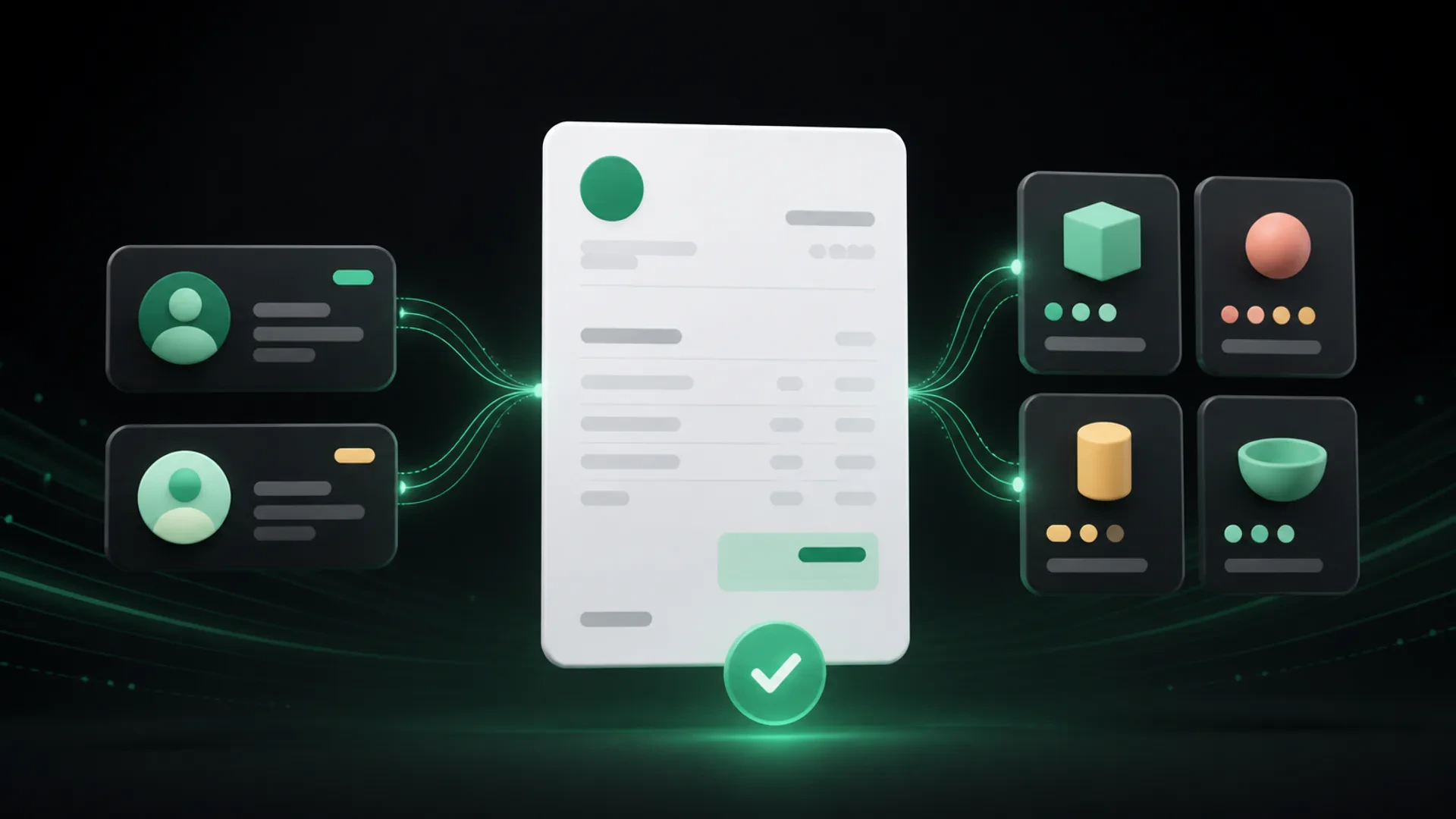
Spreadsheets are not automatically the wrong choice for a small business. They can be useful when billing is occasional, the number of clients is manageable, and one person can keep every document and payment record up to date.
The problem starts when the spreadsheet becomes more than a list. If it is also your client database, product catalog, estimate template, invoice tracker, payment log, and follow-up reminder, your billing process may be carrying more risk and manual work than it needs to.
The right time to consider invoice software is not a specific client count. It is when your current process makes the next billing step harder to see or repeat.
When spreadsheets can still work
A spreadsheet may be enough when:
- you create only a small number of invoices;
- the same people manage the information from start to finish;
- client and product details rarely change;
- payment tracking is simple;
- you do not need to connect estimates, invoices, and payments;
- everyone knows which file is the current version.
In this situation, changing tools may create more work than it removes. A useful billing system should fit the business, not add complexity for its own sake.
Six signs your spreadsheet is becoming the process
1. You re-enter the same information
Copying a client name, address, product description, or price into multiple documents creates opportunities for small mistakes. It also makes a routine invoice take longer than it should.
A focused invoicing workflow can keep reusable client and product information in one place, so you do not have to rebuild every document from the beginning.
2. You are not sure which document is current
Version names such as `invoice-final`, `invoice-final-2`, and `invoice-final-approved` are a warning sign. They make it difficult to know which amount, due date, or payment status should be used for a follow-up.
The issue is not that spreadsheets cannot store information. It is that a file-based process often depends on people remembering which version is reliable.
3. Payments are tracked somewhere else
If the invoice is in one file, the deposit is in a message, and the remaining balance is in another sheet, your team has to reconstruct the payment history before contacting the client.
A clearer process should show the original invoice total, payments received, remaining balance, and next due date together.
4. Estimates and invoices are separate exercises
When an approved estimate has to be recreated as a new invoice, information can be lost or entered differently. The client may see one description in the estimate and another in the invoice.
Connecting the estimate and invoice steps helps the team move forward with fewer repeated entries.
5. Sending a document requires extra instructions
A professional invoice should make the next step easy to understand. If every client needs a separate email explaining where to find the invoice, how to pay, or which version to use, the billing experience is harder to repeat.
Email delivery, secure document links, and a visible payment path can help keep the process in one place, depending on the tools and configuration available to the business.
6. Your business has more than one identity or workflow
Growth can introduce multiple business profiles, different document styles, new product catalogs, or separate teams. A spreadsheet may remain useful as a record, but it becomes harder to use as the central operating system for billing.
At that point, the question is less “Can a spreadsheet do this?” and more “Can the team do this consistently without rebuilding the process every time?”
Spreadsheet invoicing compared with a focused workflow
| Billing task | Spreadsheet-led process | Focused invoicing workflow |
|---|---|---|
| Client information | Re-entered or copied between files | Reusable client records |
| Product or service details | Maintained in separate tabs or documents | Organized in a product catalog |
| Estimates | Built from a template and copied forward | Created as part of the same billing flow |
| Invoices | Rebuilt or duplicated for each job | Generated from organized information |
| Payments | Tracked in a separate sheet or message | Recorded against the invoice and balance |
| Client experience | Depends on extra instructions | Clear document, due date, and next step |
This comparison is about workflow, not about declaring one tool universally better. A spreadsheet may remain useful for analysis or internal reporting even after a business adopts invoicing software for its day-to-day billing.
A practical decision checklist
Ask these questions before changing your process:
- How often do we repeat the same client or product information?
- Can we identify the current invoice version without asking another person?
- Can we see the original total, payments received, and remaining balance together?
- Can we move from an approved estimate to an invoice without entering everything again?
- Can a client understand how to view the document and take the next step?
- Will the process still work if the business adds more clients, products, or business profiles?
If several answers are “not consistently,” it may be time to test a focused billing workflow.
How to move away from spreadsheets without disrupting billing
You do not need to migrate everything in one day. A gradual change can reduce confusion:
Start with active billing
Move the clients, products, estimates, and invoices that are part of current work first. Keep older records available for reference while the new process is tested.
Standardize the information you repeat
Decide how client names, product descriptions, due dates, and payment statuses should be recorded. Consistency makes the new workflow easier to maintain.
Test one complete billing cycle
Create an estimate, send it for a decision, convert it into an invoice when appropriate, and record the payment or remaining balance. Look for steps that still require duplicate entry.
Document the next action
Make it clear who prepares the document, who reviews it, how it is sent, and where payment status is updated. A tool works best when the team also agrees on the process around it.
Where GetBill fits
GetBill is designed for small and midsize businesses that need to create professional invoices and estimates, organize clients and products, share documents, and track payments in a focused billing workflow.
The product supports invoices, estimates, product catalogs, payment records, partial payments, and secure public document links. Estimates can be converted into invoices without entering the same information again. GetBill is available on Android and iOS, and the product offers a free 3-day trial before a business chooses a paid plan.
The goal is not to replace every spreadsheet in your business. It is to give billing work a clearer home when manual files are becoming difficult to maintain.
Review your last few billing cycles and mark every step that required re-entering information, searching for a file, or checking a separate payment record. If those steps appear repeatedly, start a free 3-day GetBill trial on Android or iOS and test one complete workflow.