

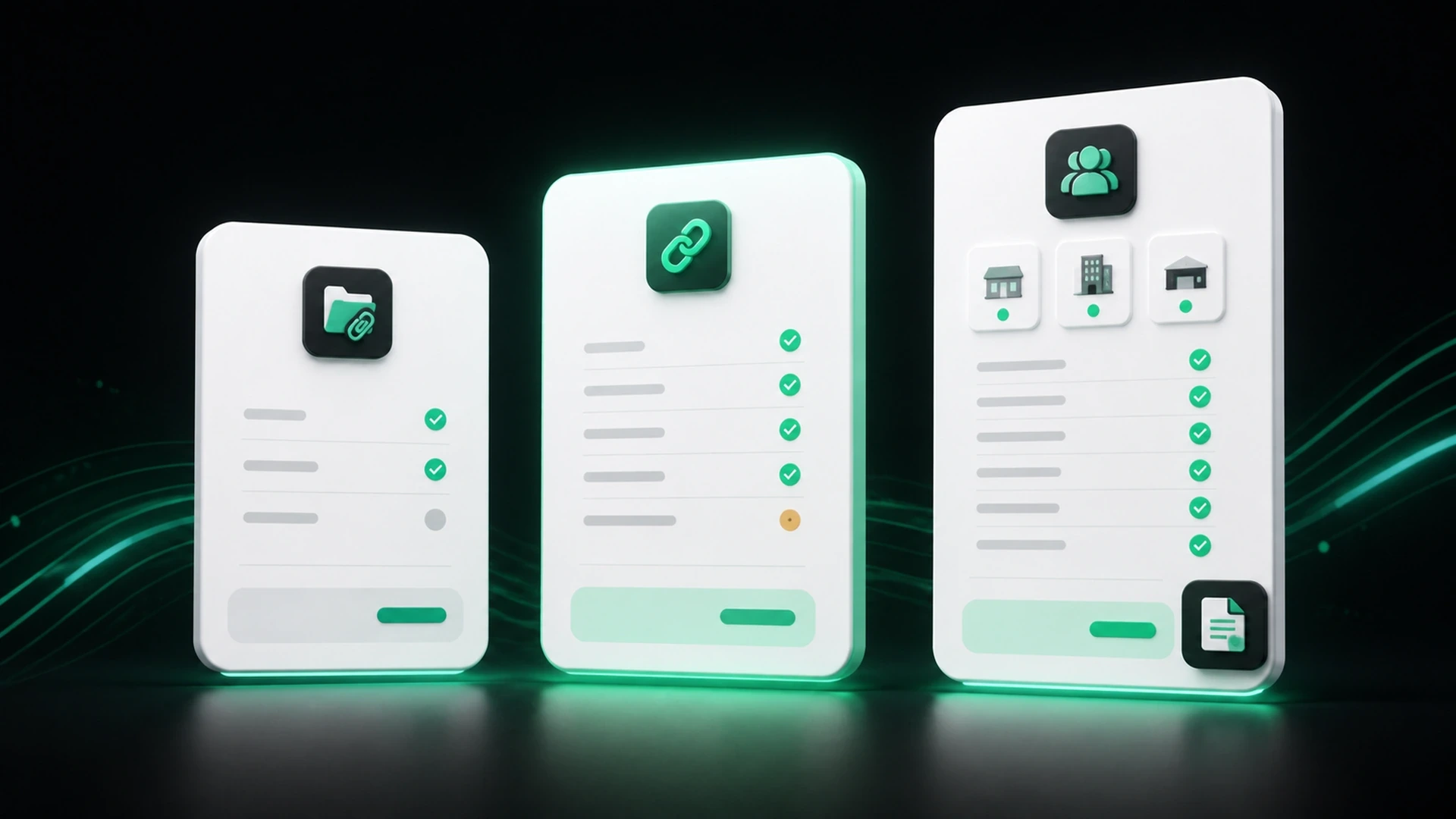
Choosing billing software is easier when you begin with the workflow you need today and the kind of growth you expect next. The right plan is not always the one with the most features. It is the one that supports the way you create documents, collect payments, and organize your business without adding unnecessary complexity.
GetBill offers a 3-day free trial, followed by three subscription options for small and midsize businesses in the United States: Starter, Pro, and Business.
A quick overview of GetBill plans
| Plan | Monthly price | Annual price | Core fit |
|---|---:|---:|---|
| Starter | $9.99/month | $99.99/year | Core invoicing for a single business workflow |
| Pro | $19.99/month | $199.99/year | Growing billing needs and Stripe payment links |
| Business | $29.99/month | $299.99/year | Multiple business profiles and white-label documents |
Prices and plan details should always be confirmed against the current GetBill offering before purchase.
What is included in each plan?
Starter: for core invoicing needs
The Starter plan includes a monthly invoice allowance, a client and product catalog, and invoice attachments. It can be a practical place to begin when your business needs a more organized way to create invoices and keep recurring client and item details consistent.
GetBill has not publicly specified the number of invoices included in the monthly allowance. If that limit is important to your decision, confirm it with GetBill before subscribing.
Starter may suit a business that wants to move beyond manual templates and keep the essential billing workflow in one place.
Pro: for a more connected billing and payment workflow
The Pro plan includes unlimited core resources, invoice attachments, and Stripe payment links. It is designed for businesses that want fewer limits around the core resources they use and a direct payment-link option as part of their invoicing process.
Stripe payment-link availability depends on the applicable account, client, and configuration in the United States. If online payments are central to your process, confirm your setup before you communicate payment options to clients.
Pro can be a good fit when your business is regularly creating documents, managing more billing activity, and wants invoices and payment steps to work together more closely.
Business: for multiple businesses and a branded client experience
The Business plan includes unlimited core resources, multiple business profiles, and white-label documents. It is intended for businesses or operators who need to keep more than one business profile organized or want documents without GetBill branding.
This plan can make sense for a business owner managing separate operations, or for a growing organization that needs more control over how documents are presented to clients.
How to choose the right plan
Start with your billing workflow
Consider how often you invoice, whether you maintain a product catalog, and whether you need to attach supporting documents. If the main goal is to replace manual billing with a simpler, organized process, Starter may provide the core tools you need.
Consider how clients pay
If you want to use Stripe payment links with your invoices, look at Pro. Remember that provider availability and the payment methods shown to a client depend on your applicable setup.
Think about the number of businesses you manage
If you handle more than one business profile, Business adds that capability. It also includes white-label documents for businesses that want a more customized client-facing document experience.
Use the trial to test a real workflow
The 3-day free trial is an opportunity to create an estimate or invoice, add a client and product, review the client-facing document, and see how the process fits your routine. Use a real but appropriate workflow rather than only clicking through screens.
A practical comparison checklist
Ask these questions before you choose:
- Do I need a client and product catalog for repeat billing?
- Will invoice attachments help clients review the work or order?
- Do I need unlimited core resources for my billing activity?
- Do I want to use Stripe payment links, subject to the applicable setup?
- Do I manage multiple business profiles?
- Do I need white-label documents?
- Does the monthly or annual billing option fit my budget and planning?
Your answers should point to the plan that best matches your current workflow. You can revisit the decision as your business needs change.
How GetBill fits into a simpler billing process
Across its plans, GetBill helps businesses create professional invoices and estimates, organize clients and products, share documents by email or secure public link, generate PDFs, and keep payment information and balances organized.
The product is designed to sit between disconnected spreadsheets and complex accounting software: focused on the billing work that small businesses need to complete clearly and consistently.
GetBill is currently available for Android in the United States. The iOS app is under review and should not be treated as available until its approval is confirmed.
Find the plan that fits your billing workflow
Try GetBill with your own billing process, then choose the plan that supports the way your business works. Start your free 3-day trial on Android.