

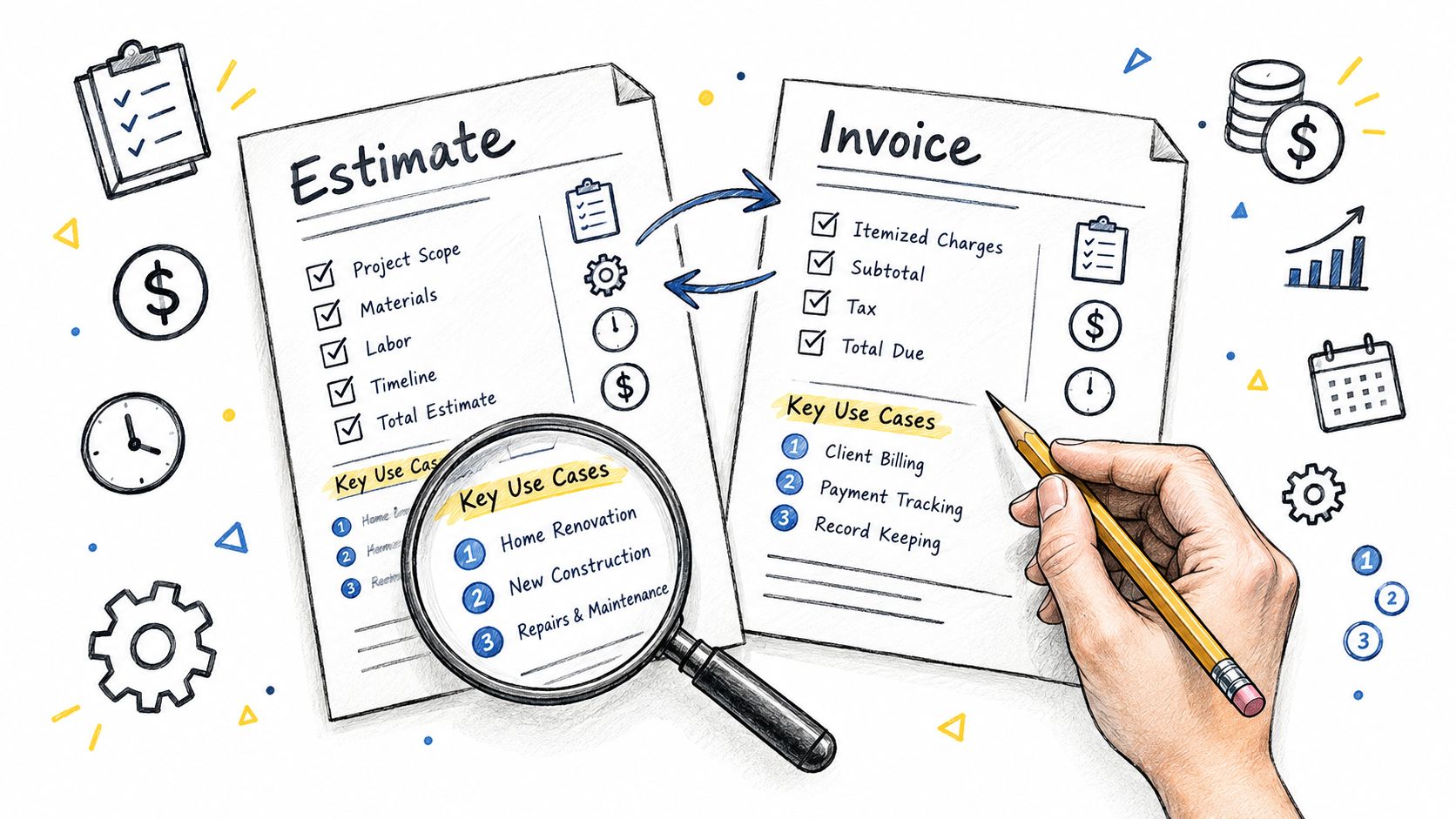
Most advice on an estimate invoice template starts with design: pick a clean layout, add your logo, export a PDF. That's useful, but incomplete. The test isn't whether the template looks professional. It's whether the estimate survives the handoff into billing without lost line items, changed tax treatment, missing approvals, or a payment process that forces you back into manual follow-up.
That distinction matters because billing is moving in two directions at once. A 2026 industry compilation citing Billentis estimates that businesses sent about 560 billion invoices globally in 2024, including about 125 billion electronic invoices, yet only 37% of SMBs report full e-invoicing adoption according to the same compilation on global invoicing statistics. In practice, many businesses still live in the middle ground: partly digital, partly manual, still dependent on templates, but increasingly expecting those templates to feed a connected workflow.
So this comparison doesn't rank tools by template appearance alone. It evaluates how reliably an estimate becomes an invoice, then how each product handles approval, conversion, payment, customization, and follow-through. Some options are downloadable documents. Others are billing platforms, accounting suites, payment systems, or quote-first sales tools.
That makes the list more useful for different buyers. Freelancers may want speed and low setup. Service firms may care most about deposits and partial payments. Sales-led teams may prioritize approval records and signatures. Accounting-led businesses may want estimate conversion tied directly to books and reporting.
Table of Contents
- 1. GetBill
- 2. QuickBooks Online
- 3. Zoho Invoice
- 4. Wave
- 5. Square Invoices
- 6. Stripe Invoicing + Quotes
- 7. FreshBooks
- 8. Bonsai
- 9. PandaDoc
- 10. Invoice Ninja
- Top 10 Estimate & Invoice Template Comparison
- Choose the Workflow That Fits Your Billing Cycle
1. GetBill
A polished estimate template does not solve the main billing failure point. The harder problem is preserving approved scope, pricing, taxes, and payment terms when the estimate turns into an invoice. GetBill is one of the few options in this list built around that handoff first, with the template acting as part of a connected workflow rather than a standalone document.
That distinction makes it more useful than a basic downloadable form for freelancers, consultants, studios, and smaller service firms. You create an estimate, send it by email or public link, collect client acceptance, and convert it to an invoice inside the same system. That cuts out manual re-entry, which is often where line items change, deposits get omitted, or invoice timing slips.
Where GetBill stands out
Guidance on estimate template workflows notes a simple but often missed point. An estimate is not a payment request. A workable process needs a clear approval step before billing starts. GetBill handles that sequence directly, which puts it closer to a lightweight billing system than to a template library.
Its practical strengths are tied to that estimate-to-invoice path:
- Approval continuity: Accepted estimates convert to invoices without rebuilding the document.
- Payment handling: Deposits, installments, and partial payments are supported, with balances updating as clients pay.
- Client access: Customers can review and pay through a public link without creating an account.
- Customization: Branded PDFs are included, while higher plans add white-label documents and support for multiple business profiles.
The benefit is operational, not cosmetic. Teams that still copy an accepted estimate into a new invoice usually do not have a template problem. They have a workflow gap.
Practical fit and limitations
GetBill fits businesses that want billing speed and client-facing simplicity without adopting a full accounting platform. Its payment flow is closely tied to Stripe, and the product also offers webhook-based status updates plus mobile apps for Android and iOS. That makes it a sensible fit for operators who bill from the field or want payment collection tied closely to invoice status.
Pricing is clear on the product site, with Starter, Pro, and Business plans listed along with annual billing options on GetBill. That is easier to assess than products that separate quoting, invoicing, and payment collection across multiple modules.
The trade-off is scope. GetBill helps with estimate approval, invoice conversion, and payment collection, but it is not meant to replace broader accounting, payroll, or finance reporting. Businesses that need ledger-first controls may outgrow it. Businesses that want a lighter quote-to-cash process may find that constraint acceptable.
2. QuickBooks Online
QuickBooks Online is less elegant as a template-first tool than some lighter products, but it's one of the safest choices when estimate conversion has to connect directly to accounting records. Estimates can be customized, sent for online customer acceptance, tracked by status, and converted to invoices within the same system.
That matters because late payment isn't a minor back-office annoyance. In the 2025 QuickBooks survey of 2,487 U.S. small businesses, 56% said they were owed money from unpaid invoices, with an average balance of $17,500 per affected business, and 47% had invoices overdue by more than 30 days, according to the Small Business Late Payments Report. For businesses already using accounting software, faster and cleaner estimate conversion is part of cash-flow control, not just document management.
Practical fit
QuickBooks Online suits businesses that want estimates tightly tied to the ledger, customer records, taxes, and downstream reporting. Contractors, agencies, and established service firms often prefer that integration because the invoice doesn't need to be recreated in a separate billing tool.
- Best for: Businesses already committed to accounting-led workflows.
- Strength: Estimate approval and invoice creation happen inside the same financial system.
- Watch-out: The platform can feel heavier than necessary if your main need is client-facing estimating.
A more focused billing layer can still be easier to operate day to day, especially if you're comparing workflow complexity across modern invoicing tools in the GetBill blog. QuickBooks is strongest when accounting is the center of the process, not when simplicity is.
3. Zoho Invoice
Zoho Invoice is one of the better free paths for businesses that want more than a downloadable estimate invoice template. It offers customizable estimate formats, customer approval through a client portal, mobile access, and one-click conversion from accepted estimate to invoice.
That makes it meaningfully different from a PDF template library. The client portal creates a visible acceptance trail, which is often more valuable than an attractive document. For freelancers and small teams, that's usually enough structure to avoid the classic problem where someone approves "by email somewhere" and the billing team rebuilds the invoice later.
Best use case
Zoho Invoice is a strong fit when budget matters but you still need connected workflow behavior. The API support also gives it more room to grow than most free tools, especially for businesses that want to automate estimate creation or link customer data across systems.
Approved estimates should preserve line items, taxes, discounts, and scope notes when they become invoices. That's the difference between a quote document and a billing workflow.
The main limit is depth. Zoho Invoice is better as a focused invoicing system than as a full financial platform. If your process eventually depends on broader reporting or a large stack of operational integrations, you'll likely feel pressure to expand within the wider Zoho ecosystem.
4. Wave
Wave is useful because it covers both sides of a common small-business transition. You can start with downloadable estimate templates in Word, Excel, and PDF, then move into app-based estimates that convert into invoices inside the same system.
That distinction matters more than the template design.
A downloaded file is still a manual process. Someone has to send it, track approval, re-enter the final version, and make sure the invoice matches the accepted scope. Wave's in-app path reduces that handoff risk, but its document library does not. Businesses comparing Wave with tools like Zoho Invoice or Square Invoices should separate those two modes rather than treating "templates" and "workflow" as the same feature.
For solo operators, that split can be an advantage. A freelancer who still edits estimates outside software can use the templates immediately, while a business that wants less duplicate entry can switch to in-product conversion later. Wave does not force a full operational overhaul at the start.
The trade-off is control. Wave supports a practical estimate-to-invoice flow, but it is lighter on approvals, workflow depth, and advanced process design than products built around sales documents or payment orchestration. If your main requirement is a clear path from accepted estimate to bill sent, Wave can handle it. If you need tighter approval records, more complex automation, or broader operational handoffs, its limits appear sooner.
5. Square Invoices
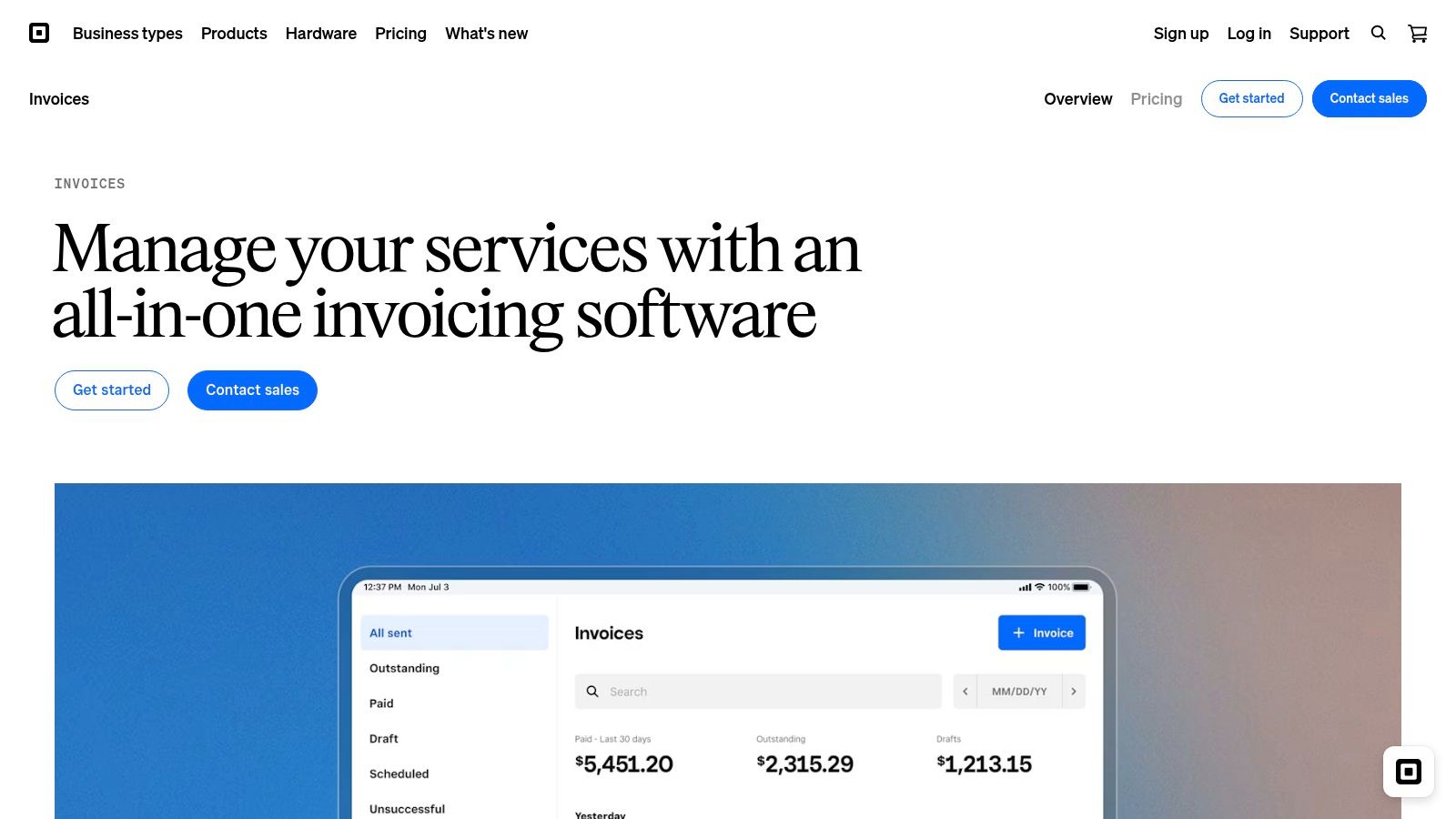
Square Invoices is less about finding a nicer estimate template and more about controlling what happens after the customer says yes. The product is strongest where approval, invoice creation, and payment collection need to stay close together, with minimal rework between stages.
That changes the evaluation criteria.
A downloadable estimate file can look polished and still create operational drag if staff have to rebuild the invoice by hand. Square is more reliable than document-first options when the estimate includes selectable packages, add-ons, or scoped service choices, because the approved version carries forward inside the same billing flow. For contractors, cleaners, repair businesses, and other service operators selling fixed or semi-fixed jobs, that reduces one of the common failure points in estimate-to-invoice work, the mismatch between what was approved and what gets billed.
Square also fits a narrower use case than some rivals. It is practical for businesses already using Square to take payments, manage customers, or run day-to-day sales activity. In that setup, estimates are part of a payment-linked process rather than a standalone document exercise. Teams comparing Square with Wave should separate that advantage from template availability alone. Wave gives more flexibility for starting with simple files and moving later. Square is stronger once the business wants the estimate, invoice, and collection step to sit in one system from the start.
Two trade-offs deserve attention:
- Multiple-option estimates are useful, but they matter most for businesses that sell tiered services or package choices.
- Some customization and advanced invoicing features depend on the Invoices Plus plan, so the default setup may feel narrower than all-in-one accounting tools.
Square earns its place on this list because its estimate-to-invoice path is clear and operationally coherent. Its limitation is breadth. If you need deep accounting controls, layered approvals, or highly configurable document workflows, other tools in this article go further. If you need a fast handoff from approved scope to paid invoice, Square is one of the cleaner options.
6. Stripe Invoicing + Quotes
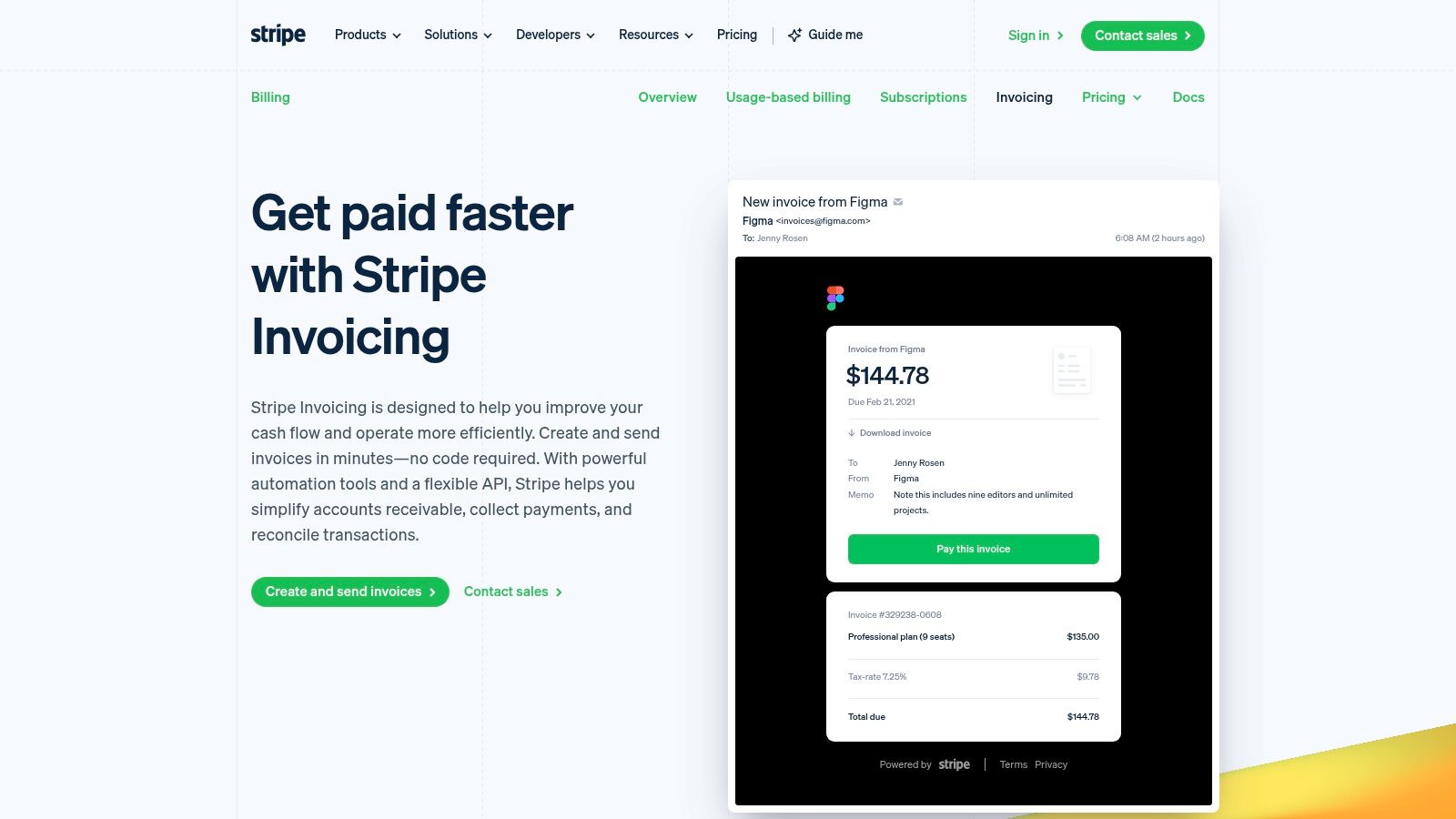
Stripe's quote and invoicing tools are better understood as workflow infrastructure than as template products. You create quote objects, generate PDFs, capture customer acceptance, and turn accepted quotes into invoices or subscriptions. If your payments already run on Stripe, the handoff is naturally tighter than with most document-first tools.
That architecture lines up with a broader market reality. A 2026 industry analysis reports that only 20% of AP teams are fully automated, 68% still manually key invoice data, and 41% plan to automate payables within 12 months, according to invoice automation statistics. The practical lesson isn't that every business needs a giant automation platform. It's that reducing re-entry remains valuable.
Best for API-driven workflows
Stripe is best when your estimate-to-invoice process needs programmatic control. SaaS companies, productized service businesses, and startups already using Stripe Billing can build clean quote acceptance and invoice generation into a broader customer workflow.
When the payment system also owns quote acceptance and invoice creation, fewer fields get retyped and fewer billing states need manual reconciliation.
Its limitation is usability for non-technical buyers. Stripe can feel abstract if what you want is a polished, ready-made estimate template and a simple user interface. Businesses evaluating hosted payment flows should also review operational and customer-data handling details in documents such as the GetBill privacy policy. Stripe is powerful. It just isn't the simplest fit for every small business.
7. FreshBooks
FreshBooks matters less for how its estimate template looks and more for how little rework it asks of a small business after approval. You can start with a downloadable document, but the stronger case for FreshBooks is the in-app path from estimate to invoice to payment.
That distinction makes it more practical than many template-first tools.
For freelancers, consultants, and small service firms, FreshBooks fits a common operating pattern: send a readable estimate, get client signoff, convert it into an invoice, then collect payment in the same system. The interface supports that sequence well, especially for businesses without a dedicated finance admin. Mobile access and client messaging add convenience, but they are secondary. The main advantage is that the billing handoff stays inside one product once you stop using static files.
A useful way to judge FreshBooks is by stage:
- Template convenience: Free downloadable estimate templates lower the barrier for new users.
- Conversion reliability: In-app estimates can become invoices without re-entering line items.
- Collection flow: Online payments reduce the delay between approval and cash receipt.
- Operational ceiling: Custom logic, layered approvals, and unusual quoting structures are more limited than in systems built for larger teams.
FreshBooks works well for businesses graduating from documents to software, not for teams designing a highly controlled quote-to-cash process. If your estimate process is straightforward and your priority is getting approved work billed quickly, it is a sensible option. If approvals involve multiple stakeholders, nonstandard pricing rules, or deeper workflow automation, its simplicity becomes a constraint rather than a benefit.
8. Bonsai
Bonsai treats estimating as part of scoping, not just billing. Its Estimate Builder models costs, profit, and margins, then connects approved estimates to projects and invoices. That makes it one of the few options here that is especially strong before the invoice stage, not just after it.
For agencies and consultancies, this is important. A plain estimate invoice template often fails because the estimate wasn't built from a clear delivery model in the first place. If staffing assumptions, role-based rates, and project structure are unstable, invoice accuracy suffers later.
Best fit
Bonsai is strongest for firms that sell complex service packages and want internal planning to inform client-facing estimates. The client portal and payment integration help, but the main advantage is that estimate construction itself is more deliberate.
The downside is scope. For a solo freelancer who just wants to turn approved estimates into invoices without manual copying, Bonsai may feel heavier than necessary. Team pricing can also become a factor as more people need access. It's a good product when your estimate is also a resource-planning document. It's less compelling when you need a reliable billing handoff.
9. PandaDoc
PandaDoc approaches the problem from the opposite direction. It excels at branded quotes, pricing tables, approvals, and e-signature, then often relies on another system for invoicing. That means it's excellent at the front half of the estimate-to-invoice chain and less complete at the back half.
For sales-driven teams, that's often the right trade. PandaDoc's template library, editable pricing tables, CSV product import, and approval workflows reduce friction before the deal is won. The estimate or quote becomes a persuasive sales document with controlled sign-off.
Approval strength versus billing depth
PandaDoc is best when the main risk isn't invoice formatting but approval ambiguity. If multiple stakeholders need to review pricing and formally sign, PandaDoc does that better than most billing-first tools.
A beautifully branded estimate still fails operationally if someone has to rebuild the invoice elsewhere.
That's the key limitation. Native invoicing isn't the platform's center of gravity, so finance teams often pair it with accounting or billing software. Businesses comparing document obligations across platforms may also want to review service terms, such as the GetBill terms of service, before standardizing on any approval workflow. PandaDoc is powerful for quote control. It just isn't the most direct route to final billing.
10. Invoice Ninja
Invoice Ninja is one of the few options here where the template is not the main story. The question is whether an accepted estimate turns into a usable invoice without extra admin work, and Invoice Ninja handles that part well. Quotes can convert on acceptance, clients can interact through a portal, and teams can choose hosted or self-hosted deployment depending on how much control they need.
That deployment choice affects the workflow more than the template gallery does.
A self-hosted setup can suit firms that care about data location, internal control, or avoiding dependence on a single SaaS vendor. The trade-off is operational: updates, maintenance, and configuration become part of the cost of ownership. For a technically comfortable team, that may be acceptable. For a solo operator who just wants to send estimates and get paid, it can slow adoption.
Invoice Ninja therefore fits a narrower buyer than some tools above. It is less polished out of the box than products built for quick onboarding, but it gives more freedom to shape the estimate-to-invoice process around internal requirements. That makes it a practical option for small agencies, IT consultants, and cost-sensitive teams that want conversion, client access, and customization in the same system without stepping up to a larger finance platform.
Top 10 Estimate & Invoice Template Comparison
| Product | Core features | UX / Quality ★ | Value & Price 💰 | Target 👥 | Unique ✨ |
|---|---|---|---|---|---|
| GetBill 🏆 | Invoices & estimates, Stripe-hosted checkout, partials, webhooks, mobile, multi‑business | ★★★★☆ polished, fast workflow, native apps | 💰 Starter $9.99 • Pro $19.99 (recommended) • Business $29.99; transparent fees | 👥 Freelancers, small service businesses, startups | ✨ One‑click estimate→invoice, direct Stripe payouts, public links, white‑label (Business) |
| QuickBooks Online | Estimates → invoices, customizable templates, full accounting integration | ★★★★☆ mature ecosystem, robust tracking | 💰 Tiered pricing (varies by plan), strong accounting value | 👥 Small businesses needing end-to-end accounting | ✨ Tight estimate→accounting link, extensive integrations |
| Zoho Invoice | Custom estimate templates, client portal, API, mobile, free plan | ★★★★☆ budget-friendly, API automation | 💰 Free tier available; paid add-ons for scale | 👥 Freelancers, small teams on a budget | ✨ Free plan + API, client acceptance portal |
| Wave | Downloadable templates, in-app estimates → invoices, PDF/export, mobile | ★★★★☆ simple, easy start for solos | 💰 Mostly free invoicing; payment processing fees apply | 👥 Freelancers, very small teams | ✨ Free templates (Word/Excel/PDF), simple sharing |
| Square Invoices | Multi-option estimates, attachments, auto-convert, template reuse | ★★★★☆ smooth payments within Square ecosystem | 💰 Free tier; separate card processing fees; Plus for advanced templates | 👥 Trades, service businesses needing quick approvals | ✨ Package estimates, integrated Square payments |
| Stripe Invoicing + Quotes | Quote objects → PDFs, acceptance, auto-invoice, hosted checkout, API | ★★★★☆ developer-friendly, reliable webhooks | 💰 Pay-as-you-go (Stripe fees apply), strong for Stripe users | 👥 Dev-forward businesses already on Stripe | ✨ Powerful API, hosted checkout, billing automation |
| FreshBooks | Downloadable templates, branded estimates, mobile apps, payments | ★★★★☆ easy to learn, strong mobile UX | 💰 Tiered plans (good for client communication) | 👥 Small businesses seeking ease-of-use | ✨ Multiple document formats, client messaging |
| Bonsai | Estimate Builder (rates, margins), convert to projects/invoices, templates | ★★★★☆ focused on scoping + billing | 💰 Per-user pricing; good for value if modeling needed | 👥 Agencies, consultants, freelancers with projects | ✨ Profit/margin preview, project conversion from estimates |
| PandaDoc | Large template library, CPQ-style pricing tables, e-signature, approvals | ★★★★☆ polished for sales docs | 💰 Pricier for document-heavy workflows | 👥 Sales teams needing branded, signed quotes | ✨ E-sign + rich pricing tables, approval workflows |
| Invoice Ninja | Quotes → invoices, multiple templates, hosted & self-hosted options | ★★★★☆ flexible; self-host adds complexity | 💰 Very cost-effective; self-host option for control | 👥 Teams wanting low cost or self-hosting | ✨ Open-source, self-host flexibility, strong export tools |
Choose the Workflow That Fits Your Billing Cycle
The wrong way to choose an estimate invoice template is to compare layouts in isolation. The right way is to ask what happens after the client says yes. That's where the tools in this list start to separate.
If you only need quick manual documents, downloadable templates from vendors like FreshBooks, Wave, or the template libraries promoted by major platforms can still be enough. QuickBooks advertises 35+ downloadable invoice templates and positions them for PDF, Word, and Excel use, while Microsoft Excel offers built-in invoice templates with formulas, tax handling, and PDF export or sharing via OneDrive, as described on QuickBooks invoice template resources. That tells you something important: template demand is still mainstream. But a downloadable file is only a document. It doesn't preserve approval history or guarantee clean invoice conversion.
Focused invoicing tools are the next step up. GetBill, Zoho Invoice, Wave, and Invoice Ninja are strongest when you want a direct line from estimate to invoice without dragging in a full accounting suite. They reduce duplication, preserve itemization better, and usually make sharing and payment collection easier.
Accounting platforms like QuickBooks Online make more sense when the estimate needs to land directly inside the books. They aren't always the lightest option, but they're often the safest if finance accuracy and reporting sit at the center of your workflow.
Payment-first systems like Square Invoices and Stripe Invoicing are best when collection is tightly bound to the customer experience. Quote-first tools like PandaDoc and, in a different way, Bonsai, are best when approval logic, signatures, and proposal structure matter more than plain billing speed.
Use a short filter before you choose:
- Branding and clarity: Can you present scope, itemization, taxes, and notes cleanly?
- Approval record: Does the tool capture acceptance in a way you'll be able to find later?
- Conversion accuracy: Will every line item, tax setting, discount, and note carry into the invoice?
- Deposits and partial payments: Can the system handle real-world billing instead of only full-balance invoices?
- Payment methods: Will clients be able to pay the way your business collects payment?
- Export and record needs: Do you need PDFs only, or also reusable customer and product data?
- Automation level: Are you replacing retyping, status chasing, and reconciliation, or only dressing up documents?
- Accounting scope: Do you need billing software, or a broader financial system?
If lean workflow is the priority, GetBill is the most balanced option in this comparison. It keeps the process simple, preserves estimate data into invoicing, and connects payment collection without turning billing into an accounting project. The caveats are straightforward too. It depends on Stripe for card payments, and it doesn't aim to replace full accounting software. For many small service businesses, those aren't weaknesses. They're part of the product's focus.
If your main goal is to move from estimate to invoice without retyping, GetBill is built for exactly that handoff. It gives you branded estimates, one-click conversion, Stripe-hosted payments, and partial-payment tracking in a lighter workflow than most accounting suites. See how it fits your process at GetBill.
Produced via Outrank tool