


A small business usually starts this search with a simple goal: publish a polished catalog online. Then the constraints show up. Prices change, some products are seasonal, a buyer wants a shortlist converted into a quote, and someone on the team still has to turn that selection into an invoice without retyping every line item.
That's why choosing an online catalog generator isn't mainly about page-flip effects or templates. It's about where product data lives, how often it changes, whether customers should browse or build orders, and what happens after selection. Accessibility matters too. So does link stability, especially if a catalog is embedded in emails, sales decks, or partner portals.
The category is also bigger than many teams assume. One industry estimate values the global catalogue market at $108.12 billion in 2025 and projects $249.9 billion by 2030, while another forecast cited in industry coverage estimates the digital catalog market at $122.51 billion in 2024 and $651.34 billion by 2033, both pointing to sustained growth rather than a niche design feature, according to The Business Research Company's catalogue market report.
The more useful comparison is operational. Some tools are best for PDF publishing. Others are better when product feeds must stay current, when customers need shoppable ordering, or when sales teams need B2B quoting. And if selected products must flow into estimates, invoices, payment collection, and balance tracking, GetBill becomes relevant because it manages product and client catalogs inside the billing workflow.
Table of Contents
- 1. Flipsnack
- 2. Publitas
- 3. FlippingBook
- 4. iPaper
- 5. DCatalog
- 6. Catalog Machine
- 7. Plytix Brand Portals
- 8. FlipHTML5
- 9. Issuu
- 10. Paperturn
- Top 10 Online Catalog Generators Comparison
- Match the Catalog to the Billing Workflow
1. Flipsnack
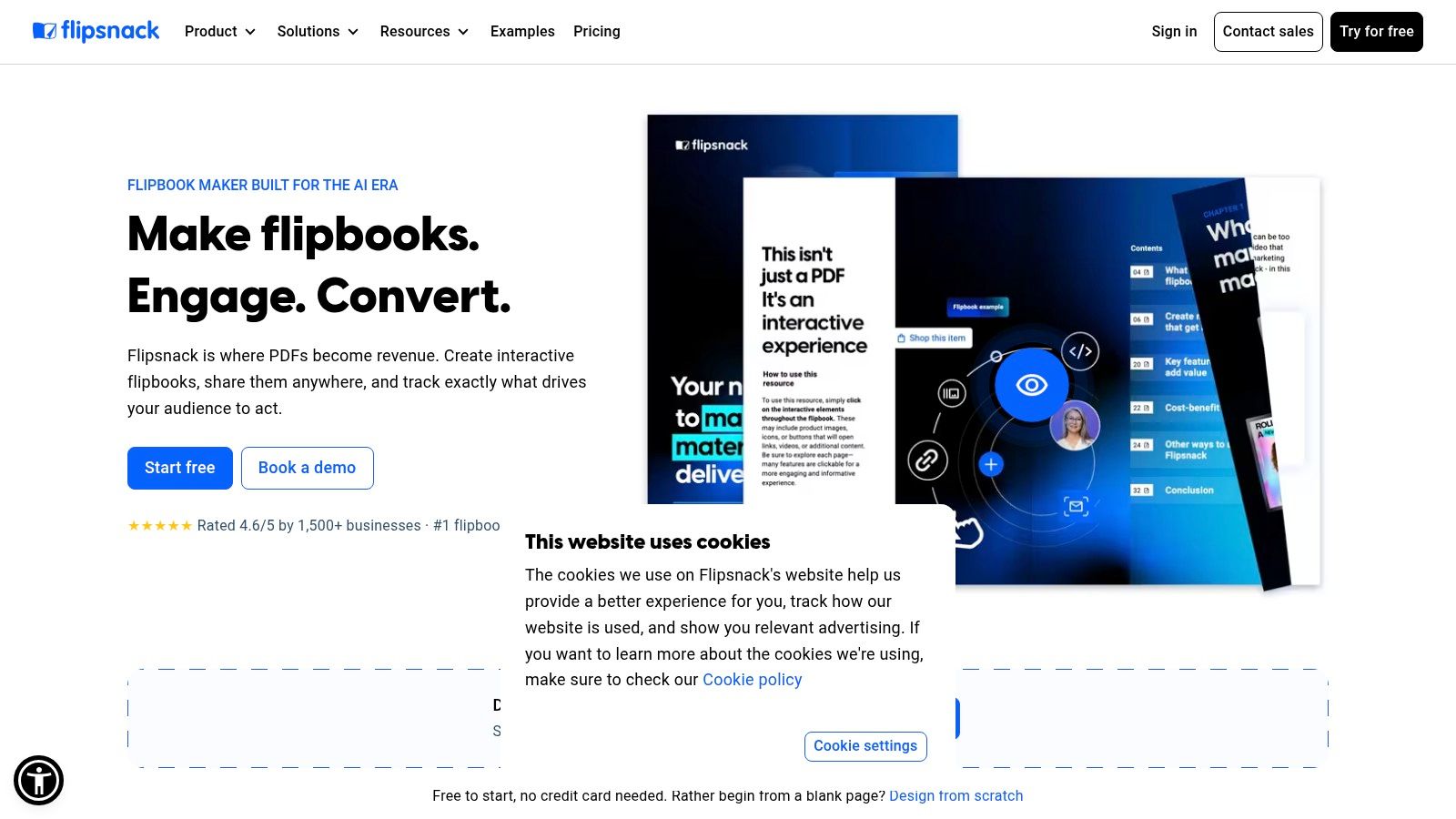
Flipsnack makes the strongest case when your catalog isn't just for browsing. It's for collecting intent. Its product tags, buy buttons, and Shopping List push the catalog closer to an order-building surface than a simple digital brochure.
That matters because many businesses don't need a full ecommerce storefront for every interaction. They need a branded catalog where buyers can mark interest, compile selections, and send a cleaner handoff to sales or operations.
Best fit for order-building catalogs
Flipsnack is most practical for teams that already have product data somewhere else and want the catalog to stay aligned with it. The platform supports PDF-to-interactive conversion, but its more durable use case is feed-driven maintenance through product feeds, PIM, or ERP connections.
Practical rule: If your team updates SKUs, availability, or pricing in another system first, choose a tool that can reflect those changes under the same catalog link instead of forcing a fresh export every time.
This matches a broader gap in the category. Much of the market still emphasizes templates, speed, and AI import, while underexplaining how updates are validated and pushed when product data changes across channels, as discussed in Catalog Machine's overview of online catalog maker workflows.
A few trade-offs are worth stating plainly:
- Best for mixed selling motions: Flipsnack works for both visual lookbooks and practical B2B order forms.
- Less ideal for strict accessibility needs: Flipbook interfaces can be harder to use than plain HTML layouts.
- Automation may cost more: Some stronger sync and integration capabilities sit higher in the plan stack.
If your team wants a catalog that marketing can style and sales can still use operationally, Flipsnack is one of the more balanced options. For teams thinking past publishing into billing follow-through, the GetBill blog is a useful next stop because catalog output often becomes invoice input.
2. Publitas
A retail team closes a seasonal catalog on Friday, then changes prices on dozens of SKUs on Monday. The practical question is not whether the catalog looks polished. It is whether shoppers, sales staff, and downstream billing records still reflect the same product data.
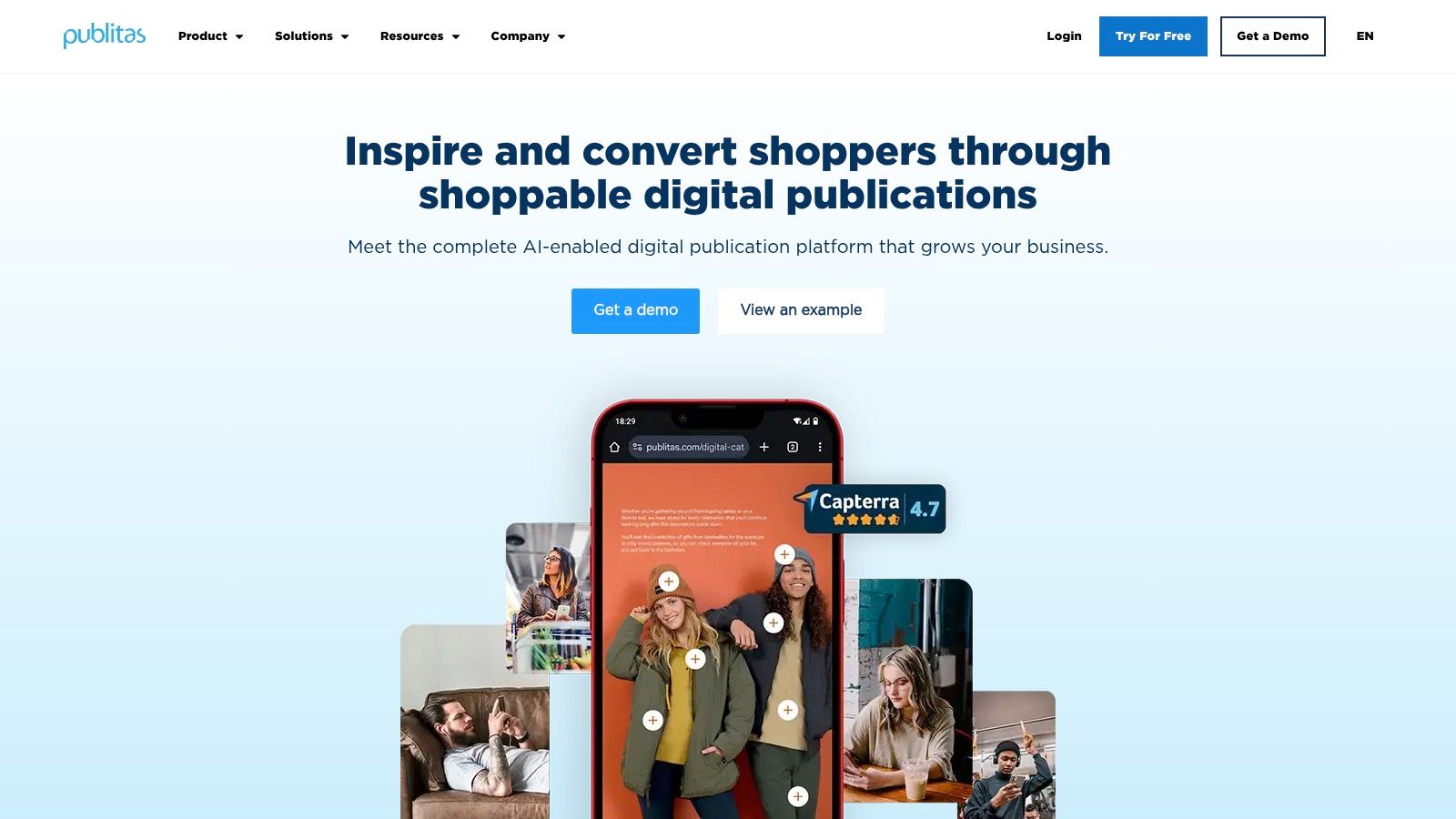
Publitas is most useful in that environment. Its core job is shoppable catalog delivery for retailers and brands with broad assortments, where the catalog acts as a buying surface rather than a static brochure. PDF publishing is part of the workflow, but the stronger case is product-linked browsing, hosted distribution, and ecommerce behavior layered onto catalog pages.
That operational focus separates it from tools aimed at simple document sharing.
For teams comparing catalog generators by job, Publitas sits closest to digital merchandising. It makes more sense for promotional drops, category browsing, and click-to-product journeys than for B2B quoting or lightweight product documentation. A distributor sending custom line sheets to account managers may find it heavy. A retailer running recurring campaigns across many products is more likely to use what it offers.
The trade-off is maintenance discipline. Publitas rewards teams that already manage product data well across ecommerce, inventory, and pricing systems. If prices, variants, or availability are cleaned up manually at the last minute, the catalog can expose those process weaknesses instead of solving them.
That matters beyond merchandising. If catalog data later feeds order capture, client-specific pricing, or invoice creation, consistency starts to matter more than visual polish. Teams using billing systems with product and client catalogs, including tools such as GetBill, benefit more from a catalog setup that reuses structured data than from one that only republishes pages.
A practical way to assess Publitas is to ask three questions:
- Is the catalog expected to drive shopping behavior? Publitas is stronger when readers need product overlays, clickable paths, and a retail-oriented browsing flow.
- Will the assortment change often during the campaign? The value rises when the same catalog experience needs ongoing product or price maintenance.
- Does the business already have a usable product data source? Implementation is easier when ecommerce, PIM, or internal merchandising data is already organized.
Publitas is a good fit when the catalog is part storefront, part campaign asset, and part product discovery layer. It is less convincing for small teams that just need a presentable PDF online or for sales-led organizations whose main output is a quote, order form, or invoice.
3. FlippingBook
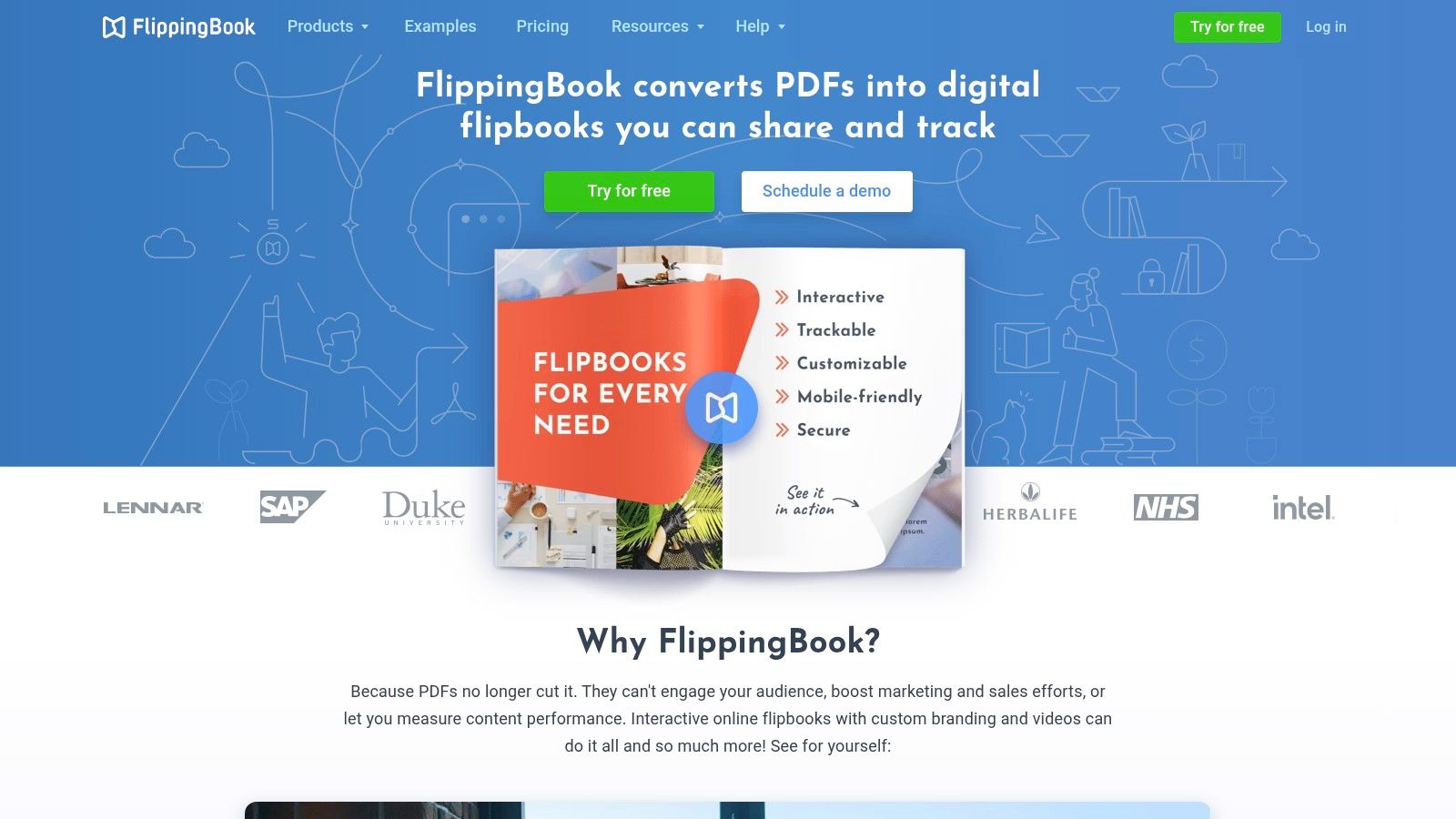
A common catalog handoff looks like this: design signs off on an InDesign file, exports a PDF, sales asks for a web version by the end of the day, and nobody wants to rebuild the whole thing in a feed-based platform. FlippingBook fits that job well.
Its role is narrower than tools built around live product feeds. FlippingBook is strongest as a PDF publishing system with web presentation, link layers, form elements, branding controls, and distribution options. If the catalog is treated as a finished document rather than a changing product database, that is a practical advantage, not a compromise.
The operational question is simple. Are you publishing approved pages, or are you maintaining reusable product data?
Teams in manufacturing, wholesale, real estate, education, and partner sales often care more about controlled distribution than frequent SKU updates. In those cases, hosted delivery and the desktop Publisher option for self-hosting matter because IT, legal, or brand teams may want tighter control over where the file lives and who can access it. Privacy settings and SEO controls also make more sense here than in a purely shoppable catalog, since the output may be public, gated, or shared only with distributors.
FlippingBook starts to show limits when the catalog is expected to do ongoing operational work after publication. Price changes, assortment updates, and client-specific product views still depend on revising the source file and republishing. That creates extra maintenance compared with feed-driven systems, and it reduces reuse if the same product data also needs to support ecommerce, quoting, or invoice generation.
That trade-off matters for finance and sales operations. A PDF-first catalog can still support ordering, but usually through links, forms, or rep handoff rather than direct reuse of structured product records. Businesses that manage products and clients in billing systems such as GetBill gain more from platforms that preserve clean item data across catalogs, quotes, and invoices. FlippingBook can sit beside that workflow, but it does not become the system that maintains it.
A useful way to judge FlippingBook is by asking what changes more often: the layout or the data. If layout approval is the hard part and the content stays stable until the next release cycle, FlippingBook is a good fit. If pricing, availability, or product mix shifts weekly, the publishing model starts to create avoidable rework.
4. iPaper
A retailer publishes a seasonal lookbook on Monday, changes prices on Wednesday, and wants shoppers to order from the same browsing experience instead of searching the store again. That operational job points to iPaper more clearly than broad labels such as "digital catalog platform."
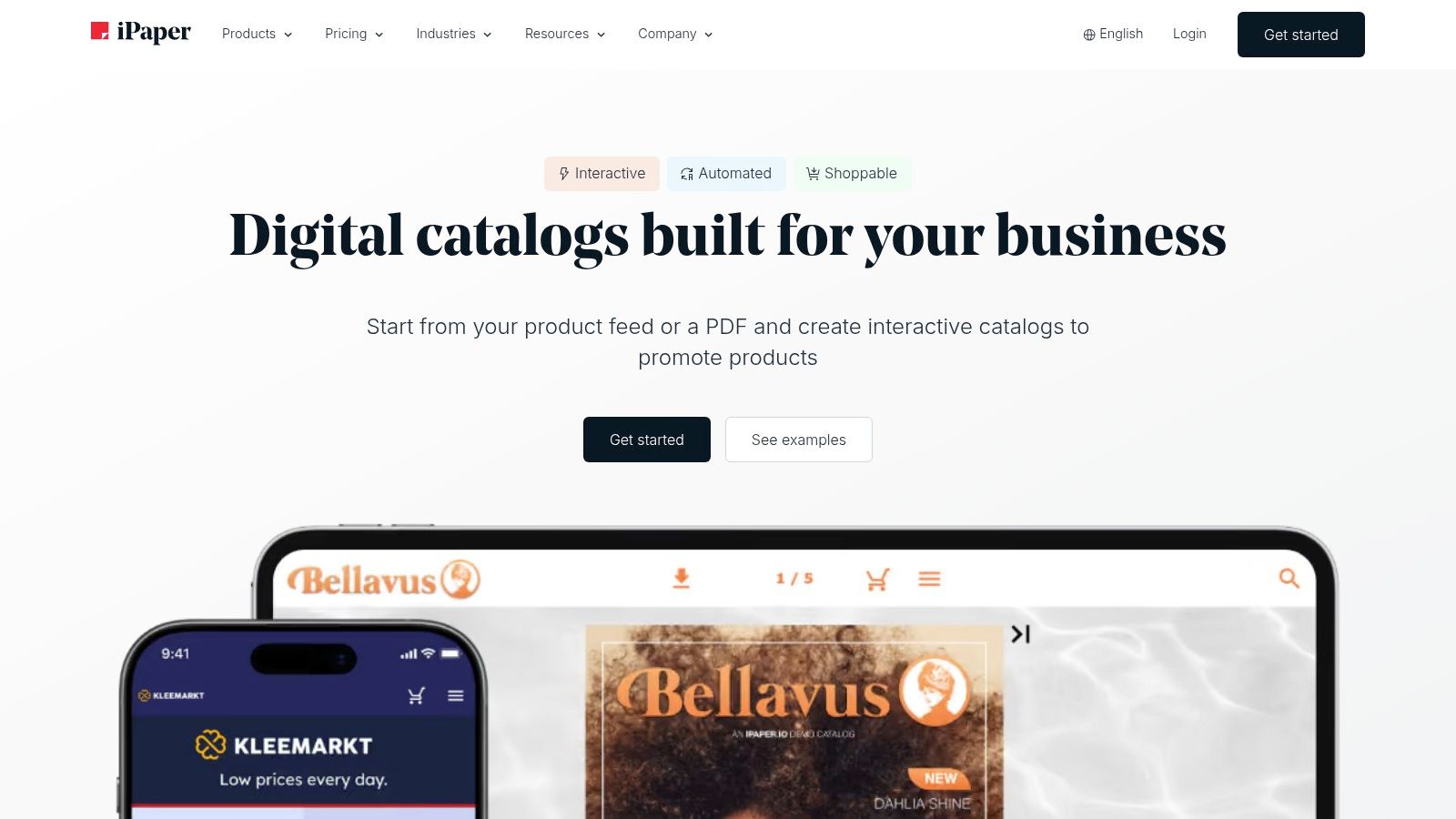
iPaper is strongest as a shoppable catalog layer tied to an existing ecommerce setup. It still supports PDF and feed-based inputs, but the practical question is not how the catalog gets built. The practical question is whether product discovery can stay connected to cart behavior, tracking, and storefront logic.
That makes iPaper less of a publishing tool than FlippingBook, and less of a quote-oriented B2B sales front end than DCatalog. Its value sits between those two jobs. It helps teams keep the editorial structure of a catalog while using store data and checkout paths that already exist.
The trade-off is operational. iPaper tends to make sense when three conditions are already true:
- The business has a live ecommerce store with stable product URLs, cart rules, and merchandising logic.
- Catalog updates need to reflect changing product data more often than a static PDF release cycle allows.
- Marketing and ecommerce teams can coordinate implementation, testing, and ongoing feed maintenance.
That middle position has an important consequence for workflow reuse. If the catalog pulls from structured product data, the same records are easier to reuse across the store, internal product lists, and downstream invoicing or quoting systems. Teams that also maintain item catalogs and client records in tools such as GetBill will usually benefit from that discipline, because cleaner product data reduces re-entry when a catalog view later turns into an order, quote, or invoice.
iPaper is a weaker fit for companies that mainly need lightweight product documentation or a controlled publication archive. It can also expose weak data governance fast. Broken mappings, inconsistent SKUs, or unreliable variant data show up in the catalog experience because the platform depends on connected commerce data more than PDF-first tools do.
Choose iPaper if the catalog's job is to shorten the path from browsing to ordering. Skip it if your bigger problem is approval-heavy publishing or negotiated B2B quoting.
5. DCatalog
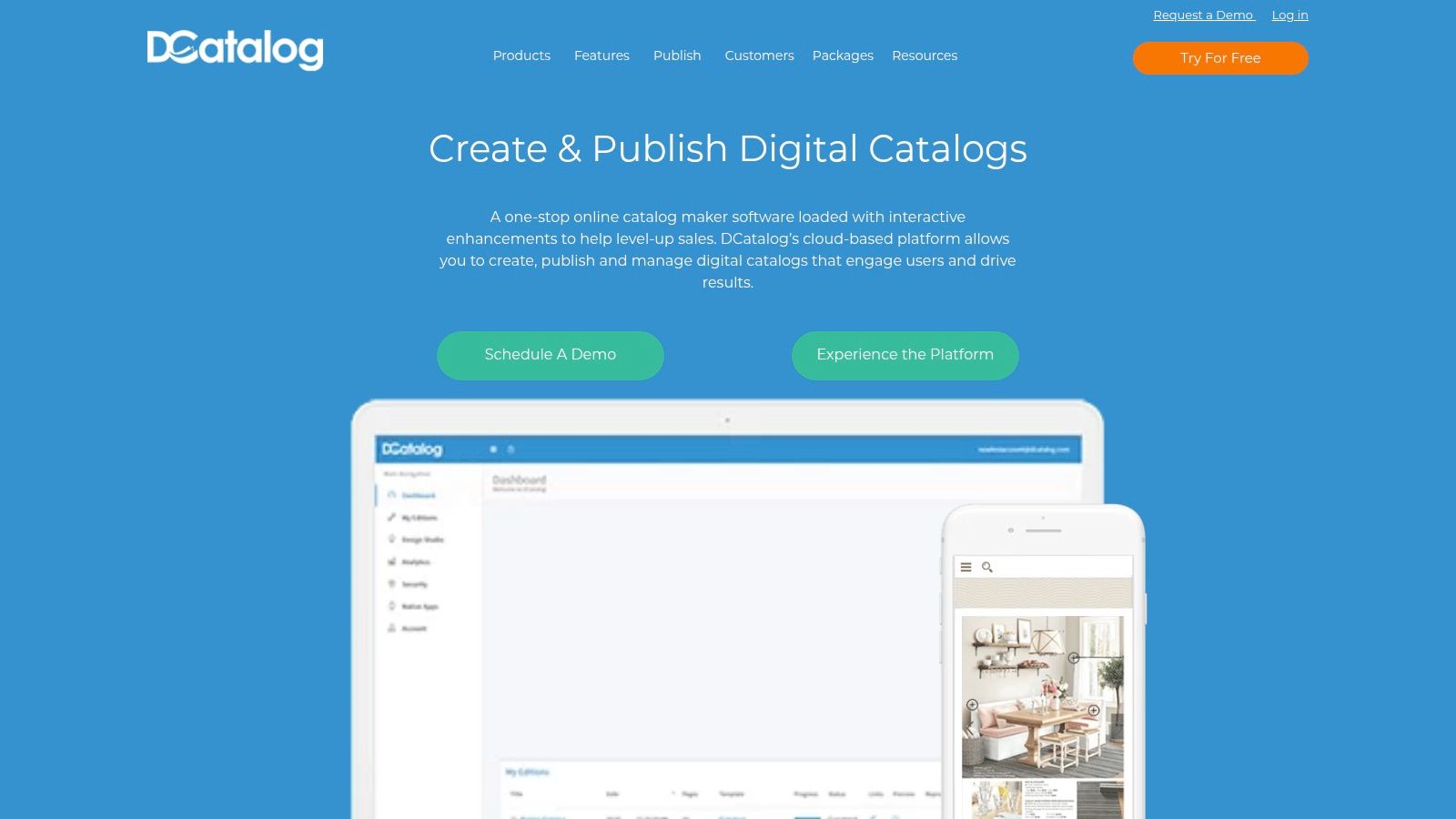
A common B2B failure looks like this: the catalog gets opened by the right buyer, but the next step still happens through emailed PDFs, manual quote requests, and copied line items. The catalog attracts attention, yet sales operations still do the work elsewhere.
DCatalog is built for that gap. Its role is less about digital publishing and more about turning product browsing into a structured sales handoff. That matters for manufacturers, distributors, and wholesalers whose buyers often need account review, negotiated terms, or internal approval before any invoice is issued.
The practical question is not whether DCatalog can display products well. Many tools in this category can do that. The better test is whether the catalog needs to perform a B2B sales job: capture intent, route buyers toward quote or order actions, and keep product information consistent enough to reuse later in quoting or billing systems.
DCatalog looks stronger when judged on that operational job. PDF and feed-based inputs give teams more than one way to publish, but the value comes from the commerce layer around the content, including product popups, cart behavior, quote flows, and buyer-specific paths.
That makes implementation heavier than PDF-first catalog tools.
A small marketing team that mainly needs a polished publication archive may see DCatalog as more system than necessary. A sales-led organization with large assortments and channel accounts will read the same setup cost differently, because the return comes from reducing manual re-entry between catalog interest, quote preparation, and eventual invoicing. Teams that also maintain structured product and client records in tools such as GetBill can benefit more from this model, since cleaner SKU and customer data is easier to carry from catalog interaction into quote lines or invoice items.
Three factors usually decide fit:
- Sales process complexity: DCatalog makes more sense when the buyer journey includes reps, negotiated pricing, or approval steps.
- Catalog maintenance model: Feed-based updates are more useful than static uploads if assortments, availability, or account-specific details change often.
- Data reuse requirements: The platform is easier to justify when catalog data needs to flow into quoting, order capture, or invoicing instead of ending as a marketing asset.
The trade-off is candid. Expect more setup, a sales-led pricing process, and a stronger need for product data discipline than with lighter catalog publishers.
Choose DCatalog if the catalog must support B2B ordering or quote capture. Skip it if the job is simple PDF publishing or lightweight product documentation.
6. Catalog Machine
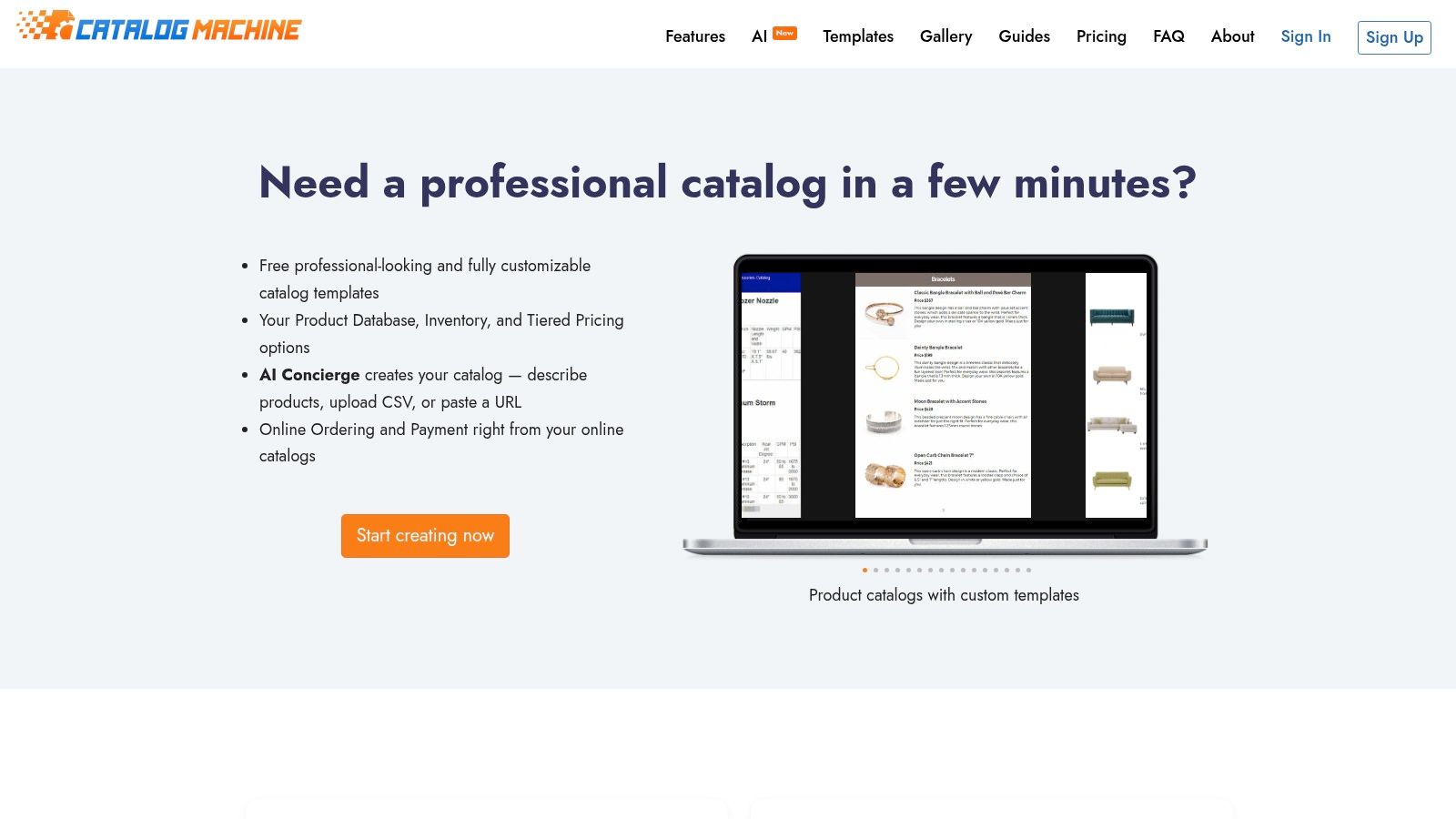
A common small-team scenario looks like this: products live in a spreadsheet, pricing changes every month, and sales still needs a presentable catalog, line sheet, or price list by Friday. Catalog Machine fits that job better than design-first flipbook tools because it starts from structured product entries rather than page storytelling.
Its value is operational, not editorial. The platform gives small wholesalers, manufacturers, and service businesses a central product repository, CSV import, templated output, and shareable online catalogs without asking them to adopt a full PIM or ecommerce stack.
That position matters because Catalog Machine sits in a narrower category than tools built for polished browsing experiences. It is less about publication aesthetics and more about repeatable product publishing from maintained data. For teams that update assortments in rows and columns, that can cut more manual rework than another visually stronger page editor.
The trade-off is clear. Buyers choosing Catalog Machine are usually prioritizing maintenance efficiency over merchandising depth. You can produce catalogs, price lists, and line sheets from the same product base, but the result will matter most to sales operations and customer communication, not to a brand team chasing magazine-style presentation.
A practical way to judge fit is to look at the job the catalog performs day to day:
- PDF publishing from product records: Good fit if sales needs refreshed collateral often.
- Feed-like catalog maintenance without a full PIM: Useful for teams managing products in CSVs or simple repositories.
- Shoppable ordering: Limited compared with commerce-led platforms higher on this list.
- B2B quoting support: Indirect rather than native. It helps prepare consistent product information, but it is not a quote workflow system.
- Lightweight product documentation: Strong enough for specs, packaged offers, and reusable sales materials.
The reuse question is where Catalog Machine becomes more interesting. If catalog data later needs to appear in estimates or invoices, the benefit comes from keeping product names, SKUs, prices, and descriptions consistent across systems. A billing workflow with its own product and client records, such as GetBill's product and client catalog management, complements this model because the catalog stops being a dead-end marketing file and becomes an upstream source for invoice line accuracy.
Choose Catalog Machine if your bottleneck is turning spreadsheet product data into reliable customer-facing materials. Skip it if the main goal is immersive visual publishing, advanced shopping behavior, or a sales process centered on negotiated B2B quoting.
7. Plytix Brand Portals

A common failure point appears after launch, not before it. A sales team sends a catalog to partners, product specs change a week later, and nobody knows which PDF is still safe to share. Plytix Brand Portals addresses that operational problem by turning approved PIM data into a live portal instead of a file that starts aging the moment it is exported.
That makes it a different category of tool from flipbook-first platforms. The job here is feed-driven catalog maintenance and lightweight product documentation, with controlled sharing layered on top. If your team needs an editorial, page-turning experience, Plytix will feel restrained. If the cost sits in version control, asset consistency, and partner access, the restraint is the point.
The practical question is not whether the portal looks impressive. It is whether your catalog is acting as a publication or as a reference system.
For manufacturers, distributors, and multi-channel B2B teams, Plytix is often closer to the second case. Portals can present current assortments, technical details, and downloadable assets by audience or market without forcing a fresh design cycle each time data changes. Implementation effort is higher than a simple PDF uploader because the value depends on product data quality inside the PIM, but maintenance drops once that foundation is in place.
That trade-off matters if catalog data also feeds commercial workflows. Plytix itself is not a quoting or invoicing product, yet the portal model supports better reuse of names, SKUs, pack sizes, and descriptions across systems. When those same product records need to appear later in estimates or invoices, a billing system with its own structured product and client records, such as GetBill's product and client catalog management, benefits from having a cleaner upstream source rather than a manually edited brochure.
Choose Plytix if your catalog's main job is to distribute current product information with low version risk. Skip it if the buying team expects a highly designed shopping experience or if your process depends on native B2B quote generation.
8. FlipHTML5
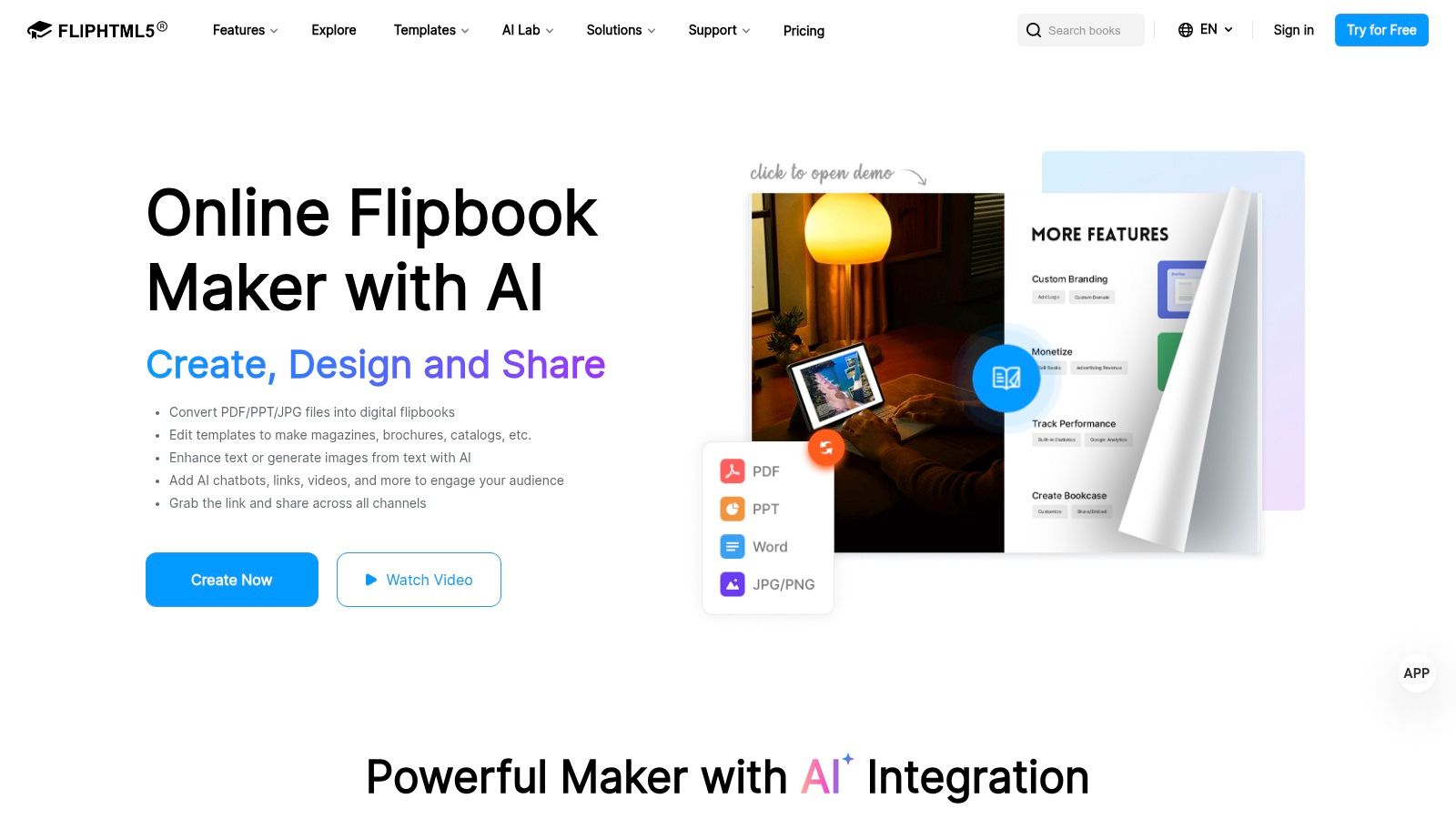
A small team has a price list in Word, a few product photos in shared folders, and no appetite for a PIM rollout. The immediate job is to publish something clickable that looks better than an email attachment and can be updated without design help. FlipHTML5 fits that operating reality better than the heavier catalog systems in this list.
Its core job is PDF publishing with light interactivity. You upload a PDF or Word file, turn it into a hosted flipbook, and add links, video, forms, or simple lead capture. That makes it a practical choice for occasional catalogs, service menus, seasonal brochures, or product roundups where visual presentation matters more than feed-driven maintenance.
The trade-off shows up in how changes are handled. FlipHTML5 is still file-centric, so catalog maintenance usually starts in the source document rather than in a structured product database. If your team changes SKUs, pack sizes, or prices often, that extra editing step can become the cost, even if the publishing workflow feels easy at first.
A better way to judge it is by downstream reuse.
If the catalog's job ends after viewing, FlipHTML5 is efficient. If the same product data also needs to appear in quotes, invoices, or client-specific billing records, you will likely end up re-entering information elsewhere unless another system holds the canonical product list. Teams using GetBill's product and client catalog management, for example, get more value when catalog content is derived from maintained records instead of being trapped inside a static brochure file.
FlipHTML5 works best for lightweight product documentation and presentation-led selling. It is less convincing for shoppable ordering, B2B quoting, or multi-channel catalog operations where the same item data must stay current across storefronts, sales documents, and invoices.
9. Issuu

Issuu is one of the most familiar digital publishing names in this category, and that familiarity is part of its appeal. Many teams already understand the workflow: upload a PDF, make it shareable, embed it where needed, and add shopping or web links.
That doesn't make it the deepest catalog tool here. It makes it one of the fastest ways to get a lookbook or marketing catalog online.
Best fit for marketing distribution
Issuu suits teams that prioritize reach, embeds, and recognizable viewing behavior. If a catalog will be shared across social channels, websites, and campaigns, that broad distribution model is useful.
Where it falls short is native transaction depth. It can support linked shopping behavior, but it's not the same as a platform designed around order assembly, quoting, or live product-feed maintenance.
If a buyer must leave the catalog to complete the real task, measure whether the catalog is helping sales or simply decorating the funnel.
That's where process discipline matters. Before choosing Issuu for product catalogs, map what happens after someone clicks a product. If the answer involves manual follow-up, estimate creation, or a payment request, make sure the downstream billing system is clean. Teams that need that sort of handoff can contact GetBill support and product resources to evaluate whether product reuse inside invoices and estimates fits their workflow.
Issuu remains a solid choice for branded publication and broad sharing. It's less convincing when the catalog has to function as an operational system.
10. Paperturn
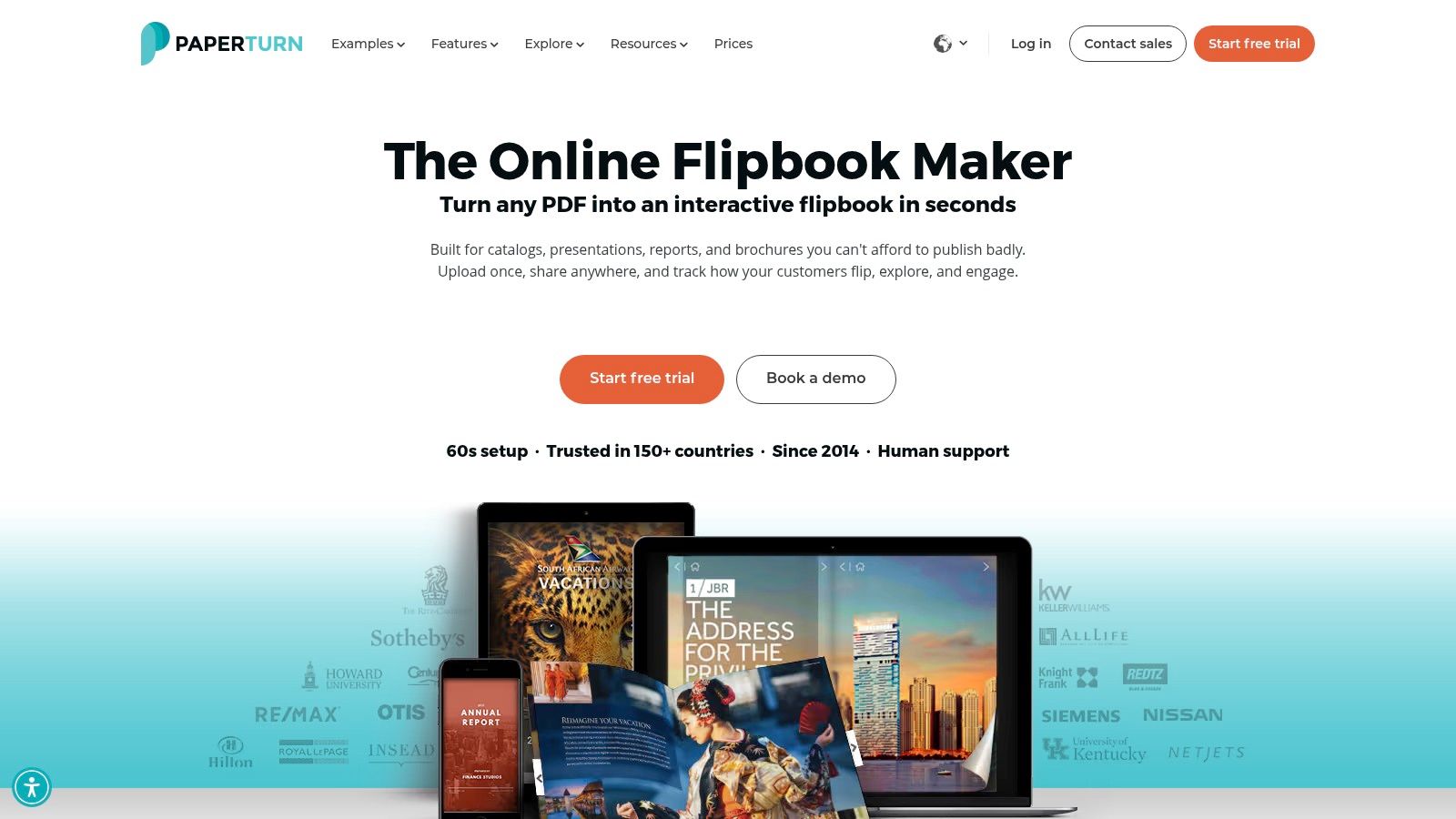
Paperturn stands out for a very practical reason: it emphasizes stable catalog links and workflows for updating pricing without changing the URL. That's not glamorous, but it solves a recurring problem for teams that circulate catalogs through email signatures, campaigns, sales messages, and embedded site pages.
A stable link matters whenever the catalog itself is part of ongoing communication rather than a one-time launch.
Best fit for frequent price and assortment changes
Paperturn combines flipbook-style publishing with ecommerce elements, branded viewing, embeds, and distribution helpers. The useful distinction is that it treats distribution as part of catalog management, not an afterthought.
That makes it a good middle option for businesses that:
- Update pricing regularly: Link stability reduces version confusion.
- Use catalogs in outbound sales: Email thumbnails and signature placement help.
- Need moderate commerce features: More than a static flipbook, less than a full B2B commerce layer.
Its constraints are familiar. Advanced features may sit on higher tiers, and the broader ecosystem isn't as prominent as some long-standing rivals. But if your problem is operational drift, not design ambition, Paperturn solves a more meaningful problem than many prettier tools do.
A catalog only works if the recipient is seeing the current version. Paperturn understands that better than most.
Top 10 Online Catalog Generators Comparison
| Tool | Core features | Quality ★ | Value 💰 | Audience 👥 | Standout ✨/🏆 |
|---|---|---|---|---|---|
| Flipsnack | Flipbook + Shopping List; feed/PIM sync; Shopify buy buttons | ★★★★, polished reader | 💰 Mid → Enterprise plans | 👥 B2C lookbooks & B2B order forms | ✨ Feed automation; SKU auto-detect |
| Publitas | Shoppable overlays; dynamic price updates; hosted embeds | ★★★★★, premium UX | 💰 Sales-assisted, higher price | 👥 Brands & larger SMBs | 🏆 Clean shop-from-catalog experience |
| FlippingBook | PDF→branded flipbooks; cloud or self-host | ★★★★, fast PDF workflow | 💰 Mid; one-time/self-host options | 👥 Teams using InDesign/PDF sources | ✨ Self-host + quick PDF setup |
| iPaper | PDF/feed catalogs; JS ecommerce layer; analytics | ★★★★, ecommerce-focused | 💰 Mid; some features via sales | 👥 Teams needing shoppable catalogs | ✨ Smooth browse→cart→checkout flow |
| DCatalog | Enterprise shoppable catalogs; B2B quote workflows; API | ★★★★, enterprise-grade | 💰 Custom/Enterprise pricing | 👥 B2B distributors & sales teams | 🏆 Deep B2B workflows & integrations |
| Catalog Machine | Templates, CSV import, AI assistant, PDF export | ★★★, pragmatic SMB tool | 💰 Budget-friendly tiers | 👥 Small teams from spreadsheets | ✨ AI Concierge + CSV-first workflow |
| Plytix Brand Portals | Live portals from PIM; segmented portals; auto-updates | ★★★★, data-consistent | 💰 Part of PIM; add-on costs | 👥 Distributors, resellers, internal teams | 🏆 Single source of truth; auto-sync |
| FlipHTML5 | PDF/Word→interactive; Stripe sales; AI builder | ★★★, low-cost flipbook | 💰 Low entry price; paid upgrades | 👥 SMBs needing cheap flipbooks | ✨ Stripe sales + AI-assisted layouts |
| Issuu | PDF flipbooks with links, basic shopping & analytics | ★★★★, wide distribution | 💰 Mid; simple tiers | 👥 Marketers & lookbook creators | ✨ Fast path from PDF to shareable catalog |
| Paperturn | Shoppable overlays; pricing updates without new URL; distribution tools | ★★★, practical publishing | 💰 Mid; advanced features on higher tiers | 👥 Teams with frequent price changes | ✨ Update pricing without republishing |
| DCatalog | (Duplicate entry removed) | , | , | , | , |
Match the Catalog to the Billing Workflow
The wrong way to choose an online catalog generator is to start with visual style. The better approach is to start with the job the catalog performs after publication. If prices, SKUs, and availability change often, feed-driven tools such as Flipsnack, Publitas, iPaper, DCatalog, or Plytix Brand Portals will usually hold up better than file-based tools. They reduce the number of times someone has to remember to rebuild and resend a document.
If your organization still works from approved PDFs, tools like FlippingBook, FlipHTML5, Issuu, and Paperturn make more sense. They respect an existing design-led process instead of forcing a premature data transformation project. That's a valid choice when a catalog is primarily a communication asset and the revision cycle is controlled.
Shoppable platforms are the better fit when customers should build orders directly from the catalog. That includes retail browsing, wholesale selection, and guided commerce flows where the catalog itself helps qualify demand. B2B-oriented systems become more attractive when the next action is quote request, assortment review, or account-specific follow-up rather than immediate checkout.
The overlooked decision is what happens after a customer selects something. Teams should document the handoff clearly. Who owns product data? Who confirms pricing? Does the selected item become an estimate, an invoice, or a payment request? If catalog data and invoice data live separately, someone eventually re-enters line items by hand, and that's where inconsistencies appear.
That's where GetBill can fit naturally for small businesses and independent professionals. It isn't an online catalog generator, but it does help with the next operational step by maintaining product and client catalogs for reuse in estimates and invoices. Accepted estimates can be converted into invoices in one click. Teams can share public payment links, record partial payments, track remaining balances, and collect supported card payments through Stripe without moving funds into an intermediary wallet.
Before you commit, check six things:
- Data ownership: Decide whether product truth lives in a spreadsheet, PIM, ecommerce platform, ERP, or billing tool.
- Update responsibility: Name the person who approves pricing and catalog changes.
- Integration testing: Test product sync, variant handling, broken links, and tax-sensitive line items before launch.
- Accessibility needs: Confirm whether a flipbook viewer is acceptable or whether a more navigable web format is required.
- Permissions and sharing: Separate public catalogs, partner-only catalogs, and internal sales materials.
- Export and billing consistency: Verify how selected products move into quotes, invoices, and payment collection.
A good catalog attracts attention. A good workflow survives revision cycles, sales handoffs, and billing without creating duplicate work.
If you need the catalog to connect cleanly to invoicing, GetBill offers product and client catalog management alongside estimates, invoices, public payment links, Stripe card payments, and partial payment tracking. It's a practical fit for businesses that want selected items to carry forward into billing without repeated manual entry. See how it works at GetBill.
Drafted with Outrank app