

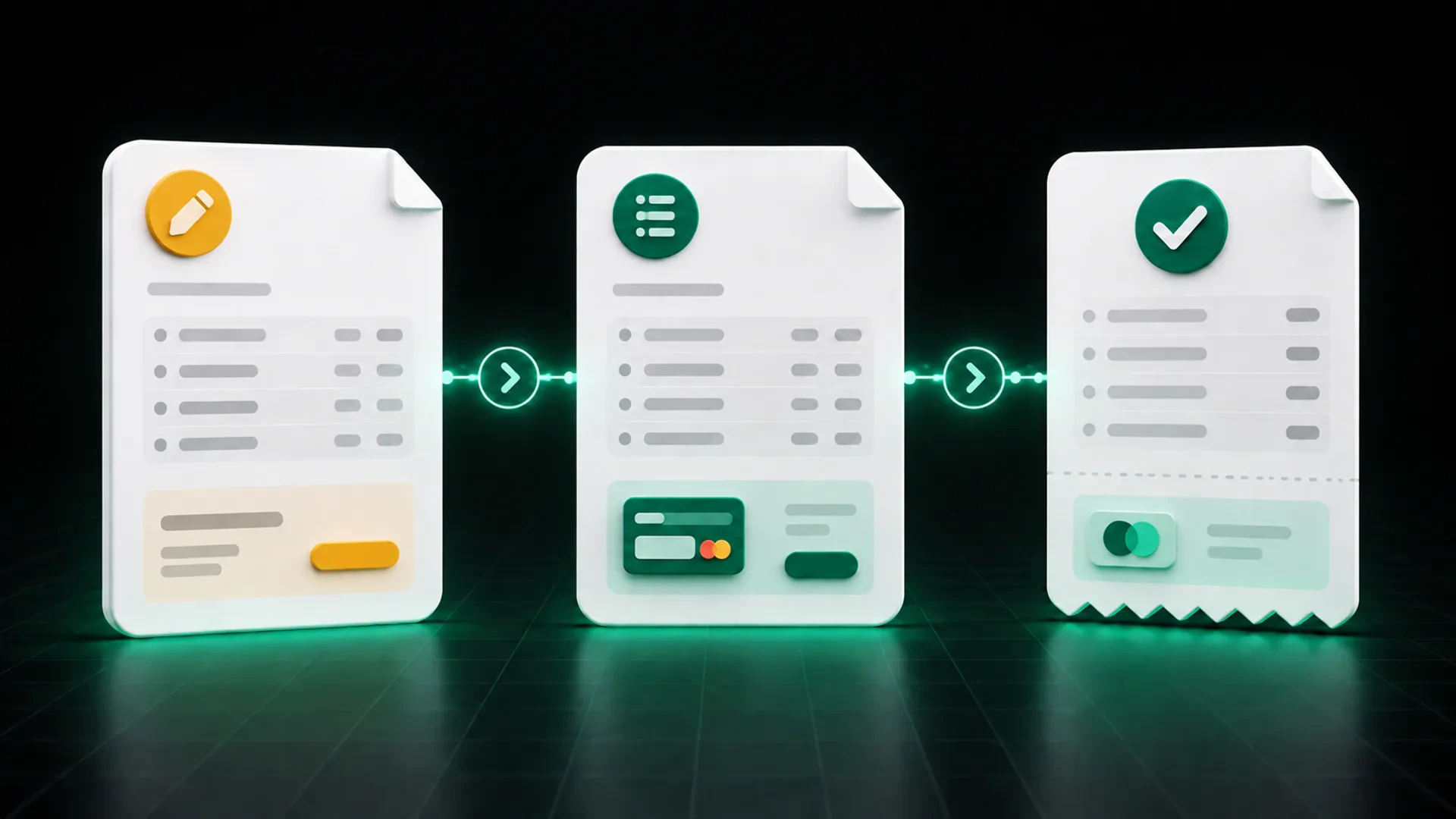
An estimate describes proposed work or products before the final charge is issued. An invoice requests payment for work or products being billed. A receipt records that payment was received.
These documents may contain some of the same details, but they are not interchangeable. Each one answers a different client question:
- Estimate: What is being proposed, and what may it cost?
- Invoice: What is being billed, how much is due, and what happens next?
- Receipt: What payment was received, when, and through which recorded transaction?
Keeping those roles clear helps the client understand the current stage and helps the business preserve a more useful record of the full billing process.
The exact legal, tax, and recordkeeping requirements depend on the business, transaction, and location. This article provides operational guidance for small businesses in the United States, not legal, tax, or accounting advice.
Quick comparison: estimate, invoice, and receipt
| Document | Main purpose | Typical timing | Expected client action |
|---|---|---|---|
| Estimate | Present proposed scope, products, pricing, and conditions | Before work or an order is finalized | Review, ask questions, accept, or reject |
| Invoice | Request payment for the amount being billed | After the billing event defined by the business agreement | Review and follow the available payment instructions |
| Receipt | Record a payment that was received | After a payment is recorded | Keep it as confirmation and supporting documentation |
The timing may vary by business model. A deposit invoice, progress invoice, or installment can occur before all work is complete. The important point is that the document name and content should match its purpose.
What is an estimate?
An estimate presents the expected scope, items, quantities, pricing, taxes, discounts, notes, and other proposed details before the business issues the final payment request.
An estimate helps both sides review what is being discussed. It may become the reference for later work, but it should not be presented as proof that payment was received.
What should an estimate make clear?
A practical estimate usually identifies:
- the business and client;
- the proposed products or services;
- quantities and prices;
- taxes or discounts, when applicable;
- relevant notes or conditions;
- the estimated total;
- how the client can accept, reject, or request a change.
If the client approves a different scope, record that change instead of quietly replacing the version that was originally reviewed.
What is an invoice?
An invoice is a request for payment. It should identify what the business is billing, the total, the amount currently due, the due date, and the available payment route.
When an approved estimate exists, the invoice should remain recognizable in relation to it. That does not mean copying the estimate without review. The business still needs to confirm completed quantities, approved changes, deposits, dates, and other invoice-specific information.
What should an invoice make clear?
Include or clearly connect:
- a unique invoice number or reference;
- the business and billing contact;
- recognizable products or services;
- the invoice total;
- payments already recorded;
- the remaining balance;
- the issue date and due date;
- payment instructions or the available payment route;
- a contact for billing questions.
The invoice should give the client one clear next action without requiring them to reconstruct the estimate or search through several messages.
What is a receipt?
A receipt documents a payment that has been received. It is part of the payment record, not a replacement for the estimate or invoice.
A useful receipt or payment confirmation commonly identifies the business, client, date, amount, payment reference, and the invoice or transaction connected to the payment. The exact information and document required can vary, so businesses should confirm their obligations with an appropriate professional.
The IRS identifies invoices and receipts among the supporting documents businesses may use in their records. It also explains that the recordkeeping system should fit the business and clearly show income and expenses. See IRS Publication 583: https://www.irs.gov/publications/p583 for general federal recordkeeping information.
How the three documents work together
1. Start with the proposed scope
Create an estimate that the client can recognize and review. Keep descriptions specific enough to connect later documents to the same work or order.
2. Record the client’s decision
Identify the accepted estimate and any approved changes. Do not rely on memory or an unrelated message as the only source of the final scope.
3. Create the invoice from the current agreement
Carry forward the relevant client and item information, then add the invoice number, dates, payment information, deposits, and current amount due.
4. Record each payment against the invoice
When a payment arrives, connect it to the correct invoice. If the payment is partial, preserve the original total, amount received, and remaining balance.
5. Provide the appropriate payment confirmation
Use the business’s normal process to acknowledge the payment and preserve the supporting record. Do not label an unpaid invoice as a receipt or use a receipt as a new payment request.
Common document mix-ups
Treating an accepted estimate as an invoice
Approval confirms the proposed scope or pricing under the business’s process. It does not automatically turn the estimate into a payment record. Create the appropriate invoice when it is time to bill.
Calling an invoice a receipt before payment
An invoice requests payment; a receipt records payment. Mixing those labels can make the transaction status harder to understand.
Rebuilding every document from scratch
Repeated entry creates opportunities for names, descriptions, quantities, and prices to change. Reuse approved information while preserving a separate identity for each document.
Losing the connection after a partial payment
A partial payment does not create a new unrelated transaction. Keep it attached to the original invoice and show the balance that remains.
How GetBill supports a connected document workflow
GetBill helps small and midsize businesses create professional estimates and invoices, organize clients and products, send documents by email or secure public link, and keep payment records and remaining balances connected.
Businesses can send estimates for digital acceptance or rejection and convert an accepted estimate into an invoice without entering the same information again. GetBill is available on Google Play: https://play.google.com/store/apps/details?id=com.aimovelogistics.getbill and the Apple App Store: https://apps.apple.com/us/app/getbill/id6796384355.
Start a free 3-day trial to test the sequence with one real estimate and invoice from your business.
Billing-document checklist
Before sending or recording a document, confirm:
- its name matches its purpose;
- the business and client are correct;
- the scope or transaction is recognizable;
- the document has its own reference when needed;
- totals, payments, and balances are current;
- the client’s next action is clear;
- related estimates, invoices, and payments remain connected;
- the record meets the requirements that apply to the business.
Choose one recent client transaction and check whether its estimate, invoice, and payment record tell the same story. Then start a free 3-day GetBill trial on Android or iOS to test a more connected workflow.