

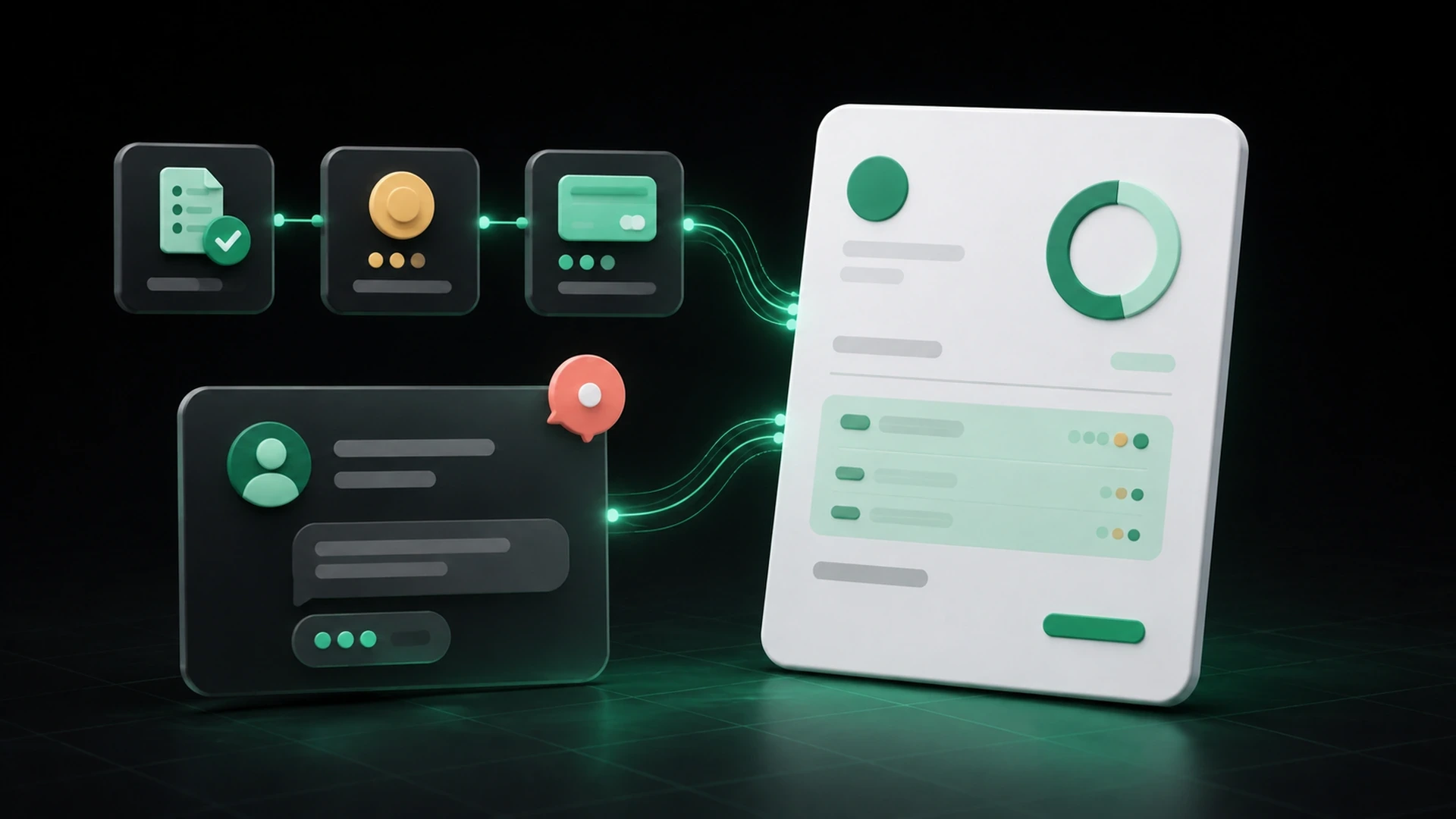
An effective unpaid-invoice follow-up starts before the message is written. The business first needs to verify the invoice, the approved work, payments already recorded, the remaining balance, the due date, and the payment route available to the client.
That context matters because an invoice rarely exists alone. It may have started with an estimate, changed with the client’s approval, included a deposit, or been sent to a different billing contact. A reminder that ignores those details can create more questions instead of making the next step clearer.
Clear follow-up does not guarantee payment, and the appropriate collection process depends on the business, its agreements, and applicable requirements. This article provides operational guidance, not legal, tax, accounting, or debt-collection advice.
What should you check before following up?
Confirm that the invoice was sent to the right contact
Verify the email address, delivery channel, and billing contact. The person who approved the estimate may not be the person who processes the invoice.
If the invoice was sent by a public link, confirm that the link and accompanying message were complete. Do not assume the client has reviewed the document simply because it was sent.
Review the approved scope and final invoice
Make sure the invoice reflects the work or products the client approved. If the amount changed after the estimate, the team should be able to identify the approved adjustment.
A billing question may actually be a scope question. Keeping the estimate and invoice connected helps the business answer without reconstructing the entire history.
Verify the due date and agreed terms
Read the invoice before describing it as unpaid or past due. Confirm the issue date, due date, and any payment structure agreed with the client.
Use the dates and terms in the current record. Do not introduce a new deadline casually in the reminder if it conflicts with the invoice or agreement.
Check every payment already received
Review deposits, installments, cash payments, transfers, card payments, and other records used by the business. A client may have paid part of the invoice or used a reference that the team has not yet matched.
The follow-up should request the current balance—not the original total—when a partial payment has been recorded.
Confirm the payment route
Make sure the payment instructions, link, or method in the follow-up are available for that client and transaction. If the route has changed, update the invoice record and explain the current next step clearly.
The information every invoice follow-up should include
A concise follow-up can still provide enough context to act. Include:
- the client’s name;
- the invoice number or reference;
- a brief description of the work or order, when useful;
- the original invoice total;
- payments already recorded, if applicable;
- the current balance;
- the due date shown on the invoice;
- the available payment route;
- a link or copy of the invoice;
- a contact for questions.
The message does not need to repeat every line item. It should give the client enough information to recognize the invoice, verify the amount, and understand the next action.
A practical follow-up workflow
1. Use the invoice record as the source
Start from the current invoice and payment history, not from memory or an old email. This reduces the chance of using an outdated amount or sending a message about the wrong document.
2. Choose the message based on the current stage
A courtesy reminder before the due date, a confirmation near the due date, and a follow-up after the due date serve different purposes. The business should define its own timing based on its terms, client relationships, and applicable requirements.
Avoid treating one cadence as universally correct. The important point is that each message reflects the current invoice status and the agreed process.
3. Make the subject line easy to identify
Use the invoice reference and business name where appropriate. A clear subject helps the client find the message later and distinguish it from unrelated communication.
For example:
> Invoice [reference] from [business name] — payment information
Adapt the wording to the situation. Avoid language that makes an unsupported legal or collection claim.
4. Keep the message factual and direct
A useful message can follow this structure:
> Hello [client name],
> We are following up on invoice [reference] for [brief description]. The current balance is [amount], and the due date shown on the invoice is [date]. You can review the invoice and available payment information here: [link].
> If you have already sent payment or have a question about the invoice, please reply with the relevant details so we can review the record.
> Thank you,
> [business name]
This is a starting point, not a required legal notice. The business should adapt it to its agreements and communication standards.
5. Record the follow-up
Note when the message was sent, which invoice it referenced, and whether the client responded. This helps another team member understand the next step and prevents duplicate or contradictory communication.
6. Update the payment record before sending another message
If the client pays, sends confirmation, disputes an item, or requests a correction, update the relevant record before the next follow-up. The latest communication should always use the current balance and context.
How to handle common follow-up situations
The client says payment was already sent
Ask for the information your business needs to match the payment, then review the record before sending another request. Do not assume the client is wrong because the invoice still appears unpaid internally.
The client paid only part of the invoice
Record the payment against the original invoice and calculate the remaining balance. The next message should acknowledge the amount received and identify only the balance that remains.
The client questions the scope or amount
Return to the accepted estimate, approved changes, invoice items, and payment history. A connected record makes it easier to explain how the current amount was reached.
The payment link is unavailable
Do not continue sending an unusable link. Confirm which payment route applies and provide updated instructions. Stripe payment-link availability depends on the applicable account, client, and configuration requirements in the United States.
More than one team member is contacting the client
Choose one source of truth for the invoice and one visible record of follow-up. Without shared context, two people may send different amounts, dates, or instructions.
Follow-up mistakes that create confusion
Requesting the full total after a partial payment
This makes the client question whether the earlier payment was recorded. Show the original total, amount received, and balance remaining.
Sending only “payment due” with no reference
The client may have several invoices or projects. Include the invoice number, balance, due date, and document link or copy.
Changing the payment instructions in every message
Inconsistent routes create friction and may raise concerns. Use the payment information connected to the current invoice and explain any necessary change.
Following up from a separate spreadsheet
A spreadsheet can track a list, but it may not include the accepted estimate, final invoice, partial payments, and client communication. When the follow-up list becomes disconnected from the billing record, outdated amounts are easier to send.
Making guarantees or unsupported threats
Keep the message factual and consistent with the business’s documented process. Seek appropriate professional guidance for legal, contractual, or collection questions.
How GetBill supports clearer invoice follow-up
GetBill helps small and midsize businesses keep clients, products, estimates, invoices, payment records, and remaining balances in a focused billing workflow.
Businesses can share invoices by email or secure public link and record partial payments so the current balance remains visible. GetBill also supports Stripe payment links with the Pro plan, subject to applicable account, client, and configuration requirements in the United States.
GetBill is available on Google Play: https://play.google.com/store/apps/details?id=com.aimovelogistics.getbill and the Apple App Store: https://apps.apple.com/us/app/getbill/id6796384355. Start a free 3-day trial to test the workflow with one current invoice.
Unpaid-invoice follow-up checklist
Before sending a message, confirm that:
- the invoice was sent to the correct billing contact;
- the invoice reference and document link are current;
- the approved estimate and any changes can be identified;
- the due date has been verified;
- all payments received have been recorded;
- the current balance is correct;
- the payment route applies to the client;
- the message includes a contact for questions;
- the follow-up will be recorded for the team;
- the language matches the business’s documented process.
Review one outstanding invoice and verify the approved scope, due date, payments received, remaining balance, and payment route before sending the next message. Then start a free 3-day GetBill trial on Android or iOS to test a more connected follow-up process.