

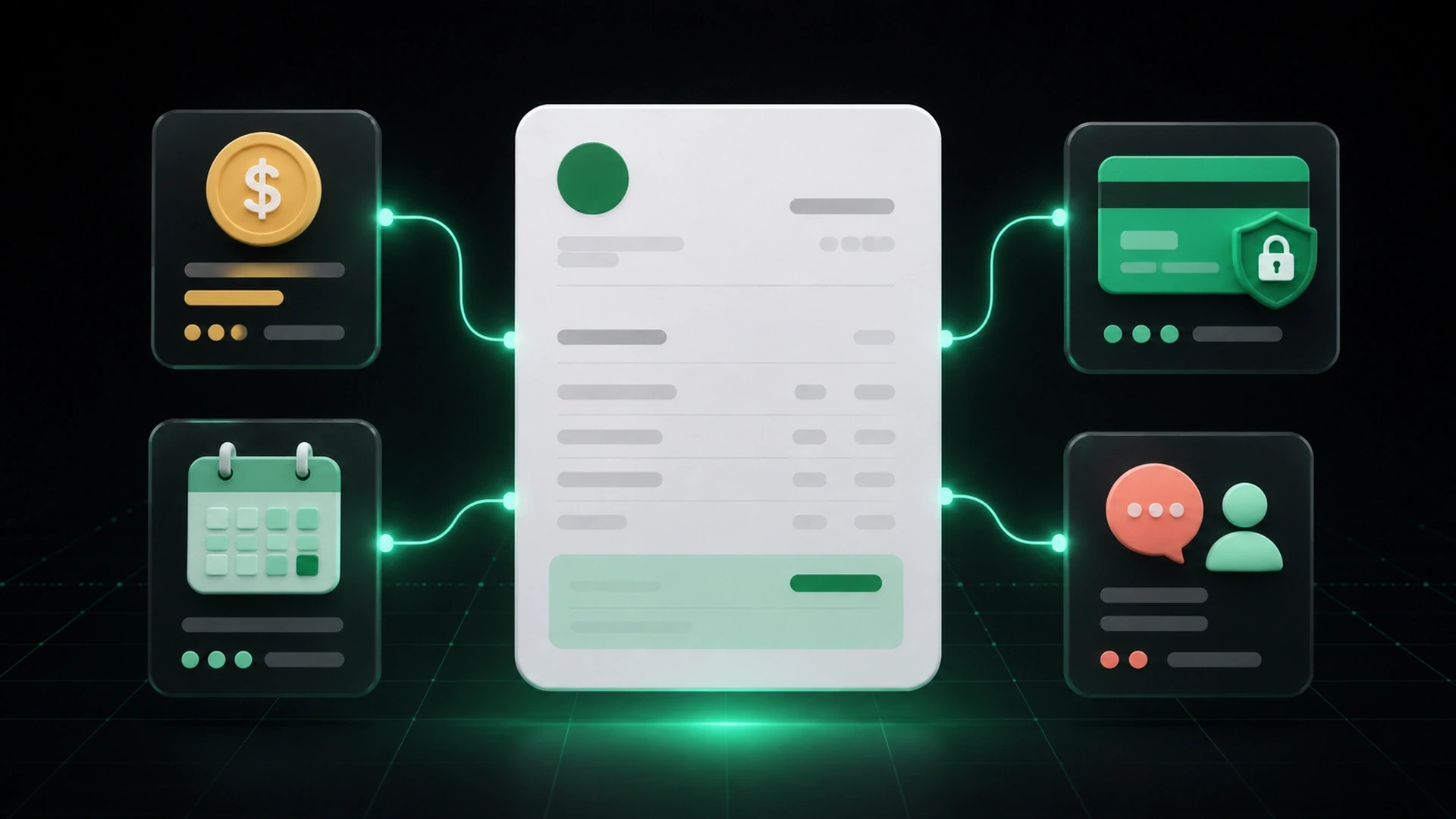
An invoice should make the payment step easy to understand. At minimum, the client should be able to identify who is billing them, what they are paying for, how much is due, when it is due, and what payment route is available.
When any of those details are missing or scattered across messages, the client may need to ask a question before taking action. Clear payment information does not guarantee faster payment, but it can remove avoidable uncertainty from the process.
The exact legal, tax, and recordkeeping requirements for an invoice depend on the business and its location. This guide focuses on operational clarity for small businesses in the United States and is not legal, tax, or accounting advice.
The essential payment information on an invoice
1. The business and client details
Identify the business issuing the invoice and the client responsible for it. Use consistent names and contact details so both parties can recognize and retrieve the document later.
If the billing contact is different from the person who approved the work, confirm which person or department should receive the invoice.
2. A unique invoice reference
Use a clear invoice number or reference. This gives the client a simple way to identify the document when asking a question or confirming payment.
The reference should remain consistent across the invoice, delivery message, payment record, and follow-up communication.
3. A recognizable description of the work or products
The client should be able to connect the invoice with the work, order, or approved estimate. Use descriptions that are specific enough to recognize without adding unnecessary complexity.
If the invoice was created from an accepted estimate, preserve the connection between the approved items and the billed items. Explain any approved changes that affect the amount.
4. The total and amount currently due
Show the invoice total clearly. If a deposit or partial payment has already been recorded, also show the payments received and the remaining balance.
Do not replace the original total with the current balance. Keeping both values visible helps the client understand how the amount due was calculated.
5. The issue date and due date
The issue date establishes when the invoice was created. The due date tells the client when the payment is expected under the agreed terms.
Avoid relying only on vague language in the delivery message. Put the due date where it can be seen on the invoice and keep it consistent in any follow-up.
6. The available payment method or route
Explain how the client can complete the payment. Depending on the business, this may involve cash, card, transfer, or an online payment option.
If you provide a payment link, place it where the client can identify it as the next action. GetBill supports Stripe payment links with the Pro plan, subject to applicable account, client, and configuration requirements in the United States. Do not assume that every payment method is available for every transaction.
7. A contact for billing questions
Give the client a clear way to ask about the invoice. A billing email address, phone number, or designated contact can prevent questions from being lost in unrelated conversations.
The contact should be able to access the estimate, invoice, payment record, and current balance before responding.
How to write clearer invoice payment instructions
Payment instructions should be brief, specific, and consistent with the invoice.
State the next action directly
Use a short instruction that tells the client what to do. For example:
> Please review invoice [reference] and use the payment option shown on the invoice by [due date]. Contact [billing contact] if you have a question about the amount or payment route.
Adapt the wording to the business’s process. Do not add a payment option that is not actually available to that client.
Keep the amount and date close to the action
The amount due, due date, and payment route should not be separated across multiple attachments or messages. Present the key details together so the client can verify them before paying.
Use the same terms everywhere
If the invoice says payment is due on a specific date, the email or public link should not describe a different date. If a deposit was recorded, the delivery message should not request the original total.
Make security checks practical
Clients may want to confirm that a payment request is legitimate. Use consistent business details, send the invoice through the expected channel, and provide a contact for questions. Avoid making broad security guarantees that the business cannot verify.
What changes when the invoice includes a partial payment?
When part of the invoice has already been paid, the client needs more context than a single balance figure.
Show:
- the original invoice total;
- each payment recorded, according to the business process;
- the total amount received;
- the remaining balance;
- the next due date or agreed next step.
This creates a traceable payment history and reduces the chance that a follow-up asks for an amount the client has already paid.
Common payment-information mistakes
Hiding the due date in a message
The invoice may be downloaded, forwarded, or reviewed without the original email. Keep the due date on the document itself.
Providing several payment routes without guidance
More options are not always clearer. Show only the methods that apply and tell the client which information or action each method requires.
Sending a payment link without invoice context
A standalone link may not tell the client what it relates to. Keep the invoice reference, amount, and business identity connected to the payment request.
Failing to update the remaining balance
If a deposit or installment has been received, update the record before sending another request. The client should see the current balance, not an outdated amount.
Rewriting payment terms during follow-up
Follow-up communication should reference the invoice and agreed terms. Changing the message without updating the underlying record creates uncertainty for the client and the team.
A clear invoice delivery workflow
Use this simple sequence after the invoice is ready:
- Review the client, invoice reference, items, total, payments, balance, and due date.
- Confirm that the payment route applies to the client and transaction.
- Send the invoice through the expected channel.
- State the amount due, due date, and next action in the delivery message.
- Keep the sent invoice and payment record connected.
- Update the record when a payment is received.
- Use the current balance and original context in any follow-up.
The objective is not to create more administration. It is to preserve the information needed for the client and the team to understand what happens next.
How GetBill helps organize the payment step
GetBill helps small and midsize businesses create professional invoices and estimates, share documents by email or secure public link, record payments, and keep remaining balances visible.
Businesses can record cash, card, and transfer payments according to their workflow. Stripe payment links are available with the Pro plan, subject to applicable requirements in the United States. GetBill is available on Google Play: https://play.google.com/store/apps/details?id=com.aimovelogistics.getbill and the Apple App Store: https://apps.apple.com/us/app/getbill/id6796384355.
Start a free 3-day trial to test whether your invoice gives clients a clearer path from review to payment.
Invoice payment-information checklist
Before sending an invoice, confirm that it includes or clearly connects to:
- the business name and contact information;
- the correct client and billing contact;
- a unique invoice reference;
- recognizable products or services;
- the invoice total;
- payments already received;
- the remaining balance;
- the issue date and due date;
- the available payment route;
- a contact for billing questions.
Open one invoice your business recently sent and check whether the amount due, due date, payment route, and billing contact are visible in one place. Then start a free 3-day GetBill trial on Android or iOS to test a more connected invoice-to-payment workflow.