

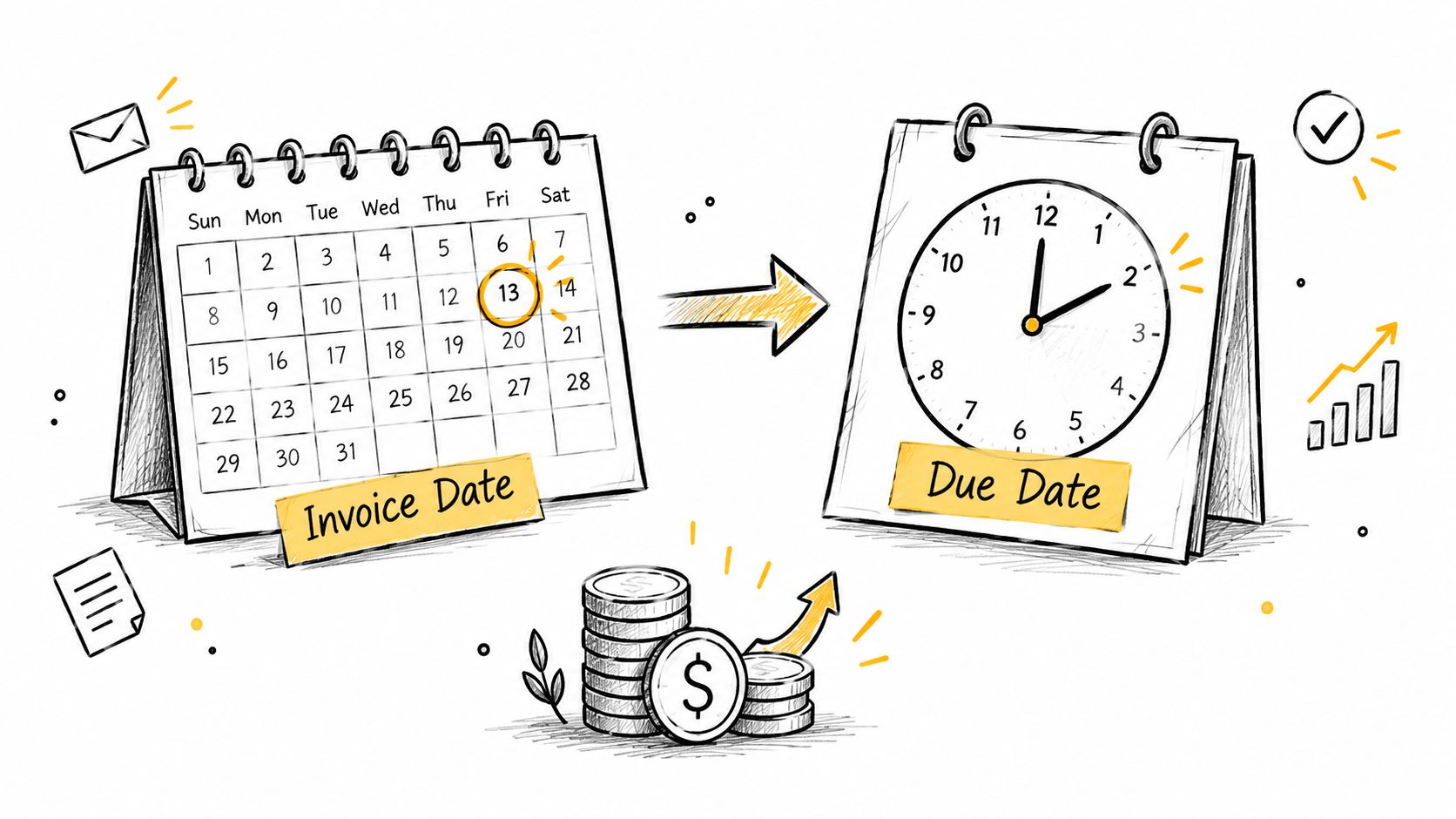
You've just sent your first invoice, and now the waiting starts. You expected money in a week, maybe two, then day 30 shows up and the transfer still hasn't landed. That confusion usually comes from reading one date and missing the other.
An invoice date and a due date are not duplicates. One starts the billing clock, the other sets the payment deadline, and the gap between them controls when cash can reach your account. If you learn to read those two fields clearly, you'll avoid a lot of awkward follow-up and a lot of “I thought it was due later” conversations.
Table of Contents
- Why Two Dates Appear on Every Invoice
- What Each Date Means and How They Connect
- Aging Reports by Invoice Date Versus Due Date
- Worked Examples for Net 15, Net 30, EOM, and More
- How These Dates Affect Cash Flow and Collections
- Common Mistakes That Break the Payment Clock
- Setting the Right Dates on Every Invoice You Send
Why Two Dates Appear on Every Invoice
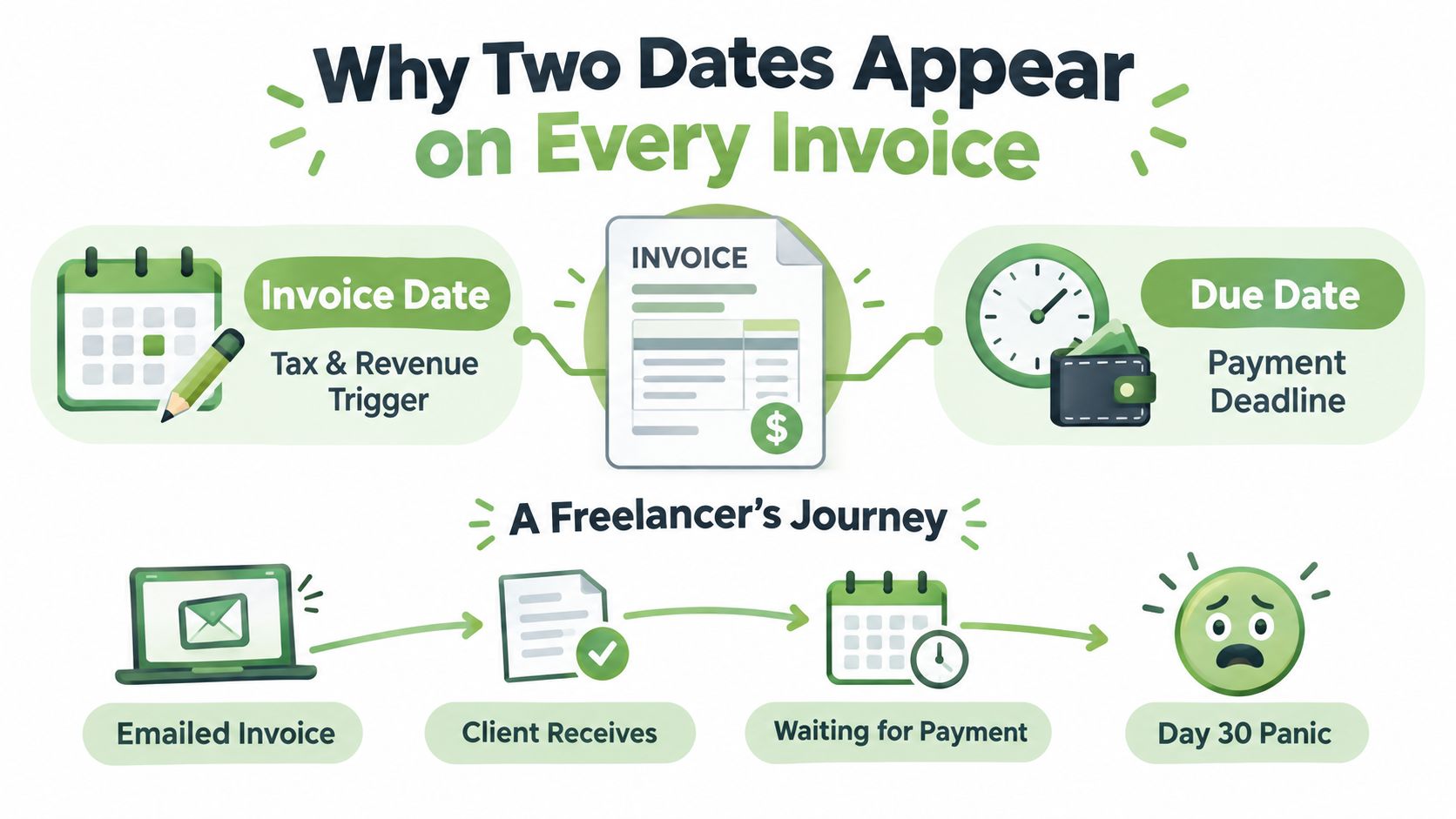
A freelance designer can send a polished invoice, feel done with the job, and assume payment is on the way. Then the client's AP team waits for the stated deadline, and the designer spends another week checking a bank account that hasn't changed. The problem isn't the work, it's the two dates on the invoice being treated like one.
The invoice date starts the record
The invoice date is the day you issue the bill. It marks when the sale was recorded, when the work is documented, and when your bookkeeping can say, “This revenue belongs to this period.” In practical terms, it's the start button for your receivables file.
That date matters for tax and reporting too, because it anchors the invoice in time. If you leave it off or make it unclear, the buyer doesn't know when the clock started, and you don't have a clean trail for your own records.
The due date sets the deadline
The due date is the day payment must arrive under the agreed terms. It's the finish line, not the starting line. Once that date passes, the invoice moves from “outstanding” to “late,” which is why collection notes, late-fee clauses, and reminder workflows all depend on it.
A lot of first-time senders only think about the amount, but the dates are what make the invoice usable. They protect cash flow, prevent arguments, and tell the buyer when the payment window closes.
Practical rule: if the invoice date is blurry, every follow-up becomes harder, because no one can agree on when the payment clock began.
What Each Date Means and How They Connect
The invoice date and the due date are two ends of one payment interval. The payment term is the distance between them, and it shows how long the buyer has before the full balance is expected.
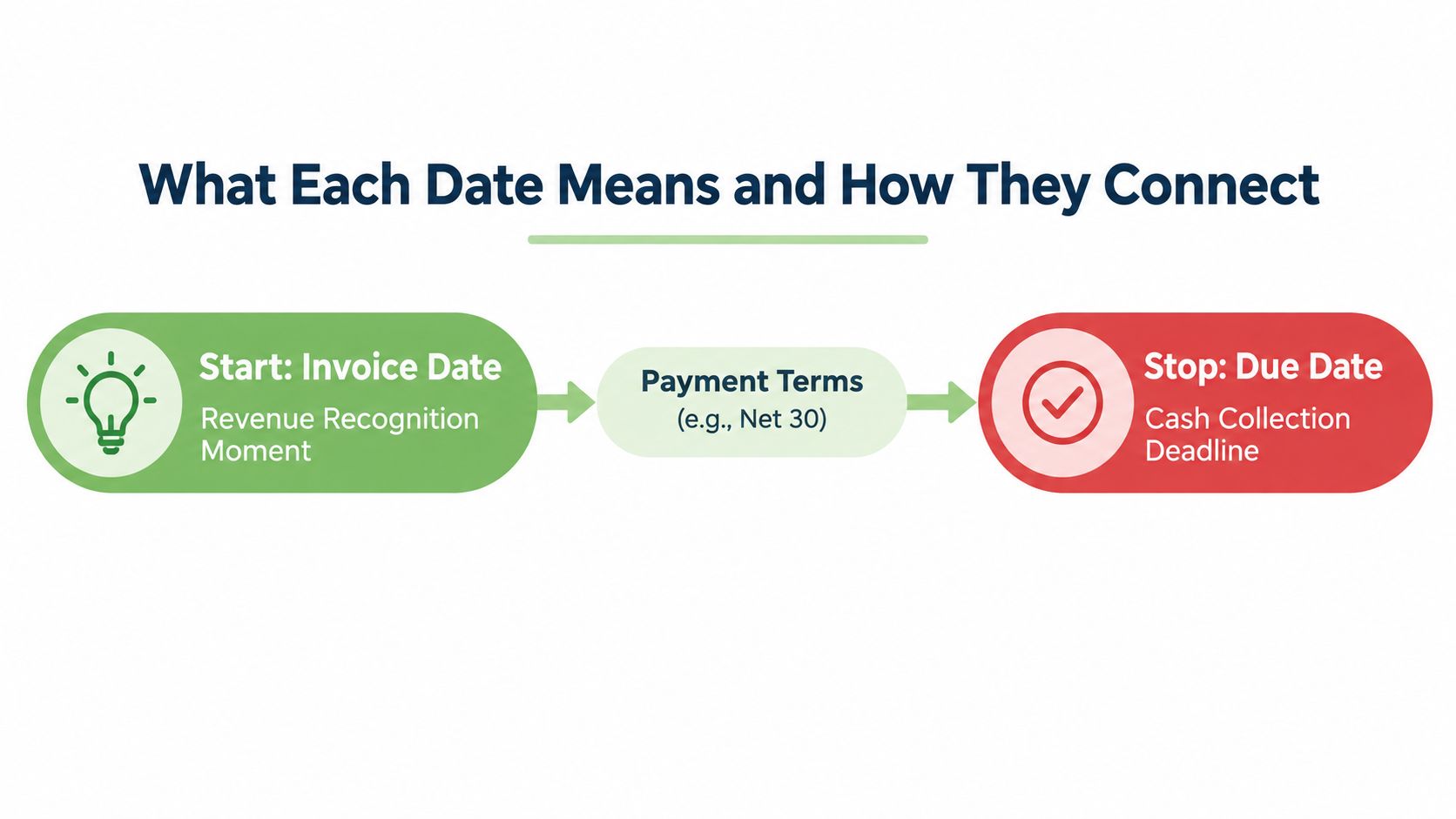
The short walkthrough below shows how that interval changes when the invoice lands near a weekend or month boundary.
Add the term to the invoice date
With Net 30, the due date sits 30 calendar days after the invoice date unless the contract says otherwise. A March 5 invoice with Net 30 lands on April 4. March 5 counts as day 0, March 6 as day 1, and the count continues until the thirtieth day arrives.
That is why “invoice date plus 30” works as the practical rule. It gives both sides the same deadline and makes the date easy to check without guesswork.
Keep the clock consistent
The wording on the invoice turns a date into a deadline. If your client pays on a recurring schedule, the exact due date still needs to be written down. If you only write “Net 30,” many people can calculate it, but a clear calendar date removes friction.
Some terms change the clock in different ways. EOM means the term runs from the end of the month, 2/10 net 30 gives a small discount if payment arrives within 10 days, and milestone billing ties payment to a project stage instead of a fixed calendar span. Each one changes when cash is expected to arrive.
Use calendar days unless the contract says business days. That small detail changes the due date more often than new senders expect.
Aging Reports by Invoice Date Versus Due Date
Aging reports can look contradictory until you see what they're measuring. One report counts from when you issued the invoice. The other counts from when payment was supposed to arrive. Both are useful, but they answer different questions.
The distinction matters because a receivable can be old without being overdue, and overdue without being especially old. That's where people get lost. A clean report should tell you whether you're tracking workload or breach risk, not mix the two.
Use the right bucket for the right job
Aging by invoice date is better when you want to see how long invoices have existed in your system. Aging by due date is better when you want to see what is late. In collections, the second view is the one that usually matters most.
The accounting guidance on aging by invoice date versus due date explains that the same Net 30 invoice can land in different delinquency buckets depending on which clock you use, which is why comparing portfolios requires one standard method. If you're tracking partial collections alongside aging, the balance view in this partial-payment guide helps keep the math readable.
A simple comparison
| Days Elapsed | Bucket by Invoice Date | Bucket by Due Date (Net 30) |
|---|---|---|
| 15 | 15 days old | Not yet due |
| 30 | 30 days old | Due today |
| 45 | 45 days old | 15 days past due |
| 60 | 60 days old | 30 days past due |
| 120 | 120 days old | 90 days past due |
A Net 30 invoice dated January 15 reaches 120 days from the invoice date before it reaches 90 days past due. That difference is why collections teams usually care about due-date aging, while internal workload reviews sometimes start from the invoice date.
Worked Examples for Net 15, Net 30, EOM, and More
Start with one invoice date, March 10, and change only the payment term. That's the easiest way to see how the clock moves. The date math stays simple once you treat each term as a rule, not a guess.
Straight net terms
Net 15 means add 15 calendar days. March 10 plus 15 days is March 25, so payment is due then. Net 30 means add 30 calendar days, which lands on April 9. Net 60 adds another full month, taking the due date to May 9.
Those terms stretch the invoice-to-cash timeline in a straight line. The longer the term, the longer the money sits out in receivables before it can help with bills.
Month-end terms and discount terms
EOM changes the rule. A March 10 invoice due at month-end lands on April 30, and a March 28 invoice also lands on April 30. That compression matters because a later invoice can end up with a much shorter collection window than an early-month invoice.
2/10 Net 30 adds a second clock. The discount window ends March 20, which is 10 calendar days after March 10. The full amount stays due on April 9. In practice, the buyer either pays early and takes the 2 percent discount, or waits and pays the full balance twenty extra days later.
Immediate payment terms
Cash in advance removes the due date from the normal clock because payment happens before work starts or before delivery. There isn't a future deadline to calculate. For the sender, that means the cash arrives first and the billing risk drops sharply.
A term is only useful if both sides can follow it without debate. If the rule is hard to explain on the phone, it's hard to enforce on the invoice.
| Payment Term | Rule | Discount Window Ends | Full Amount Due | Notes |
|---|---|---|---|---|
| Net 15 | Add 15 calendar days | N/A | March 25 | Shorter cash gap |
| Net 30 | Add 30 calendar days | N/A | April 9 | Common B2B structure |
| Net 60 | Add 60 calendar days | N/A | May 9 | Longer collection window |
| EOM | Due at month-end | N/A | April 30 | Late-month invoices compress |
| 2/10 Net 30 | 2 percent discount if paid in 10 days | March 20 | April 9 | Early pay saves money |
| Cash in advance | Payment before work or delivery | N/A | Before start | No normal due-date delay |
How These Dates Affect Cash Flow and Collections
The invoice date enters the receivables ledger the moment you send the bill. The due date decides when your follow-up logic starts. That's why a single invoice can look harmless on paper and still create a gap in your bank balance if the payment term is too long.
What the clock does to your forecast
A Net 30 invoice issued on day 0 is usually forecast as cash on day 30. If you bill $10,000, that money is expected around the thirty-first day, not the day you finished the work. Push the term to Net 60, and the same $10,000 gets pushed two months further out in your runway planning.
That delay matters because late payment isn't rare. In the 2026 U.S. Small Business Late Payments Report, 59% of businesses said they had invoices overdue by 30+ days, up from 47% in 2025, and businesses with unpaid invoices were owed an average of $17.7K. The same report says 49% of owners see standard payment processing times as creating critical or moderate cash-flow gaps, and more than half of businesses on Net 30 terms had overdue invoices compared with 26% of businesses requiring immediate payment. Source data in the report
Why collections live on the due date
Most reminder systems key off the due date, not the invoice date. That's the point where “waiting to be paid” turns into “past due,” and the follow-up schedule can begin. If you've ever wondered why one reminder goes out the day after the deadline while another waits longer, it's because the due date is the control point.
The reporting side works the same way. AR teams often segment by due date to prioritize collection work, while invoice-date aging helps them understand the overall invoice load. If you want a cleaner follow-up process, this unpaid-invoice follow-up guide keeps the context attached to the reminder.
Common Mistakes That Break the Payment Clock
The easiest mistake is assuming every invoice uses the same rule. It doesn't. Some clients pay on receipt, some use month-end, and some only move when the contract says exactly what to do.
Defaulting to Net 30 without an agreement
If the contract never said Net 30, don't assume it. That can make the due date legally fuzzy and create a dispute the moment the client's AP team reads the invoice differently. A vague term can also make late-fee enforcement harder because the deadline itself was never cleanly set.
Leaving the invoice date blank
A missing invoice date breaks the payment clock at the starting line. The buyer doesn't know when the term began, and you lose the anchor you need for aging, reminders, and any late-charge timing. Even a good client can stall when the date field isn't clear.
Misreading EOM and discount terms
EOM doesn't mean “count from the invoice date and hope for the best.” It means month-end controls the deadline. The same goes for 2/10 Net 30, where the early-payment discount window and the full-price deadline are separate rules. If you misread either one, you can lose the discount or give away time you didn't mean to offer.
Setting the Right Dates on Every Invoice You Send
The cleanest invoice follows five decisions. First, make sure the invoice date matches the day you delivered the work or goods. Second, choose a term that fits the client relationship. Third, calculate the due date with explicit math instead of guessing from memory.
Fourth, show both dates on every template, so the client never has to hunt for them. Fifth, set reminder timing before the invoice goes out, so follow-up is automatic instead of emotional.
A tool can help here if it stores the dates consistently. GetBill's invoice templates for Excel are one example of how people keep the fields visible without rebuilding the format every time. Used well, a billing tool becomes the enforcement layer that keeps the date math consistent from one client to the next.
When you send the next invoice, check the start date, write the deadline clearly, and match the term to the work. That small habit cuts disputes, speeds collections, and makes your cash flow easier to trust.
If you want invoicing to feel less manual, GetBill helps you create invoices, set due dates clearly, and track what's been paid and what's still open. Visit GetBill to see how it can keep your invoice date and due date fields consistent from one client to the next.