

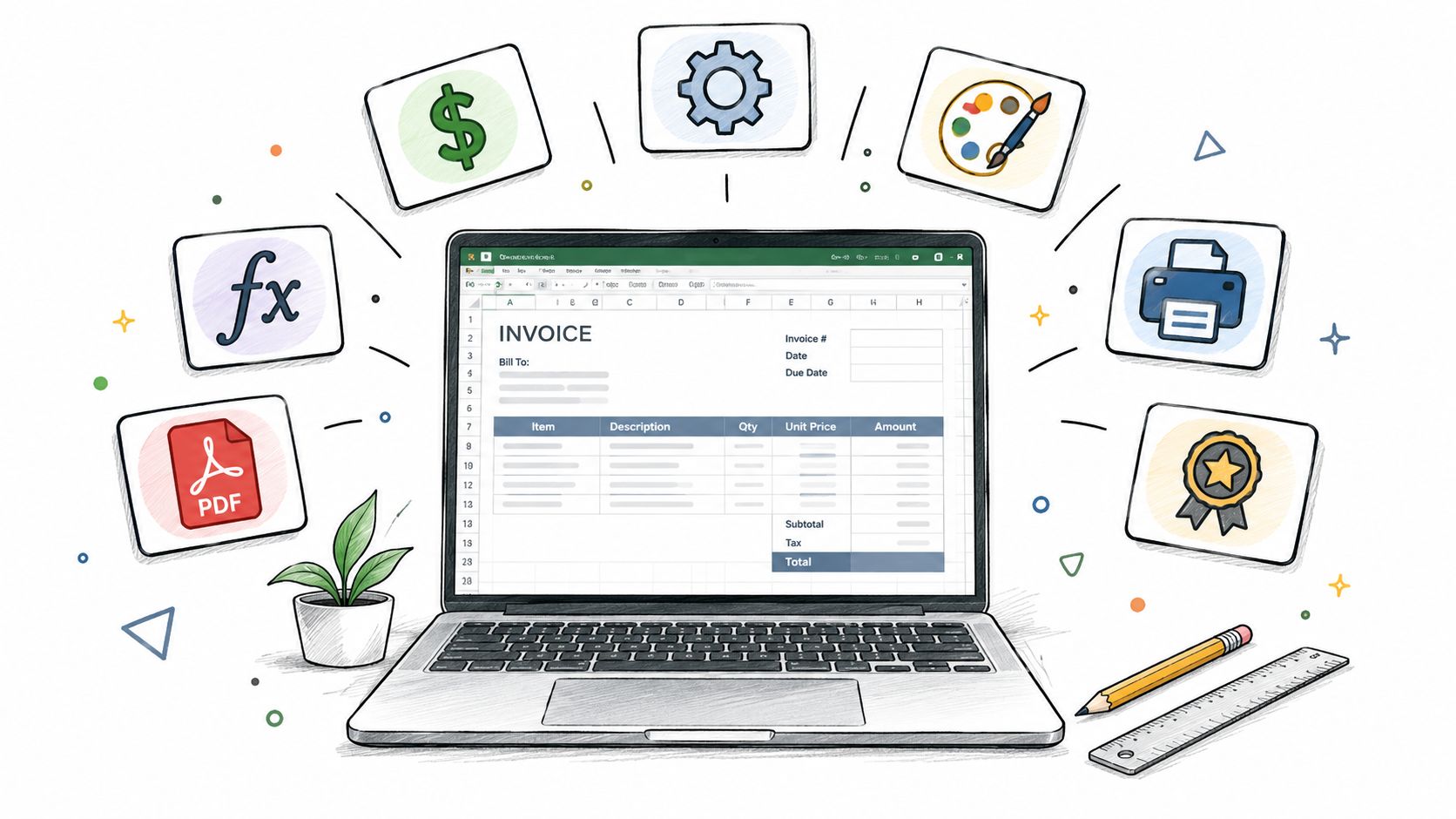
You need a professional invoice fast, but you also need it to calculate cleanly, print well, and look like your business. That's where invoice templates for Excel still make sense, especially if you want editable line items, tax formulas, and a PDF you can send without extra software. The right template depends on the job you're billing, so this roundup compares layout, calculation support, customization effort, print readiness, and what each template leaves on your shoulders. The shared workflow is simple, check the formulas, add your branding, save a master copy, then export a clean PDF or sharing link. If spreadsheet billing starts feeling hard to manage, GetBill can be a relevant alternative for creating and sending invoices, tracking partial payments, and producing branded PDFs.
Table of Contents
- 1. Microsoft Excel templates
- 2. Vertex42
- 3. Smartsheet
- 4. HubSpot
- 5. QuickBooks by Intuit
- 6. FreshBooks
- 7. Zoho Invoice
- Top 7 Excel Invoice Templates, Feature Comparison
- Customize, Test, and Export With Confidence
1. Microsoft Excel templates
Microsoft's own gallery is the safest starting point if you want a workbook that already feels native to Excel. You can open templates from File > New in Excel or use Excel for the web, and Microsoft's invoice workflow lets you pick a template, enter customer and line-item details, review totals with built-in formulas, then export as a PDF or share a OneDrive link. That combination matters because it turns a static invoice form into a spreadsheet-driven billing file with calculation and sharing in one place, which is exactly what lightweight service billing needs.
Practical rule: if the invoice only needs line items, taxes, discounts, and a clean PDF, Microsoft's own template flow is hard to beat for convenience.
The best fit is a freelancer or small business that wants to stay inside Excel without introducing another platform. The templates are also a useful benchmark for tools like GetBill's guidance on when a spreadsheet stops being enough, because they show the point where formulas still handle the logic well. The limitation is variety, since Microsoft's gallery is broad enough for everyday billing but not as specialized as dedicated template libraries.
What works and what doesn't
- Works well: native .xlsx files, quick branding changes, modern Excel compatibility.
- Works well: automatic totals, taxes, and discounts through built-in formulas.
- Doesn't help much: complex approval steps or payment collection.
- Doesn't help much: deep workflow control if you need repeated billing logic beyond a simple workbook.
For simple billing, this is the cleanest download-and-edit option.
2. Vertex42
Vertex42 fits when the invoice has to do real spreadsheet work. Its Excel invoice library covers service, sales, tax, and no-tax layouts, and that matters for contractors, consultants, and small service businesses that bill with changing line items. If an invoice needs itemized rows, labor hours, VAT, or tax-inclusive totals, formulas handle the math with less re-entry than a static form.
The trade-off is clear. Vertex42 gives you structure, readable formulas, and straightforward customization notes, so the workbook is easier to audit than a design-heavy template that hides the calculations. It also works across other spreadsheet apps, which helps if different people on your team use different tools.
For invoice-heavy workflows, that matters more than decoration. A cleaner formula trail is easier to check before you send the file, and easier to revise later if rates, quantities, or tax rules change.
Practical rule: choose Vertex42 when the invoice needs to stay formula-driven, and you want the math visible enough that a later edit does not break the workbook.
If you are building a reusable billing process, this estimate-to-invoice template guide is a useful reference point. It shows why the document structure matters as much as appearance. Vertex42 still leaves version control, file naming, and payment follow-up to you. That is the main limit. It is a template library, not billing software.
Best fit by job
- Service billing: consulting, repair, freelance work, and hourly jobs.
- Sales billing: itemized products with changing quantities and unit prices.
- Tax handling: jobs that need formula-based tax math without extra software.
- Less ideal: teams that need payment automation or client portals.
For simple, formula-heavy invoicing, Vertex42 is a strong download.
3. Smartsheet
Smartsheet is useful when you want a broad library instead of a single polished template. Its Excel invoice collection includes simple, basic, business, and industry-specific layouts, and the pages usually give you enough context to pick the right file without guessing. The templates include line-item totals and tax fields, and Smartsheet also offers collaboration versions if you want to move the same invoice structure into a shared workspace.
That breadth makes it a practical choice for small businesses that invoice different types of work. A studio can use one layout for retainers, a contractor can use another for job-based billing, and a solo freelancer can keep a plain version for quick monthly invoices. The templates are not trying to be beautiful first, they're trying to be usable first, which is often the right trade-off when the primary task is getting an invoice out the door.
The downside is visible as soon as you open the download pages. You'll see Smartsheet product prompts, and the visual design is utilitarian, so branding work is on you. The templates do compute line items and totals out of the box, though, which means the groundwork is already there.
Good template, limited polish. If you need a quick starting point across several billing situations, that's enough.
For teams that need more than one invoice shape, Smartsheet is one of the more practical libraries because it saves decision time. For teams that care mostly about brand feel, you'll spend extra time tightening the typography and layout before sending the first PDF.
4. HubSpot
A freelancer sending the same invoice every month needs different things from a template than a studio billing mixed services. HubSpot's invoice downloads fit that kind of routine work. The collection includes Excel, PDF, and Word formats, and the sheets already handle subtotals, tax, and totals with built-in formulas. That keeps the job focused on filling in client details and line items, not rebuilding formulas from scratch.
The key strength here is flexibility across the handoff. Edit the invoice in Excel, then export a PDF for the client when the file needs to be final. That workflow suits small businesses that reuse one billing structure but still need to adjust for different customers or payment preferences.
Branding is straightforward too. The layouts are clean enough for a logo, company color, and a consistent font choice to do most of the work. The trade-off is a smaller selection of visual styles than you would get from a dedicated template library, and some resources sit behind lead capture.
HubSpot works best for a simple billing setup that needs to look polished without much design effort. It is a practical pick for freelancers, small businesses, and repeat billing where the invoice format stays mostly the same. If your priority is a conservative, professional Excel invoice that you can customize once and print as a PDF whenever needed, HubSpot covers that job well.
5. QuickBooks by Intuit
QuickBooks' free invoice templates are a strong pick when you want something printer-friendly and familiar. The collection includes Excel, PDF, and Word options, and the templates are built around straightforward line-item billing with clear sections for tax and totals. That makes them especially useful for businesses that still hand out printed invoices or want a workbook that exports neatly without layout surprises.
There's a practical reason these templates appeal to so many people. They are simple enough to use fast, but they still look polished enough to send to a client without much editing. If you already use QuickBooks somewhere else in your workflow, the brand familiarity also helps. The invoice feels like part of a system instead of a random download.
The main limitation is size. This is a relatively small collection compared with specialist template sites, so you may not find the exact variation you want on the first pass. Some pages also emphasize PDF, so you need to make sure you're downloading the Excel version and not stopping at the preview format.
Use these when print quality matters more than template variety.
If you're weighing spreadsheets against a fuller billing stack, this comparison of invoicing software and spreadsheets is relevant because QuickBooks templates sit right on that boundary. They're solid for simple invoice delivery, but they don't solve the follow-up work that grows with your client list. For that, the spreadsheet has to stay tidy on your side.
6. FreshBooks
FreshBooks works well if you need an invoice that starts clean and stays editable. The free Excel templates keep the layout plain, with standard business fields, auto-calculation, and a few format options such as contractor and consulting versions. That makes them a good fit for freelancers and small teams that bill the same kind of work again and again.
The advantage is the workflow. Open the workbook, add your logo and contact details, adjust the spacing if needed, and save a version you can reuse. A simple file is easier to brand than a crowded one, and FreshBooks leaves enough room for that without forcing a redesign. If you print invoices for local clients, the uncluttered layout also helps the page hold up on paper.
The trade-off is familiar. Some FreshBooks pages lean toward PDF previews, so make sure you download the editable .xlsx file, not the sample view. The site also points users toward its own software, which is fine if you want the broader product, but less helpful if you only want the template.
For freelancers who want speed first, FreshBooks is a practical choice. It is less about visual variety and more about getting a clean, repeatable billing document ready with minimal cleanup.
7. Zoho Invoice
Zoho Invoice is a sensible option if you want a reusable workbook that doesn't feel bloated. The template gallery includes Excel downloads alongside PDF and other formats, and the fields are set up for company details, client details, line items, and taxes. That gives you a predictable structure you can save, duplicate, and adjust for different clients or jobs.
The main strength is consistency. If your billing process is repetitive, a stable invoice layout is more valuable than a wide template library. Zoho's templates are easy to customize and save for repeat use, which means the workbook can become part of your routine instead of a one-off file. That matters when you want fewer decisions each time you bill.
The downside is that the gallery can vary by region, and some designs are minimal. The site also naturally points users toward Zoho's app ecosystem, so if you're only after the template, expect some upsell along the way. Still, the Excel files themselves are practical and straightforward.
Practical rule: if you keep sending the same style of invoice, use a simple Zoho workbook and tighten the branding once, not every time.
Zoho is a good fit for small businesses that want a reusable template without jumping into a full accounting setup. It's less about visual flair and more about repeatability, which is often the right trade-off.
Top 7 Excel Invoice Templates, Feature Comparison
| Template source | Implementation (🔄) | Resource needs (⚡) | Expected outcomes (📊⭐) | Ideal use cases (💡) | Key advantages (⭐) |
|---|---|---|---|---|---|
| Microsoft Excel templates (official Microsoft gallery) | Low 🔄, open from File > New | Minimal ⚡, Excel/Desktop or web | Reliable, formula-ready; high compatibility 📊 ⭐⭐⭐⭐ | Native .xlsx branding across Excel versions 💡 | Official, maintained by Microsoft; easy to customize ⭐ |
| Vertex42 | Low–Medium 🔄, formula-driven, minimal macros | Moderate ⚡, Excel/Sheets; some paid add-ons | Robust, well-tested templates with clear formulas 📊 ⭐⭐⭐⭐ | Users needing proven, formula-accurate invoice variants 💡 | High-quality structure and documentation; trusted by users ⭐ |
| Smartsheet (Excel collection) | Low 🔄, downloadable .xlsx; optional Smartsheet | Minimal–Moderate ⚡, Excel; optional Smartsheet account | Functional selection with built-in calculations; utilitarian design 📊 ⭐⭐⭐ | Small businesses seeking multiple ready-to-use options; collaboration possible 💡 | Broad selection and prebuilt totals/taxes ⭐ |
| HubSpot (free Excel templates) | Low 🔄, simple downloads, some gated items | Minimal ⚡, Excel/PDF/Word; email form may be required | Clean, client-ready layouts with automatic totals 📊 ⭐⭐⭐⭐ | Freelancers and small businesses needing ready-to-send invoices 💡 | Multiple formats and short usage guidance ⭐ |
| QuickBooks by Intuit (free Excel templates) | Low 🔄, straightforward Excel versions available | Minimal ⚡, Excel/PDF; integrates with QuickBooks workflows | Printer-friendly, practical invoices for line-item billing 📊 ⭐⭐⭐ | Businesses that print/export invoices or use QuickBooks alongside Excel 💡 | Recognizable brand; practical and printable layouts ⭐ |
| FreshBooks (Excel templates) | Low 🔄, downloadable .xlsx with auto-calculation | Minimal ⚡, Excel; site may promote FreshBooks SaaS | Simple, clean templates tailored to freelancers 📊 ⭐⭐⭐ | Freelancers/consultants needing quick, brandable invoices 💡 | Easy to adapt and brand; fast to use ⭐ |
| Zoho Invoice (Excel templates) | Low 🔄, downloadable and editable .xlsx | Minimal ⚡, Excel/PDF; possible upsell to Zoho apps | Consistent small-business structure; reusable templates 📊 ⭐⭐⭐ | Small businesses wanting basic, brandable .xlsx without full software 💡 | Free, editable templates from a reputable invoicing vendor ⭐ |
Customize, Test, and Export With Confidence
The right choice depends on the job. Use Microsoft if you want native Excel access and built-in invoice workflow. Choose Vertex42 when formula-driven variety matters. Pick Smartsheet if you want a broad set of business and industry layouts. HubSpot and FreshBooks make sense when you want straightforward small-business templates that are easy to brand. QuickBooks is a practical pick for printer-friendly output. Zoho works well when you want a simple workbook you can reuse.
Before you send anything, run the same checklist every time. Confirm the company and client fields are complete. Check that every line-item formula is pulling correctly. Verify tax, subtotal, discount, and total calculations. Add your logo, brand colors, and contact details. Set the print area and page breaks so the invoice doesn't split awkwardly. Preview the PDF once before sending, and save the file with a consistent name so you can find it later.
That workflow matters more than the template itself. A well-built Excel invoice is useful because it's repeatable, not because it's fancy. If your business has moved into estimates, one-click estimate-to-invoice conversion, online card payments through Stripe, deposits or installments, and automatic billing status updates, a spreadsheet can start to feel like a workaround instead of a system. In that case, it makes sense to look at GetBill as a billing tool built around the full invoice lifecycle.
GetBill helps freelancers and small businesses create and send invoices, convert estimates into invoices, and record payments in one place. If you're using invoice templates for Excel now but want a cleaner way to bill, track partial payments, and send branded PDFs, visit GetBill and see whether it fits your workflow.