

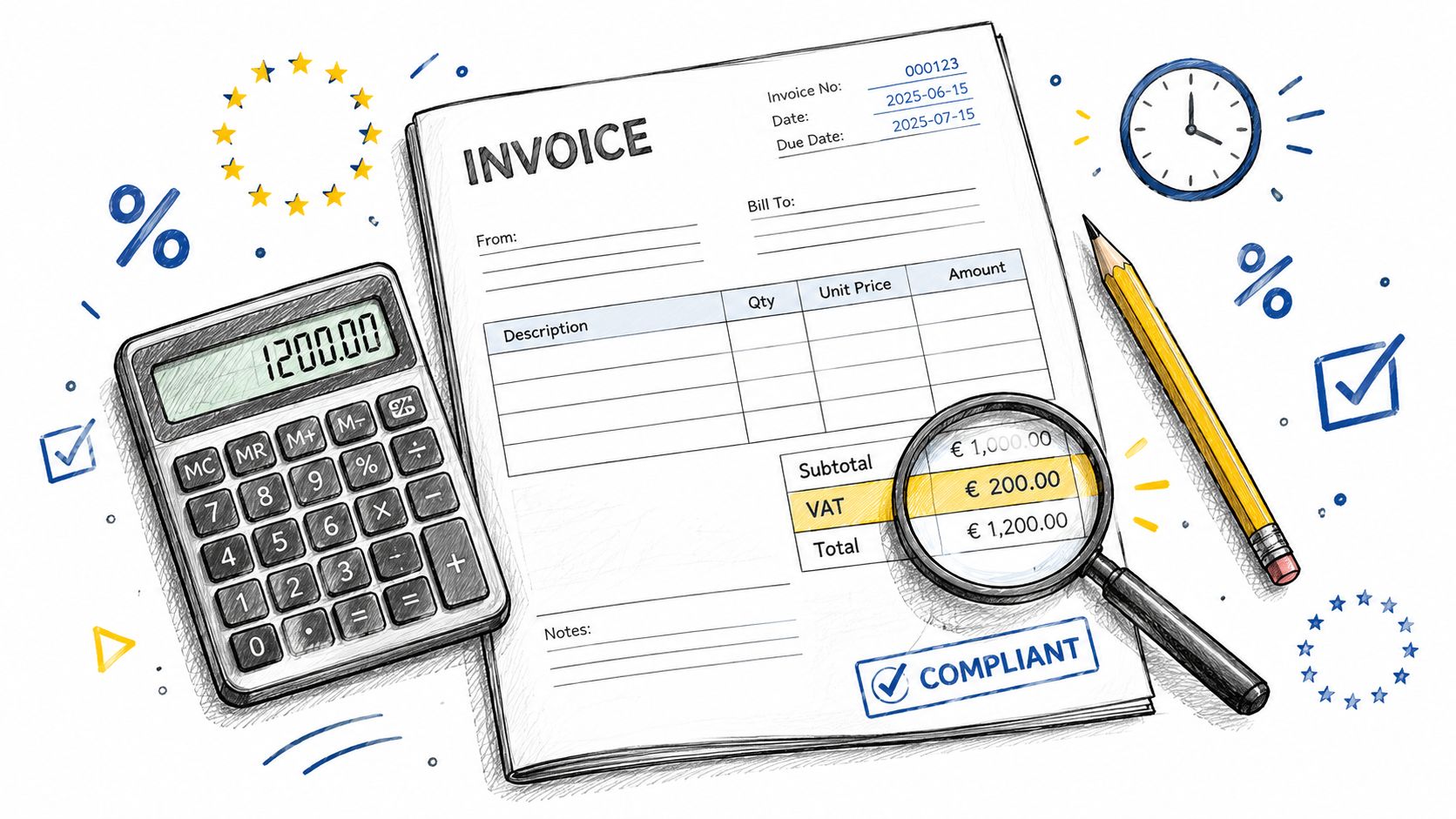
You've finished a project, sent the payment request, and opened an old spreadsheet to prepare the invoice. The layout looks professional, but then the questions start. Should VAT appear on every line? Does the customer's VAT number belong on the document? Is the invoice date enough, or do you need the tax point as well? And will a PDF still be acceptable when digital reporting rules become more demanding?
An invoice template with VAT needs to do more than display a subtotal, tax line, and final balance. It must capture the facts that determine the correct VAT treatment, preserve a reliable audit trail, and adapt when the transaction involves different rates, reverse charge, cross-border supplies, deposits, or electronic reporting. A static document can still be useful, but it shouldn't be mistaken for a complete compliance system.
Table of Contents
- Why Your Invoice Template Must Meet Legal Standards
- Decoding the Mandatory Fields for a Full VAT Invoice
- Mastering VAT Calculations and Line-Level Tax Rates
- The Shift from Static PDFs to Rules-Driven Templates
- Leveraging Automation for Future-Proof VAT Compliance
- Building Your Essential Checklist for VAT Invoicing
Why Your Invoice Template Must Meet Legal Standards
A VAT invoice is a legal document that records a taxable supply. It supports the seller's accounting, gives the customer evidence for its own VAT treatment, and provides tax authorities with a structured record of what was sold, to whom, when, and under which tax treatment. That's why a visually attractive template can still be inadequate if it omits a mandatory field.
For businesses operating in the EU, invoicing rules generally require invoices for most B2B supplies and for certain B2C transactions. The invoice must capture details including the sequential invoice number, issue date, supplier and customer identities, description and quantity of the goods or services, VAT identification numbers where relevant, unit price before tax, VAT rate, and VAT amount due. The European Commission's invoicing guidance also sets out timing requirements for certain cross-border and reverse-charge supplies.
The practical consequence is simple. Your template has to make the correct information easy to enter and difficult to omit.
The invoice number is a control, not decoration
A unique sequential number gives every invoice a place in your records. It helps you identify missing documents, match payments, trace credit notes, and explain the chronology of your billing activity. A template that allows duplicate numbers or unexplained gaps creates avoidable questions during reconciliation.
Use a numbering method that you can apply consistently across invoices. Before changing your numbering approach, review this guide to creating invoice numbers. The exact format can vary, but the sequence should be controlled rather than typed casually into a PDF.
The same principle applies to dates. An issue date may not always be the date on which the goods or services were supplied. For some transactions, the relevant tax point can differ, and the invoice needs to show the appropriate information.
Practical rule: Treat every invoice field as part of your tax record. If a field can affect VAT, payment matching, or the customer's ability to process the invoice, it belongs in the workflow, not just in the design.
What goes wrong with incomplete templates
A generic template often contains only supplier details, customer details, line items, subtotal, VAT, and total. That structure works for a simple domestic transaction only when the tax treatment is already clear and the required identity and date information is complete.
It becomes unreliable when the transaction involves a customer VAT number, a tax point that differs from the issue date, multiple VAT rates, an exemption, or reverse charge. A missing VAT amount can make the document unsuitable for the customer's records. A missing customer VAT identification number can weaken the evidence for a cross-border B2B treatment. An invoice issued too late in a transaction category with a specific deadline can create a compliance problem even if the arithmetic is correct.
A VAT template should therefore be designed as a repeatable control system. It should prompt for the right data, calculate from the underlying lines, and preserve the final document alongside supporting information.
Decoding the Mandatory Fields for a Full VAT Invoice
The modern European VAT invoice reflects the standardization introduced by Directive 2010/45/EU. That reform helped create a common framework for invoice content across member states and supported more consistent cross-border trade. It also established invoicing deadlines for certain supplies, including the requirement that some invoices be issued no later than the 15th day of the month following the chargeable event.
A full VAT invoice is more detailed than a basic receipt. It must identify the parties, describe the supply, show the taxable basis, and make the VAT treatment visible. UK HMRC guidance follows the same practical logic for a full VAT invoice, requiring details such as a unique sequential number, time of supply, issue date, supplier information, customer information, description and quantity, VAT rate and amount, totals before VAT, and the total VAT chargeable.
Use the checklist below when reviewing an invoice template with VAT.
| Field category | Required data points |
|---|---|
| Document control | Unique sequential invoice number, issue date, and time of supply where relevant |
| Supplier identity | Legal name, address, and VAT registration number |
| Customer identity | Customer name and address, plus customer VAT number where applicable |
| Supply description | Clear description of the goods or services and the quantity supplied |
| Pricing | Unit price before tax and the taxable amount |
| VAT treatment | Applicable VAT rate, VAT amount, and any exemption or reverse-charge wording |
| Totals | Amount excluding VAT, VAT total, and amount payable |
| Transaction-specific data | Tax point date when it differs from the invoice date, and any other details required for the transaction |
A field-by-field review
Start with the document controls. The invoice number should follow your established sequence, while the issue date records when you created the invoice. Add the time of supply when required, particularly where it differs from the issue date or affects the tax point.
Next, identify both sides of the transaction. Your legal name, address, and VAT number should be clear. The customer's legal identity and address should also be present. For relevant B2B and cross-border transactions, the customer's VAT identification number is not a cosmetic addition. It helps establish the customer's tax status and supports the selected VAT treatment.
The description must be specific enough to explain what the customer bought. “Consulting” may be too vague if the invoice covers several distinct services. Use descriptions that identify the deliverable, service period, project stage, or product category without turning the invoice into a full contract.
Why line details matter
The price section should distinguish the unit price before VAT, the quantity, the taxable amount, the VAT rate, and the VAT amount. If an invoice contains different rates or exempt items, group the totals by treatment rather than applying one tax rate to the document total.
An invoice can look complete while still being unsuitable for VAT purposes if it shows only one combined tax figure. The customer needs to understand how the total was formed, and you need to be able to reconcile the invoice with your VAT records.
For date handling, keep the issue date and supply date as separate fields in your system. The invoice date and due date guide can help you distinguish the date that documents the invoice from the date that controls payment expectations. They serve different operational purposes and shouldn't be collapsed into one field.
Mastering VAT Calculations and Line-Level Tax Rates
The most common calculation mistake is treating VAT as a single adjustment applied at the bottom of the invoice. That approach is fragile because VAT treatment belongs to the underlying supply, and one invoice can contain lines with different tax statuses.
A reliable template stores tax metadata for each line. That metadata should identify the applicable rate or treatment, whether the line is taxable, exempt, zero-rated, or subject to reverse charge, and which taxable amount belongs in the relevant summary. The EU VAT invoice content guidance highlights why generic subtotal, tax, and total layouts can fail when an invoice involves cross-border supplies, reverse charge, or multiple rates.
Calculate each line before summarizing
For a taxable line, calculate the VAT from the line's amount before tax and the rate assigned to that line. Then add the line's taxable amount and VAT amount to the appropriate rate group. The invoice should render those figures separately, rather than hiding the calculation inside one final total.
For example, a service invoice may contain one standard-tax line and another line with a different treatment. The template should keep the lines distinct, calculate VAT for each applicable group, and show a summary that separates the taxable bases and VAT amounts. If a line is exempt or carries no VAT because of the transaction rules, the template should record the reason instead of treating the line as an unexplained blank.
This structure also makes corrections safer. If one line changes, the system recalculates the relevant tax group rather than requiring you to edit a combined VAT figure manually.
Reverse charge needs a different output
Reverse charge is not just a zero inserted into the VAT amount field. In the relevant cases, the supplier does not charge VAT in the usual way because the customer accounts for it. The invoice therefore needs the appropriate customer VAT information and clear wording that explains the treatment.
A rules-driven template can change the VAT block based on the customer's jurisdiction, VAT status, supply type, and other transaction data. A basic spreadsheet can calculate arithmetic, but it won't reliably decide whether the transaction qualifies for a particular treatment unless you build and maintain that logic yourself.
Keep the amount of VAT in the invoicing currency visible where required. Also retain the tax point date when it differs from the invoice date. These details matter because a template may otherwise produce a document that is mathematically tidy but incomplete for the transaction.
Avoid default-rate thinking
A default VAT rate is useful for routine work, but it shouldn't override the transaction data. Before issuing an invoice, check:
- Line classification: Confirm that each item has the correct tax category.
- Customer status: Record whether the customer is a business or private individual and whether a VAT number is relevant.
- Place of supply: Check the jurisdictional rule that applies to the goods or service.
- Invoice wording: Add the required exemption or reverse-charge explanation when VAT isn't charged.
- Summary integrity: Ensure the taxable amount and VAT amount reconcile with the line calculations.
For freelancers, an Excel invoice template can be helpful for learning the structure, but manual formulas become harder to control as transaction types multiply. The more variation you handle, the more valuable it becomes to separate calculation logic from document presentation.
The Shift from Static PDFs to Rules-Driven Templates
A static PDF answers one question: how should the invoice look? A rules-driven template answers a more important question: what should this invoice contain for this specific transaction?
That distinction matters because VAT treatment can depend on the customer's location, the type of supply, the stage of payment, and the jurisdiction involved. A beautifully formatted PDF won't automatically know that a deposit requires different handling from a final invoice, that a reverse-charge transaction needs specific wording, or that a cross-border supply may require customer identification and supporting evidence.
Static and dynamic approaches compared
| Static PDF template | Rules-driven template |
|---|---|
| Reuses the same fields for every transaction | Shows fields based on transaction data |
| Relies on manual VAT selection | Applies stored tax logic to each line |
| Can display a polished document | Can produce a document and structured invoice data |
| Requires manual updates when rules change | Centralizes settings and validation rules |
| Works well for simple, repeated billing | Handles more variation across customers and jurisdictions |
| Offers limited protection against omissions | Can prompt for missing fields before issue |
The PDF still has a place. Clients may need a readable document for approval, archiving, or internal processing. The weakness appears when the PDF is the only representation of the invoice and every compliance decision is made by the person editing it.
Why the EU direction changes the design brief
The VAT in the Digital Age package moves cross-border B2B transactions toward mandatory e-invoicing and digital reporting from 1 July 2030, while the European Commission describes e-invoicing as the default invoicing method under the developing framework. These developments are described in the Commission's 2026 VAT in the Digital Age work programme.
That means an invoice template increasingly needs machine-readable structure, country-specific validation, and a clear distinction between a printable document and an electronic invoice. Standards such as EN 16931 are becoming central to that shift. A PDF may remain useful as a visual copy, but it may not satisfy every future e-invoicing requirement on its own.
The practical question is no longer only, “Can I download an invoice template with VAT?” It's also, “Can my billing process produce the right data for this transaction and deliver it in the required format?”
Design rules that hold up
Build the template around transaction inputs rather than visual fields. At minimum, the logic should distinguish:
- Customer profile: Country, business status, and VAT identification details.
- Supply type: Goods, services, deposits, installments, or final balances.
- Tax treatment: Taxable rate, exemption, zero rate, or reverse charge.
- Payment stage: Amount invoiced now, amount already paid, and balance due.
- Output format: Human-readable document plus structured data where required.
This approach takes more work than downloading a PDF, but it reduces the risk of making the same manual decision repeatedly. It also gives you a clearer path when digital reporting requirements change.
Leveraging Automation for Future-Proof VAT Compliance
Manual billing fails in predictable places. Someone reuses an old invoice number, copies the wrong VAT rate, forgets to update the supply date, or sends a final invoice without deducting a deposit. Spreadsheets can handle calculations, but they depend on disciplined version control, protected formulas, and consistent data entry.
A billing platform can centralize the recurring parts of the process. The useful features aren't limited to the PDF design. Look for controlled invoice numbering, reusable client and product records, itemized tax fields, payment status updates, and a record of what was sent and when.
What automation should actually handle
A practical system should remove repetitive decisions without pretending to replace tax judgment. It can store customer details, apply configured tax settings, calculate totals from itemized lines, and keep the invoice and payment history together. It can also help you distinguish an estimate from an issued invoice, which prevents a quotation from being mistaken for a tax document.
The strongest workflow starts before the invoice is created. The customer profile supplies identity data, the product or service record supplies the normal tax treatment, and the transaction itself determines whether an exception applies. When those inputs conflict, the system should prompt for review rather than generating a document without flagging the issue.
For freelancers, payment stages deserve special attention. Deposits and installments create a balance that changes over time, so the invoice should show what is being billed now and what remains payable. A system that records partial payments across different payment methods can reduce the risk of sending an inaccurate balance request.
Select a tool by control points
A suitable billing tool should make these controls visible:
- Numbering control: The system prevents accidental duplication and preserves a clear sequence.
- Tax configuration: Tax rates and treatments can be assigned to items rather than typed from memory.
- Date management: Issue date, supply date, payment terms, and payment status remain distinct.
- Document history: You can locate the issued invoice, attachments, payment records, and any later correction.
- Client delivery: The customer receives a stable document or secure invoice link.
- Payment reconciliation: Cleared payments update the outstanding balance without re-entering the invoice.
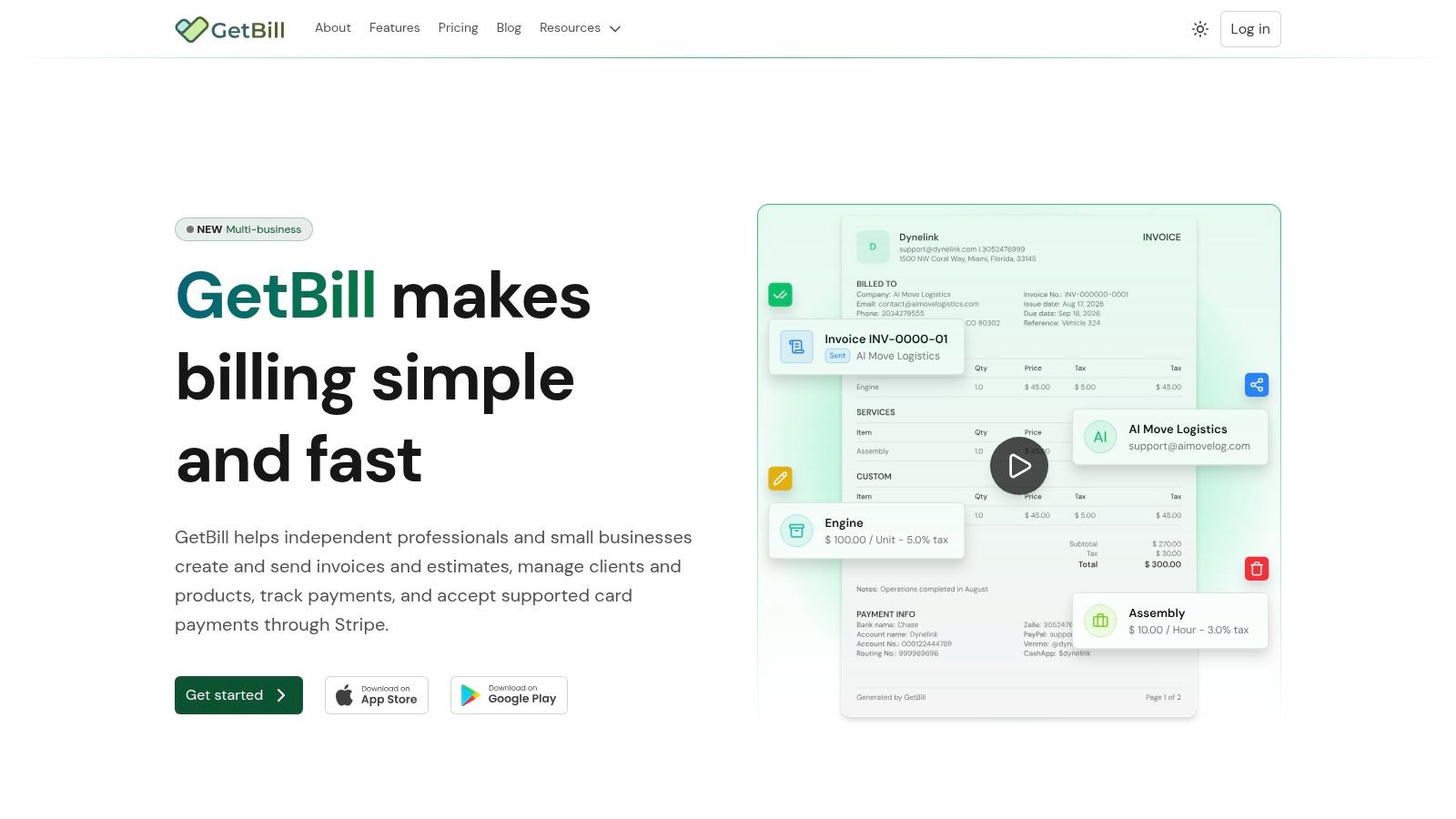
GetBill is one example of a billing application that supports itemized invoices, tax fields, estimates that convert into invoices, branded PDF documents, client and product management, partial payment recording, and Stripe-hosted card checkout. It sits between a manual spreadsheet and a larger accounting suite, so you should still confirm that its configured workflow matches your jurisdictional obligations.
The broader point is that automation should preserve the underlying data, not merely make the document look polished.
Here's a short visual overview of the billing workflow:
Recent policy developments show why this architecture matters. France's framework includes invoice data alongside e-reporting for payment data and cross-border transactions. Belgium is moving toward near-real-time VAT e-reporting for domestic B2B transactions, while the UK has reconfirmed a 2029 e-invoicing mandate with Peppol as the core interoperability network, as described in Deloitte's analysis of real-time compliance developments.
These changes don't make a universal template more attractive. They make a rules-driven process more practical.
Building Your Essential Checklist for VAT Invoicing
A freelancer can test an invoice template with VAT by following one transaction from quote to payment. Start with a straightforward customer and supply, then test a second scenario involving a different VAT treatment. If the same template can't clearly show why the tax differs, it isn't ready for varied work.
Use this final audit before issuing an invoice:
- Confirm the parties: Check your legal identity, address, VAT number, and the customer's required details.
- Control the document: Assign a unique sequential invoice number and record the issue date.
- Identify the supply: Describe the goods or services, quantity, unit price before VAT, and taxable amount.
- Check the dates: Add the time of supply or tax point when it differs from the issue date.
- Review each line: Confirm the tax rate or treatment stored against every item.
- Separate the totals: Show taxable amounts and VAT amounts clearly, especially where treatments differ.
- Handle exceptions: Add the correct exemption or reverse-charge wording instead of leaving the VAT field ambiguous.
- Track payment stages: Show deposits, installments, payments received, and the remaining balance accurately.
- Prepare the data: Keep structured invoice information available if your customer, platform, or jurisdiction requires electronic processing.
- Archive the record: Retain the invoice with the relevant customer, supply, payment, and tax evidence.
A compliant invoice isn't defined by its typography. It's defined by whether another person can reconstruct the transaction from the document and its underlying records.
Review the template whenever your customer base, services, payment model, or reporting obligations change. A PDF can remain part of the customer-facing experience, but the dependable source should be the structured transaction data that generated it.
GetBill helps freelancers and small businesses create itemized invoices with tax fields, manage clients and products, convert accepted estimates into invoices, record partial payments, and share branded billing documents. Visit GetBill to move from manual VAT templates toward a more consistent billing workflow.