

The most feature-rich accounting suite isn't automatically the best software for small business. A freelancer who needs to send an estimate, collect a deposit, and track the remaining balance may get more value from a focused billing app than from a system built for inventory, payroll, and complex financial reporting.
Start with the work behind the invoice. Do you need billing-first software, integrated payment processing, field-service collection, time-based project billing, full bookkeeping, or a free way to get started? Compare setup effort, payment flow, estimate-to-invoice conversion, partial-payment handling, accounting depth, scalability, and total cost. That approach matters as software adoption becomes standard among small firms. One industry compilation reports that 64.4% of small-business owners use accounting software, so the core decision is no longer whether to use software, but which workflow deserves the least friction.
GetBill is the focused billing benchmark in this list. It's designed for independent professionals and small businesses that want professional invoices, estimates, payment links, and balance tracking without replacing bookkeeping, payroll, or full financial reporting.
Table of Contents
- 1. GetBill
- 2. Stripe Invoicing
- 3. Square Invoices
- 4. QuickBooks Online
- 5. FreshBooks
- 6. Zoho Invoice Free
- 7. Wave
- Top 7 Small-Business Finance Software Comparison
- Choose the Small-Business Stack You Will Actually Use
1. GetBill
Best for fast, Stripe-native billing without a full accounting suite
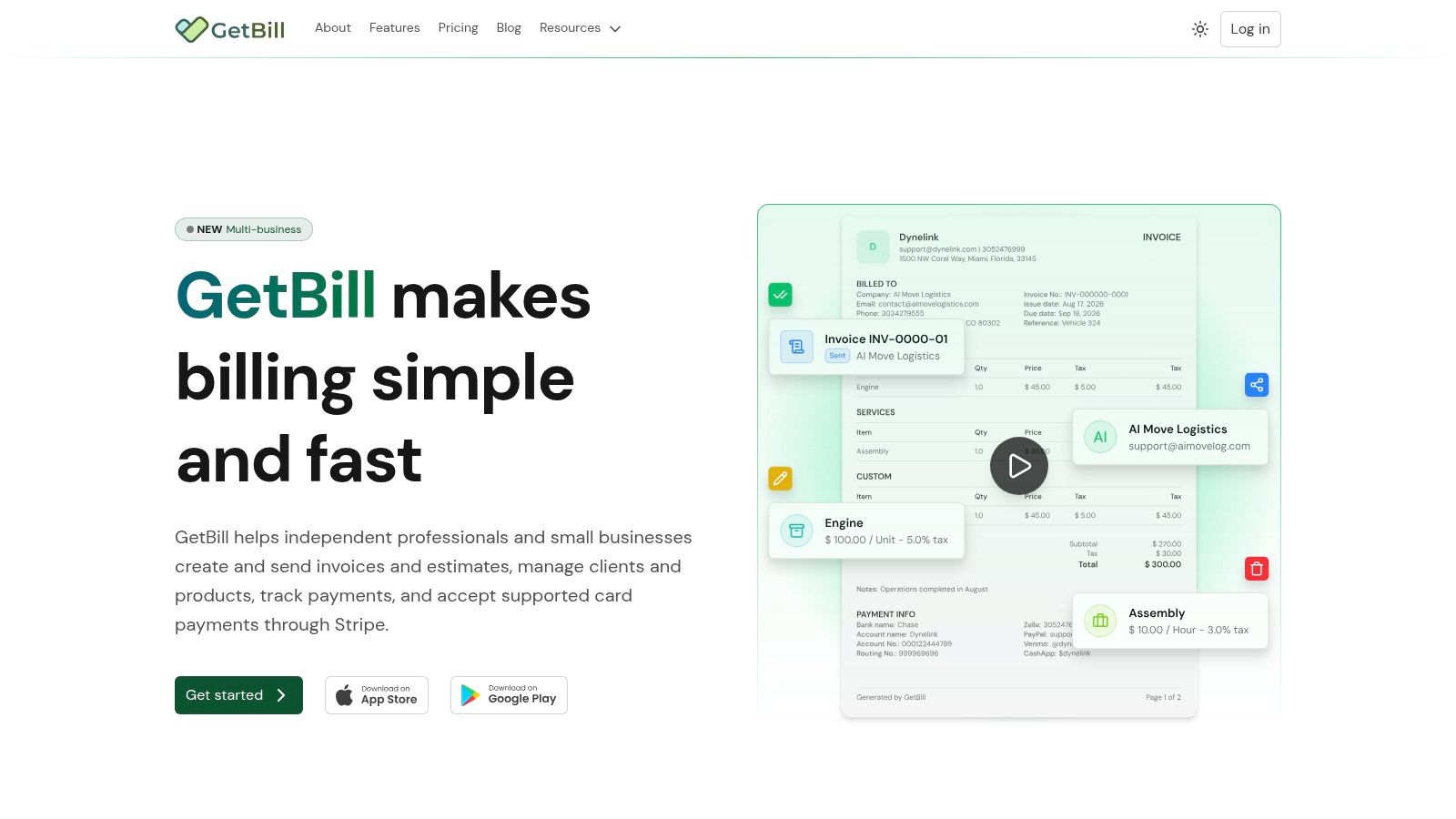
GetBill is the strongest choice when your main operational problem is getting from approved work to collected payment. It lets you create itemized estimates and invoices, share them by email or secure public link, accept card payments through Stripe-hosted checkout, and track deposits or partial payments without maintaining a separate spreadsheet.
The estimate-to-invoice workflow is particularly useful for contractors, consultants, studios, and other service businesses. Once a client accepts an estimate, you can convert it into an invoice in one click instead of re-entering line items, taxes, notes, and attachments. That reduces a common source of billing errors and keeps the client approval trail connected to the payment request.
Why GetBill stands out
GetBill connects directly to Stripe, but it doesn't hold your funds. Payouts go to your connected Stripe account, while Stripe-hosted checkout handles supported card payments. Webhook synchronization updates invoice status when transactions clear, which helps reduce manual reconciliation.
The platform also displays enabled processing fees transparently at checkout, supports deposits and installments, and keeps the outstanding balance accurate after each payment. That makes it a better fit than basic invoice-generation tools when the actual issue is payment visibility and cash-flow timing, not document creation alone.
Practical rule: Choose GetBill when you want billing to stay simple, but you still need estimates, deposits, partial payments, secure checkout, and reliable payment-status updates.
Plans range from the capped Starter tier at $9.99 per month to Pro at $19.99 per month and Business at $29.99 per month. Pro adds unlimited core billing resources, while Business adds multiple business profiles and white-label documents. Mobile apps, branded PDFs, reusable client and product records, and public invoice links make the workflow practical for on-the-go billing.
The trade-off is clear. GetBill isn't a replacement for bookkeeping, payroll, inventory accounting, or advanced financial reporting. It's also tightly connected to Stripe, so your payment options depend on your Stripe account, region, and supported currencies. If you need a lightweight billing layer and already use Stripe, it's the best fit here.
2. Stripe Invoicing
Best for businesses already committed to the Stripe payment ecosystem
Stripe Invoicing makes sense when payment infrastructure matters more than a standalone billing interface. It builds invoicing on top of Stripe, so businesses can create one-off or recurring invoices, send hosted payment pages, and manage payment events in the same environment used for card and bank payments.
The hosted invoice page supports branding, tax rates, coupons, and multiple payment methods. Stripe also provides automated reminders, smart retries, card updates, and post-payment invoice generation. For a business with technical resources, the dashboard and API provide two useful paths. A small team can begin with no-code workflows, while a growing company can connect invoices to its own product, customer, or subscription system.
Stripe is especially strong when the payment event needs to trigger other actions. A successful payment can feed reconciliation, update an internal customer record, or support recurring billing logic without forcing the business to maintain a separate processor integration.
The cost of payment-first flexibility
Stripe Invoicing is less attractive if you want predictable flat monthly billing for a modest number of invoices. An invoice fee applies in addition to standard payment processing, so businesses should compare transaction costs with their invoice volume and average payment value. That cost structure may work well for businesses that already rely on Stripe, but it can become less appealing when a focused monthly tool handles the same billing volume at a lower fixed cost.
Stripe also demands more configuration than GetBill for users who want a polished, ready-to-run small-business billing workflow. If you're deciding between GetBill's invoice creator and PDF workflow and Stripe's broader infrastructure, choose GetBill for speed and Stripe Invoicing for payment control, APIs, and a larger payments stack.
3. Square Invoices
Best for trades, field teams, and businesses that collect payment in person
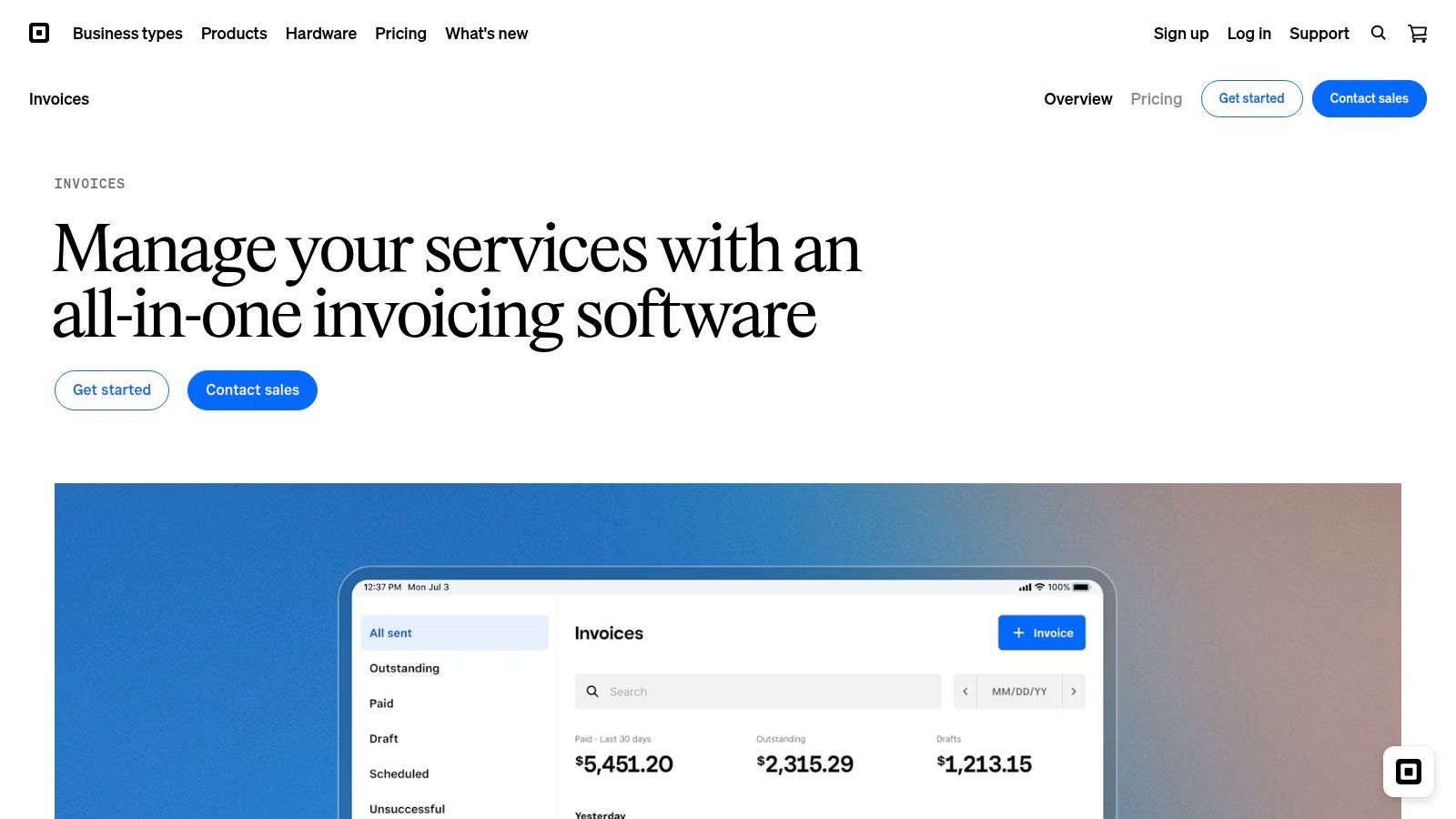
Square Invoices is built around the reality of on-site work. A contractor, repair company, stylist, or field-service operator can create an estimate, convert it to an invoice, send the payment request by email or text, and accept payment through a shared URL or in person.
The estimate workflow supports multiple packages and milestone schedules, which helps businesses present choices or divide a larger job into stages. Deposits are useful when materials or scheduling commitments need to be funded before work begins. Real-time invoice status tracking and basic accounts-receivable reporting give owners a clearer view of what's been sent, viewed, paid, or still outstanding.
Where Square beats office-first tools
Square doesn't require payment hardware to get started. Mobile apps support payment collection, including Tap to Pay on supported iPhone and Android devices, and the platform includes options for working in situations where connectivity is limited. That makes it more practical for businesses that finish work away from a desk.
Its central advantage is the combination of estimate approval, invoice delivery, and payment collection. A field operator doesn't need to send a PDF, wait for a bank transfer, and manually update a spreadsheet after the customer pays by card. The payment journey stays close to the job.
Some advanced functions require paid tiers, and processing rates vary by plan. Square is therefore a strong operational fit, but not automatically the lowest-cost option for every invoice. Choose it when customer convenience and in-person collection matter more than maintaining a narrow, subscription-based billing workflow.
4. QuickBooks Online
Best for small businesses that need invoicing and accounting in one system
QuickBooks Online is the right choice when billing is only one part of the financial operation. It combines invoices and estimates with bill pay, bank feeds, payments, financial reports, and accountant access. Higher tiers add inventory and project tracking, giving growing businesses a path beyond basic billing.
The platform's biggest advantage is breadth. A business can record sales, categorize expenses, reconcile bank activity, manage bills, and produce financial reports without stitching together several specialist tools. Its large integration ecosystem also makes it easier to connect payroll, commerce, expense, inventory, and reporting services.
That breadth comes with a management cost. QuickBooks Online requires more setup and more financial discipline than a focused invoicing app. Owners who only need to create invoices and collect card payments may find the system larger than their actual workflow. Higher tiers can also be expensive for a microbusiness that doesn't need inventory, projects, or deeper reporting.
When the broader suite earns its place
QuickBooks Online has strong appeal for businesses that work with bookkeepers or CPAs. Its widespread support means it's easier to find an accountant familiar with the platform, and accountant access supports collaboration without constantly exporting records.
One guide to invoice software for freelancers makes the core distinction clear in practical terms. If you're a solo operator focused on client billing, GetBill can keep the process lighter. If you need bookkeeping, bank feeds, bill management, and financial reporting in the same system, QuickBooks Online is the better foundation.
5. FreshBooks
Best for consultants, agencies, and creatives who bill for time and expenses
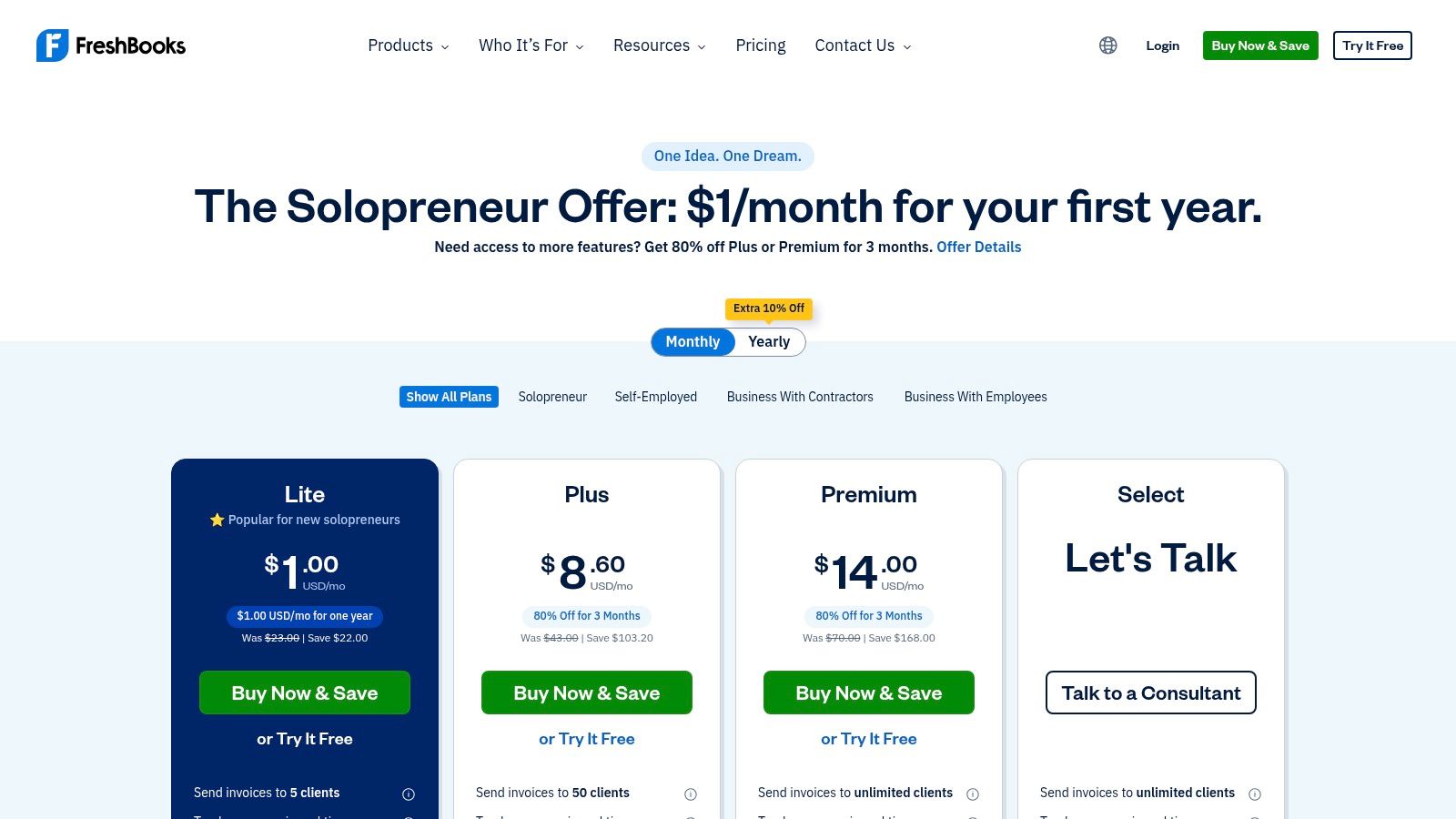
FreshBooks earns its place through client-service workflows rather than maximum accounting depth. It connects time tracking and expenses to projects, then turns that information into invoices. That's valuable for consultants, agencies, designers, developers, and professional service firms that need to prove how a client's bill was calculated.
Time-based billing is where FreshBooks separates itself from billing-first tools. Team members can record work against a project, add expenses, and invoice the resulting activity without maintaining a separate time-tracking system. Recurring billing, retainers, automated reminders, mobile apps, and a client portal extend the workflow beyond a single invoice.
Choose client work over operational simplicity
FreshBooks is a better match than GetBill when project economics depend on hours, expenses, retainers, or client collaboration. Onboarding assistance and accountant access also help firms that want a guided transition rather than a minimal billing tool.
The trade-off is total cost. Plan pricing and add-ons can raise the bill, particularly if you need advanced payments, payroll, or capabilities beyond the base workflow. Evaluate the complete setup rather than comparing only the entry plan.
FreshBooks isn't the best answer for a field operator who mainly needs deposits and on-site payments, and it may be more accounting software than a freelancer wants. For time-based client work, though, its project-to-invoice connection is the deciding advantage.
6. Zoho Invoice Free
Best for freelancers and microbusinesses that want no subscription fee
Zoho Invoice is the strongest free-entry option for users who need estimates, invoices, time tracking, client communication, branded templates, and online payments without a subscription charge. It gives freelancers and very small businesses a usable starting point before they commit to a larger financial system.
The client portal helps customers view documents and interact with billing information, while automation features support reminders and recurring workflows. Connected payment gateways provide a route to online collection, and the broader Zoho ecosystem offers an upgrade path to Zoho Books when invoicing alone stops being sufficient.
Free does not mean unlimited in every direction
Zoho Invoice's main advantage is obvious. You can avoid a monthly software cost while still presenting professional documents and organizing the core billing process. That matters for a new freelancer or microbusiness that wants to replace manual documents without adding another recurring expense.
Usage limits still apply, and advanced accounting requires a move to paid Zoho Books. Payment gateway availability and regional support should also be confirmed before adoption, especially if clients use different currencies or payment methods.
Choose Zoho Invoice when subscription avoidance is the primary constraint. Choose GetBill when Stripe-native checkout, deposits, partial-payment tracking, and real-time payment status are more important than starting at no monthly cost.
7. Wave
Best for very small U.S. and Canadian businesses that want free accounting plus invoicing
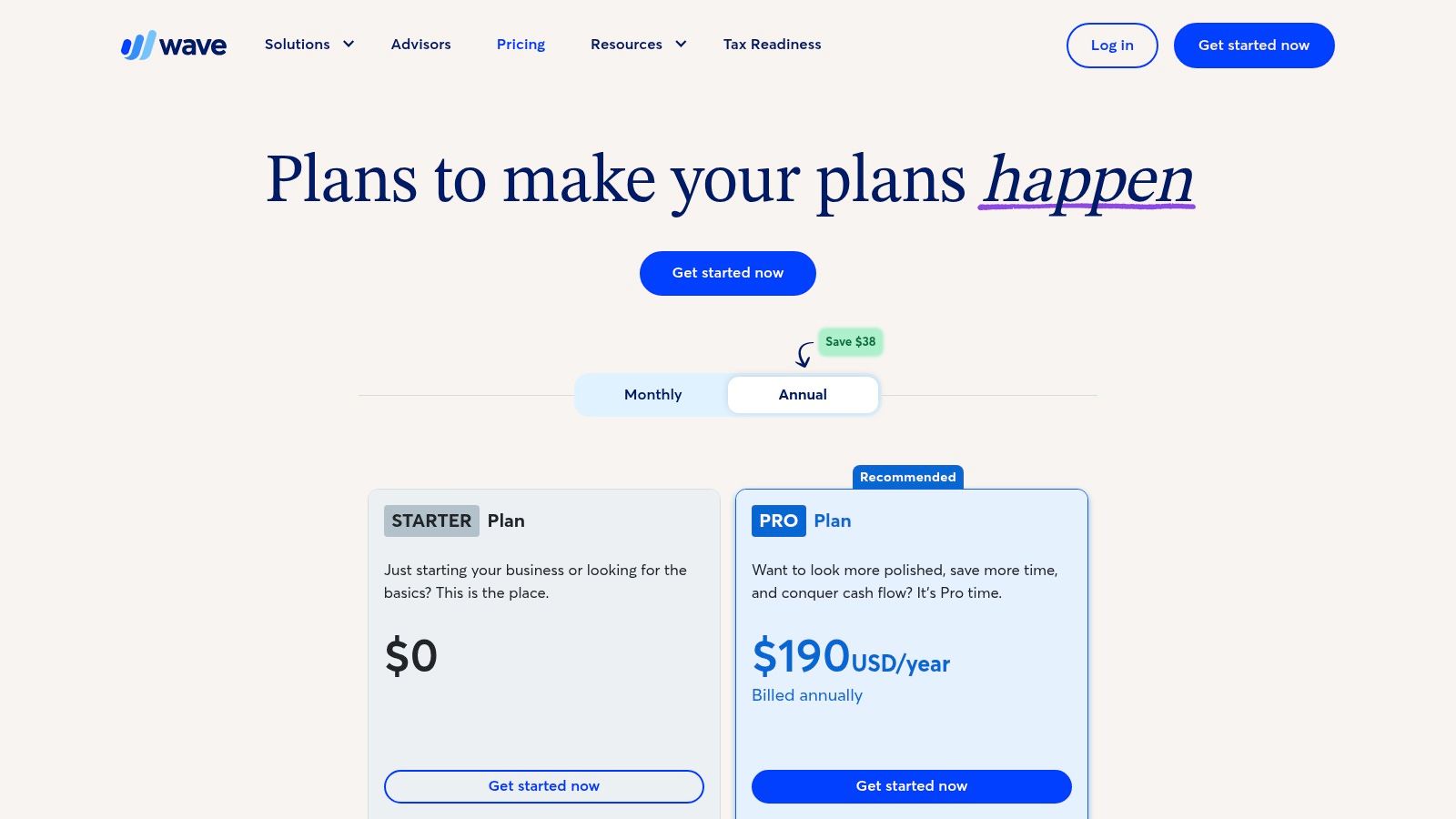
Wave combines core accounting and invoicing, giving microbusinesses a broader financial starting point than a billing-only app. The Starter offering supports basic bookkeeping and invoicing, while the Pro plan adds automations such as recurring billing.
Wave also supports mobile invoicing, card and ACH collection through Wave Payments, and optional instant payouts. A Google Sheets add-on helps businesses move records in and out of spreadsheets, which can be useful during early operations when the owner still relies on simple reporting habits.
A sensible first system with a defined ceiling
Wave is a practical option for a business that wants to combine basic bookkeeping and invoicing without paying for a full accounting suite immediately. Its setup is approachable, and the free entry point makes it suitable for owners testing digital finance processes for the first time.
The limitations become clearer as the business grows. Wave has fewer mid-market capabilities, and processing fees may be less attractive than negotiated or blended rates for businesses with significant payment volume. Its best fit is a very small U.S. or Canadian operation with straightforward finances, not a business that needs complex projects, inventory, multi-entity reporting, or extensive integrations.
If your primary need is a clean Stripe billing workflow, GetBill's approach to invoicing someone is more focused. If basic bookkeeping is central and you want to keep the starting cost low, Wave is the better match.
Top 7 Small-Business Finance Software Comparison
| Tool | 🔄 Implementation complexity | ⚡ Resources & speed | ⭐ Expected outcomes / quality | 📊 Ideal use cases | 💡 Key advantages |
|---|---|---|---|---|---|
| GetBill | Low, quick Stripe connection, minimal setup | Low resource needs; mobile apps; monthly tiers $9.99–$29.99 | High for fast, Stripe-native invoicing (⭐⭐⭐) | Freelancers & small businesses needing quick, professional invoices | One-click estimate→invoice, direct Stripe payouts, webhook syncs |
| Stripe Invoicing | Medium, requires Stripe account/configuration; API optional | Moderate; per‑invoice fees plus processing; broad payment support | High for reconciliation and payment handling (⭐⭐⭐) | Businesses already on Stripe or needing platform-wide payments | Hosted pages, automations (retries/reminders), tax tooling |
| Square Invoices | Low, fast signup, mobile-first | Low; supports in-person/SMS payments; processing varies by plan | Good for on-site payments and deposits (⭐⭐) | Trades, field service, on-site/mobile teams | Tap-to-Pay, SMS/shareable links, milestone/deposit workflows |
| QuickBooks Online (Intuit) | High, full accounting setup and onboarding | Higher resource/time and cost for advanced tiers | Very high for bookkeeping/reporting (⭐⭐⭐) | Businesses needing end-to-end accounting with accountant access | Comprehensive reporting, inventory/projects, large integrations |
| FreshBooks | Medium, project and time-tracking setup | Moderate; strong time-tracking but add‑ons raise cost | Good for time-based billing and client workflows (⭐⭐) | Agencies, consultants, creatives billing time/expenses | Time tracking → invoices, client portal, retainer support |
| Zoho Invoice (100% free) | Low, simple web setup | Minimal cost (free); usage limits; upgrade path to Zoho Books | Good for basic invoicing needs (⭐⭐) | Freelancers/microbusinesses prioritizing zero subscription cost | Free unlimited invoicing within limits, branded templates, Zoho ecosystem |
| Wave (Accounting, Invoicing, Payments) | Low–Medium, easy setup for basic accounting | Low cost for starter features; payment processing fees apply; US/CA focus | Good for microbusiness bookkeeping & invoicing (⭐⭐) | Very small US/Canada businesses wanting free accounting + invoicing | Free core accounting/invoicing, optional instant payouts, Sheets add-on |
Choose the Small-Business Stack You Will Actually Use
There isn't one universal winner among software for small business. The right choice depends on the workflow that creates revenue and the financial work that follows it.
Choose GetBill when you need fast, Stripe-native billing with estimates, one-click conversion to invoices, deposits, partial-payment tracking, branded documents, and minimal accounting complexity. It sits between manual spreadsheets and a full accounting suite, which makes it particularly effective for freelancers, independent contractors, studios, consultants, and small service businesses.
Choose Stripe Invoicing when payment infrastructure, recurring billing, tax tooling, and API control dominate the decision. Choose Square Invoices when your team works in the field, accepts payments in person, or needs text-based payment links and milestone collection. Choose QuickBooks Online when bookkeeping, bank feeds, bills, inventory, projects, accountant access, and financial reporting belong in the same system.
FreshBooks is the practical recommendation for time-based client work. It connects tracked hours and expenses to projects and invoices, making it a stronger fit for agencies, consultants, and creatives. Zoho Invoice is the clear choice when avoiding a subscription is the main constraint. Wave is better when free invoicing and basic accounting matter more than advanced scalability.
Before subscribing, write down the workflows you need. Include estimates, recurring invoices, deposits, partial payments, payment links, bank reconciliation, time tracking, inventory, payroll, and tax reporting. Then confirm that the payment methods, currencies, regional availability, and payout process fit your business.
Compare recurring software costs with transaction charges. Test one representative cycle from estimate approval through invoice delivery, payment, partial balance update, and reconciliation. Finally, verify whether payroll, bookkeeping, or financial reporting will require a separate system. The tool you'll use consistently is more valuable than the suite with the longest feature list.
GetBill gives freelancers and small businesses a focused way to create estimates and invoices, collect Stripe payments, manage deposits and partial balances, and send professional documents from desktop or mobile. Visit GetBill to test a billing workflow built for faster payment collection without adopting heavyweight accounting software.