

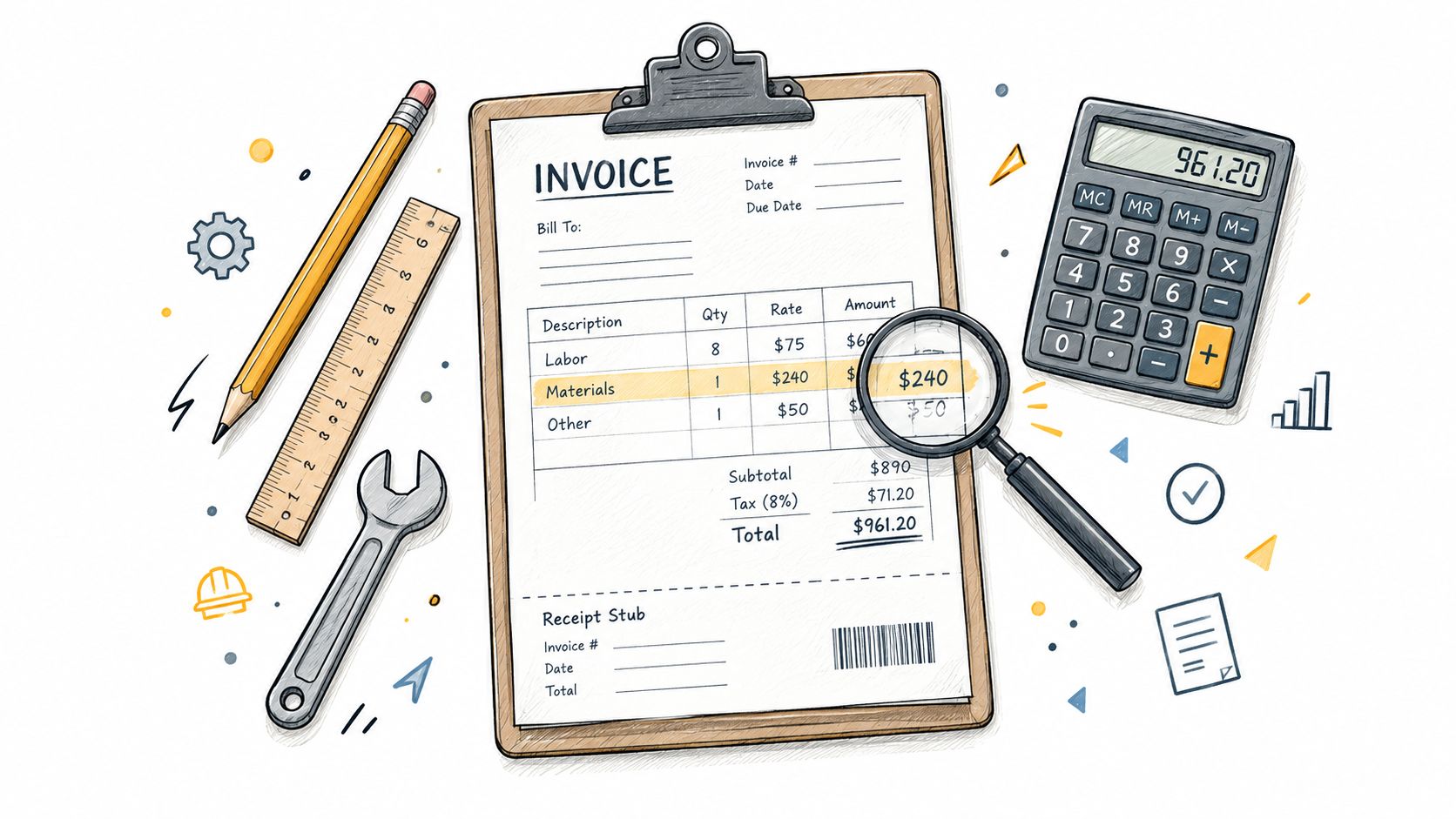
A repair is finished, the customer is standing at the door, and the hardest part shouldn't be explaining the bill. Yet a vague line such as “handyman services” leaves the client wondering what was done, which materials were used, whether the deposit was credited, and how much remains due. A useful handyman invoice format makes labor, materials, taxes, deposits, balances, payment instructions, and receipts easy to verify.
The seven options below cover different workflows, from a reusable estimate and itemized labor-and-materials layout to branded PDFs, mobile billing, deposits, and payment tracking. The comparison focuses on how each format handles estimates, invoices, taxes, receipts, and collection. Downloadable layouts offer control and low commitment, while invoicing applications connect more of the billing process. Tax and legal treatment still needs to be checked against the applicable US jurisdiction and primary government guidance.
Table of Contents
- 1. GetBill
- 2. Joist
- 3. Housecall Pro
- 4. Invoice Simple
- 5. Canva
- 6. Smartsheet
- 7. Work Order Lab
- Top 7 Handyman Invoice Format Comparison
- Turn the Template Into a Reliable Billing Workflow
1. GetBill
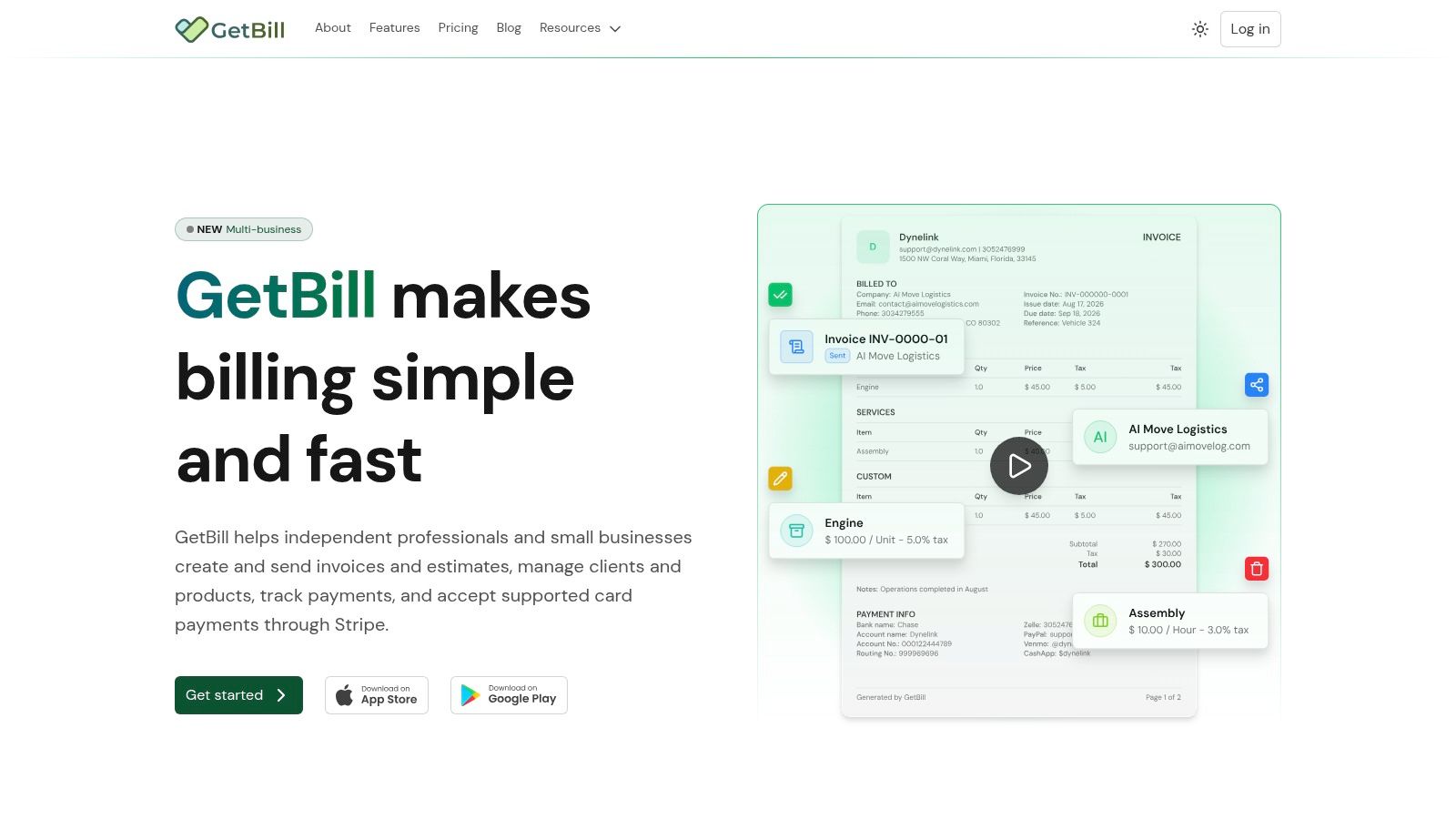
A handyman finishing several small jobs in one day needs more than a blank document. GetBill supports a workflow that starts with an itemized estimate, reuses client and product or service records, converts an accepted estimate into an invoice, creates a branded PDF, and sends it by email or secure public link. Keeping the approved estimate connected to the final invoice reduces retyping and helps preserve the agreed labor and materials.
Use separate lines for the service and related charges, such as “Replace kitchen faucet,” the faucet, travel, disposal, or other approved work. Quantities, unit rates, subtotals, taxes, totals, payment terms, notes, and attachments give the customer a clear record. They also give the owner useful documentation for bookkeeping and tax review, subject to the rules of the applicable jurisdiction.
Practical rule: Record a deposit as a payment allocation. Do not hide it as an unexplained reduction of the original job price.
GetBill handles partial deposits, partial payments, payment tracking, and remaining balances. Stripe integration can send the customer to hosted card checkout, with funds going to the connected Stripe account. The result depends on the Stripe account, currency, and region, so sending an invoice through GetBill does not guarantee online payment availability. Android and iOS apps support issuing an invoice at the job site and recording payment before the next visit.
Where GetBill fits best
The Starter plan is listed at $9.99 per month (current GetBill pricing), with limits on invoices, estimates, emails, and storage. Pro is listed at $19.99 per month with unlimited billing and online payments through Stripe. Business is listed at $29.99 per month and adds multiple business profiles and white-label documents. Pricing and limits may change, so review the GetBill billing platform before subscribing.
The trade-off is scope. GetBill covers estimates, invoices, documents, deposits, and payment collection. It is not a full accounting, payroll, tax-filing, or ecommerce platform, so the owner still needs bookkeeping and jurisdiction-specific tax review. Its company operator is AIMOVE LOGISTICS LLC, and the site does not list third-party awards or customer testimonials.
2. Joist
Joist is aimed at contractors and handymen who want estimates, invoices, photos, and payment collection in a field-oriented workflow. A technician can prepare an estimate with labor and materials, attach job images, and convert the approved estimate into an invoice. That progression helps when the customer needs to see the planned scope before work begins and the completed scope afterward.
Its mobile apps for iOS and Android, together with cloud synchronization, make Joist more suitable than a static document for a handyman moving between service calls. A photo of damaged drywall, a product choice, or a completed repair can provide useful context alongside the line items. Online payment support also gives the customer a direct way to settle the bill instead of requiring a separate message with bank or card instructions.
Strengths and limits
Joist has a low learning curve for field work, and its handyman-focused materials make the format easier to adapt than a generic business invoice. The optional Quick Invoice with AI and voice-to-text starter can help create a first draft when the owner is leaving a property, but the resulting description still needs review. The final invoice should identify the actual service, quantity or hours, rate, materials, tax treatment, and balance rather than relying on a shorthand note.
Paid plans are required for more capabilities, and Joist isn't a full back-office or accounting suite. A business that only needs an editable invoice once in a while may find an application unnecessary. A busy operator handling estimates, attachments, on-site billing, and card collection gets more value from the connected workflow.
Explore Joist for contractor invoicing
3. Housecall Pro
Housecall Pro's free printable handyman invoice template is a sensible starting point for a business that needs a recognizable document without creating an account. The Google Sheet supports branding, separate labor and materials, per-line tax, and calculated subtotals and totals. A handyman can enter the customer and job details, export or print the result, and send the invoice as a PDF.
The format works well for a one-visit repair. Labor can show the task and hours, while materials can list each part separately. For flat-rate work, the description can identify the completed scope without pretending the job was hourly. The invoice should still include a unique number, invoice date, service date, job address, due date, accepted payment methods, and any deposit or prior payment.
The manual workflow trade-off
The template requires manual entry. That keeps the process inexpensive and transparent, but it also leaves the owner responsible for copying customer data, checking formulas, issuing sequential invoice numbers, sending the document, recording payment, and following up on unpaid balances. A spreadsheet can calculate totals, but it won't automatically create an audit trail or reconcile a card payment.
Housecall Pro provides a clear upgrade path to paid field-service software for scheduling, payments, reminders, and broader automation. That path makes sense when service calls and follow-ups need to live together. It doesn't make the free template itself a payment-tracking system.
A related landscaping invoice template guide shows how the same itemized approach can adapt to another service business without changing the underlying billing logic.
Download the Housecall Pro handyman invoice template
4. Invoice Simple
Invoice Simple offers a broad set of handyman templates in Word, Excel, PDF, and Google formats, plus an online generator and companion invoicing application. That range helps an owner choose the editing environment already used for estimates, job notes, or bookkeeping. A downloadable template is useful when the business wants a clean document immediately, while the app provides a route toward branded invoices, deposits, and payment QR codes on paid plans.
A practical Invoice Simple document should preserve separate sections for labor and materials. For a small service call, the labor line can identify the repair and time or flat charge, while the materials section names the parts used. Disposal fees, travel charges, discounts, tax, deposits, payments received, and the current amount due should remain visible rather than being folded into one total.
Template first, application later
The main advantage is speed. An owner can select a Word or Excel format, adjust the business information, and issue a professional-looking invoice without learning a larger system. That also creates the main weakness. A downloaded file doesn't know whether a deposit has already been applied, whether an invoice number has been used, or whether a customer paid through another channel.
A companion application can reduce that manual work, but advanced features require a subscription and limits vary by plan. Businesses comparing spreadsheet options can also review this Excel invoice template guide before deciding whether a file-based workflow is sufficient.
Browse Invoice Simple handyman templates
5. Canva
Canva is the strongest option when presentation is the main concern. Its invoice library includes contractor and handyman layouts, and the drag-and-drop editor makes it easy to match a logo, colors, typography, and other brand elements. The completed document can be exported as a PDF or PNG for emailing or printing.
That visual control can help a new service business present a consistent identity across estimates, invoices, and receipts. It also makes Canva useful for a flat-rate repair where the owner wants a polished, readable summary of the completed work. The design should still leave room for the invoice number, dates, customer and job address, labor, materials, taxes, payment terms, deposit credit, and remaining balance.
A polished PDF can support trust, but it can't track who paid, what remains open, or which receipt belongs to the job.
Where visual design stops
Canva isn't an invoicing system. It doesn't provide a ledger, payment tracking, automatic status updates, or an integrated collection workflow. After sending the PDF, the owner must record the invoice elsewhere, reconcile payment evidence, issue a receipt, and monitor the balance.
The free editor and downloadable outputs keep the entry barrier low. Canva Pro can add brand kits and premium assets, but those features don't turn the document into accounting software. A handyman who sends occasional invoices and already maintains records in a spreadsheet may find the combination workable. A business handling deposits, progress billing, and multiple unpaid invoices will likely outgrow a design-only format.
6. Smartsheet
Smartsheet's template library covers several billing methods, including a handyman invoice, time-and-materials layouts, lump-sum formats, and schedule-of-values structures. The templates are available in Word, PDF, Excel, and Google Sheets formats, which makes them practical for a business already using Office or Google Workspace.
The broad selection matters because a handyman doesn't always bill the same way. A short troubleshooting visit may need hours multiplied by a rate. A defined installation may need a flat project line. A longer repair can separate labor, materials, equipment, and other approved charges. A schedule-of-values format can divide a larger job into recognizable work stages.
A useful spreadsheet structure
Spreadsheet versions can calculate subtotals and support record-keeping, while fillable PDFs offer a straightforward printable alternative. The owner can preserve the estimate, invoice, payment confirmation, and receipt in a job folder, then reconcile the invoice against bank activity. That process is manual but understandable.
The trade-off is the absence of built-in payments and automation. Smartsheet's broader platform is optional and paid, so downloading a template doesn't create a customer ledger or a payment link. The format suits an organized owner or small team that wants flexibility without vendor lock-in. It works less well when invoices must be created from a phone, deposits need to be allocated quickly, or unpaid balances need a central status view.
Compare hourly billing invoice formats
Open Smartsheet's invoice template library
7. Work Order Lab
Work Order Lab provides a trade-specific handyman invoice template in PDF, Word, and Excel formats. The layout is designed for service calls and small jobs, with sections for labor, materials, and service fees. Example invoices and field-by-field guidance make it easier for an owner to understand what belongs in each area before sending the first bill.
This format works well when the business wants a ready-made document without signing up for software. A Word file can be edited for branding and wording, an Excel file can support calculations, and a PDF can be used as a printable form. The example structure also encourages a better description than “repair work,” such as naming the fixture, room, task, or materials supplied.
Best for a simple job folder
A template-only workflow can be effective if the owner keeps one folder per job containing the approved estimate, change approvals, receipts, issued invoice, and payment evidence. The invoice should show the service date, job address, customer reference, payment terms, tax treatment, amount paid, and balance due. For a multi-visit job, each invoice should identify the milestone or visit covered and credit prior payments clearly.
Work Order Lab doesn't provide built-in payment links, client tracking, automation, or invoice management. That keeps the format quick and independent, but the owner must handle collection and reconciliation outside the document. It's a strong fit for occasional billing and a weaker fit for a growing schedule with many open balances.
Download the Work Order Lab handyman invoice template
Top 7 Handyman Invoice Format Comparison
| Product | Implementation complexity | Resource requirements | Expected outcomes | Ideal use cases | Key advantages |
|---|---|---|---|---|---|
| GetBill | Low, quick setup; requires Stripe for payments | Mobile/web app, Stripe account for online payments, paid plan for full limits | Fast itemized estimates→invoices, online payments, payment tracking | Freelancers and small service businesses needing lightweight billing | One-click conversions, Stripe payouts, mobile apps, tiered pricing |
| Joist | Low, mobile-first signup and setup | iOS/Android app, internet, paid plan for advanced features | On-site estimates/invoices with photos and accepted payments | Contractors and handymen doing field quotes and on-site billing | Trade-specific formats, photo attachments, cloud sync |
| Housecall Pro (template) | Very low, download and edit Google Sheet | Google Sheets or Excel, manual data entry, no login required | Printable, branded invoices with auto-calculated totals | Users who want a free starter invoice and manual workflows | Free template, auto-totals, clear upgrade path to field software |
| Invoice Simple | Low, use templates or online generator; app optional | Template files (Word/Excel/PDF/Google) or companion app (subscription for premium features) | Quick editable invoices; optional app features like deposits and QR codes | Small businesses wanting editable templates with optional lightweight app | Multiple editable formats, fast generation, simple app upgrade |
| Canva | Low to moderate, drag-and-drop editing, optional brand kit setup | Canva account (free), Pro for brand kits/premium assets | Polished, branded invoice PDFs/PNGs (manual billing workflows) | Users prioritizing visual branding and polished layouts | Highly customizable designs, large template library, easy export |
| Smartsheet | Low, download templates or use platform | Word/Excel/Google Sheets, Smartsheet subscription if using platform | Structured printable forms and spreadsheet-based calculations | Teams using Office/Google Workspace needing varied billing forms | Broad template library, spreadsheet calculations, team-ready formats |
| Work Order Lab | Very low, download and edit files | Word/Excel/PDF editor, no signup | Ready-to-use trade-specific invoices with example guidance | Handymen needing quick, example-driven invoice formats | Practical trade structure, field guidance, immediate download |
Turn the Template Into a Reliable Billing Workflow
The best handyman invoice format depends on how the business sells and completes work, not on which document looks most impressive. For occasional, manual billing, a Word, Excel, Google Sheets, or PDF template is usually enough. Work Order Lab and Smartsheet offer practical structures, while Invoice Simple provides editable formats with an option to move into an invoicing application.
Choose Canva when presentation is the priority and payment tracking can remain in another system. Its visual flexibility is useful for branded PDFs, but the owner must manage invoice numbers, receipts, deposits, and outstanding balances separately. Housecall Pro's free Google Sheet is another straightforward starting point, with a paid field-service path for businesses that later need scheduling, payments, and automation.
A trade or service application makes more sense when estimates, job photos, field work, invoices, and payment collection need to connect. Joist is oriented toward contractor workflows, while GetBill focuses on itemized estimates, estimate-to-invoice conversion, branded documents, mobile billing, deposits, partial payments, and remaining balances. GetBill can be a practical middle ground for an independent handyman who wants a connected billing workflow without adopting full accounting software.
Every option still requires careful recordkeeping. The European Commission's invoicing guidance describes invoice fields under EU VAT rules, while US requirements vary by state and transaction. For a US business, the IRS recordkeeping guidance identifies invoices, receipts, deposit slips, paid bills, and canceled checks as supporting documents. The IRS Publication 583 guidance also distinguishes client payment records from federal tax deposits.
Before sending an invoice, verify the applicable state and local tax treatment for labor and materials, state the payment terms, and check the card-surcharge rules that apply to your business, payment processor, and card network. Explain the supported payment methods and any applicable fees clearly before the customer pays.
Keep a copy of the issued invoice and receipt with the estimate, approved scope, change-order evidence, payment confirmation, and deposit record. If the chosen format makes those records easy to create and reconcile, it is doing more than displaying a total. It is supporting a repeatable billing process.
GetBill connects itemized estimates, estimate-to-invoice conversion, branded PDFs, mobile billing, deposits, partial payments, and remaining balances in one focused workflow. If those documented capabilities match the way the business bills for repairs and service calls, visit GetBill and review the current plan and Stripe availability for the business's region.