

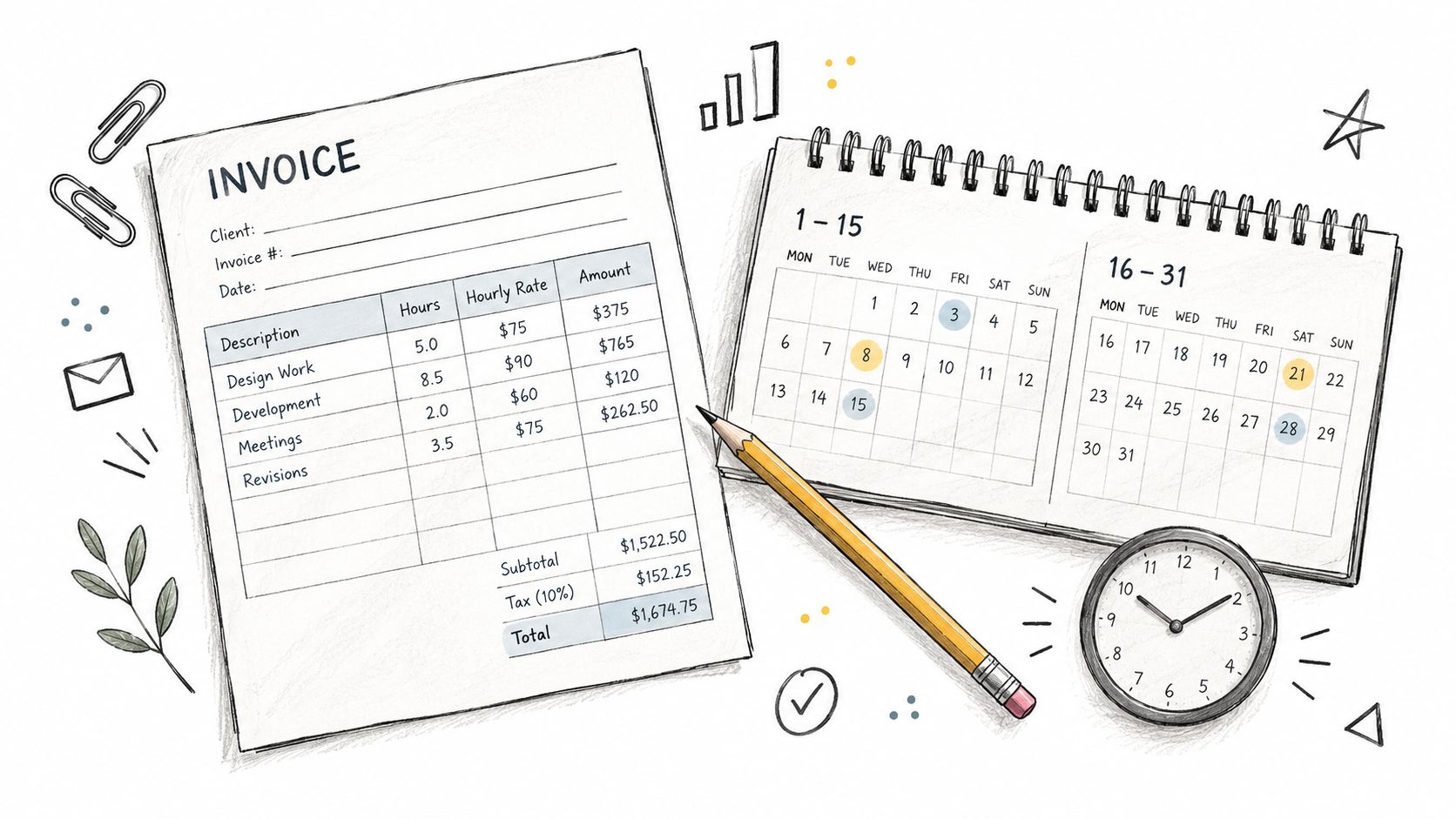
An hourly invoice shows the service dates, billable hours, hourly rate and amount due. For freelancers and small service businesses, clear line items let the client check hours × rate and see how deposits or partial payments reduce the remaining balance.
This guide covers invoices sent to clients. Start with the fields and worked example below, then use the service-period guidance to match your billing agreement. A semi-monthly or biweekly schedule is a choice about when to invoice; employee payroll is a separate process.
Table of Contents
- Understanding Semi-Monthly Invoicing for Hourly Rates
- Semi-Monthly Versus Biweekly Payment Cycles
- Payroll and Invoicing Implications for Service Businesses
- Creating an Effective Hourly Rate Invoice Template
- Using GetBill for Semi-Monthly Hourly Invoicing
- Best Practices for Semi-Monthly Billing Success
Understanding Semi-Monthly Invoicing for Hourly Rates
A small studio owner feels this first in the numbers, not the theory. The team finishes client work across a month, then the invoice lands with a period that starts on the 1st and ends on the 15th, or starts on the 16th and ends at month-end, while the actual work week cut across those dates in a way the client didn't expect. That is where semi-monthly invoicing for hourly work gets misunderstood.
The calendar is the problem, not the math
Semi-monthly means twice a month, so the schedule follows the month's dates, not a fixed seven-day rhythm. That's why it can split a single workweek across two billing periods, especially when the 1st, 15th, 16th, or month-end falls midweek. A simple hourly invoice template should make the service dates, hours, and rate visible so the client can follow the total without guessing.
Practical rule: if the billing period can't be read from the invoice in ten seconds, the template needs a clearer date range.
The hourly math itself is straightforward, but the timing is what creates friction. A line item still has to show the work period, the hours, the rate, and the total so the client can verify what was done and when. For service businesses that bill by the hour, that clarity is what keeps a semi-monthly cycle from turning into a recurring explanation problem.
Why hourly billing needs cleaner boundaries
Hourly billing lives or dies on period boundaries. If a designer logs work on the 14th, 15th, and 16th, the template has to show whether the client is being billed for the first semi-monthly period, the second, or both.
A clean invoice template hourly rate format usually includes:
- Service dates so the client can see the exact work window.
- Billable hours so total time is visible instead of buried.
- Hourly rate so the rate basis is auditable.
- Line total so the client can check the math.
That structure matters more when the schedule is semi-monthly because the invoice can't rely on a simple weekly rhythm. The document has to make the gap visible, not hide it.
Semi-Monthly Versus Biweekly Payment Cycles
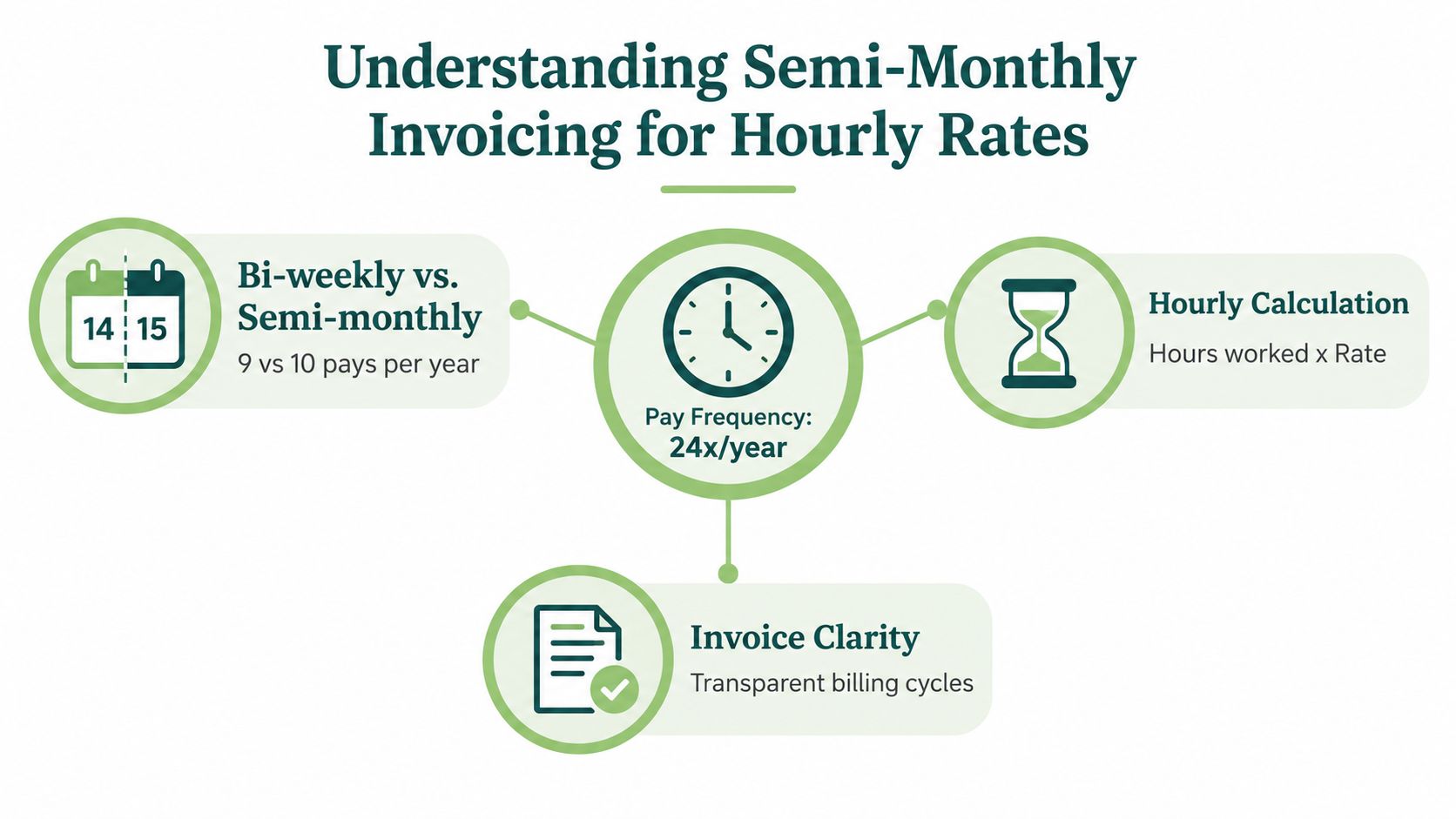
Semi-monthly and biweekly sound close, but they create different billing habits. Semi-monthly follows the month's dates. Biweekly follows a fourteen-day cycle, which is why the two systems produce different annual rhythms and different expectations around when hours should land on an invoice.
How to explain the difference to clients
A client who is used to biweekly processing may assume every invoice should line up to a fixed two-week span. That assumption breaks as soon as the billing period is anchored to calendar dates instead.
| Cycle type | Pattern | Practical effect |
|---|---|---|
| Semi-monthly | Twice a month | Date-based periods that can split weeks |
| Biweekly | Every two weeks | Fixed interval that stays consistent through the year |
That table is often enough to calm the conversation before it turns into a dispute. The client sees that the mismatch is structural, not an error in the hours.
The invoice should follow the billing agreement, not the client's default pay cycle.
For an hourly-rate business, that distinction affects the estimate as well as the final invoice. If the estimate assumes a neat weekly cadence but the invoice lands on semi-monthly dates, the gap risk shows up as a mismatch between what was expected and what was billed. A precise date range fixes that faster than a long explanation.
Why the cycle choice changes cash flow behavior
Biweekly billing feels smoother because every period is the same length. Semi-monthly billing can look cleaner in a monthly accounting view, but it asks the owner to manage the calendar more carefully.
That is why an invoice template hourly rate setup should state the invoice date, due date, and covered service period without ambiguity. For a service business, the goal is not to make the invoice look busy. The goal is to make the payment path easy to read.
Invoice date and due date basics are worth aligning with the service period so the client can process the document without a second email. When that alignment is missing, the gap between work performed and work billed gets wider than it should.
Payroll and Invoicing Implications for Service Businesses
Semi-monthly schedules can help an owner plan around predictable invoice dates, but they also require tighter coordination between payroll, time capture, and client billing. The biggest mistake is letting internal payroll logic bleed into external invoicing, then discovering the client's approval process uses different dates, different cutoffs, and different expectations.
Where the misalignment causes trouble
A contractor may pay staff on one cadence and invoice clients on another. That's manageable until a job starts near the end of a pay period and ends in the next one, because the hours get split across periods that don't match the calendar week the client had in mind.
For service businesses, the practical trade-offs look like this:
- Semi-monthly invoicing gives a monthly rhythm, but it can split workweek boundaries.
- Biweekly invoicing is easier to match to time logs, but it may feel less tied to the calendar month.
- Ad hoc invoicing can suit one-off work, but it usually creates more follow-up and more room for missed hours.
That's also why a basic template is never just a form. It's a control point for cash flow, especially when the owner has materials, travel, or subcontractor costs going out before client money comes in.
A cleaner structure is to separate the labor from everything else. The hourly lines should stand on their own, while expenses, deposits, and partial payments should sit in their own fields so the balance due stays visible. That approach is especially useful for firms that bill both time and reimbursable costs.
Cleaning service invoice formatting is a useful reference point because it shows how a service business can keep recurring labor clear without burying extra charges inside the hourly rate.
What to tell the client before the invoice goes out
Clients usually accept a date-based cycle when it is explained early. What causes friction is surprise, not semi-monthly billing itself.
Good communication beats a perfect template. If the billing period is obvious before the invoice arrives, fewer hours get questioned later.
The owner should also keep the estimate language consistent with the invoice language. If the estimate describes a two-week period but the invoice covers calendar dates, the client sees two different systems and starts checking the math more closely. That's where gap risk turns into a relationship issue.
Creating an Effective Hourly Rate Invoice Template
A useful invoice template hourly rate format does not try to do everything at once. It keeps the labor audit-friendly, keeps non-hourly items separate, and makes the balance due easy to find.
Fields that should be visible every time
At a minimum, the invoice should show the service description, the date or work period, the number of hours, the unit rate, and the line total. It should also show invoice date, due date, client details, taxes where applicable, and any deposits or partial payments already received.
Worked example: invoice INV-2026-104
This fictional example is an invoice from Example Studio to Example Client LLC for services provided October 1–5, 2026. The invoice is issued October 6 and due October 13. All amounts are in USD; this illustration assumes no taxes or discounts.
| Service | Hours | Hourly rate | Line total |
|---|---|---|---|
| Design work | 12.5 | $80.00 | $1,000.00 |
| Content review | 2 | $80.00 | $160.00 |
Labor subtotal: $1,160.00. Separately agreed reimbursable expense: $40.00. Invoice total: $1,200.00. Deposit already received: $300.00. Remaining balance due: $900.00.
The calculation is (12.5 × $80.00) + (2 × $80.00) + $40.00 − $300.00 = $900.00. Keep the deposit separate from the hourly lines so the client can verify both the original charge and the amount still owed. Record time in your own work log, then enter the hours and rate as invoice line items; choose payment instructions and tax treatment for your actual situation.
A concise layout usually works best:
| Field | Why it matters |
|---|---|
| Service period | Prevents confusion over which hours are billed |
| Hours worked | Supports the labor total |
| Hourly rate | Makes the basis of the charge auditable |
| Line total | Lets the client verify the math |
| Payments received | Shows what remains outstanding |
That structure also helps when the invoice needs to support a later review. If a client asks why a line appears on one semi-monthly invoice instead of another, the period field settles the question quickly.
The Excel invoice template approach works well for owners who want visible calculations, but the same logic applies in any format. What matters is that the invoice shows the arithmetic instead of hiding it.
How to handle deposits and partial payments
Deposits should not disappear into the hourly lines. They belong in their own field as credits against the balance, because that keeps the original labor charge intact and makes reconciliation easier.
That separation matters for recordkeeping too. For US freelancers and independent contractors, the IRS says self-employed individuals generally pay both income tax and self-employment tax because no employer withholds those taxes, and net self-employment earnings of $400 or more generally trigger self-employment tax obligations. The IRS also sets estimated-tax due dates at April 15, June 15, September 15, and January 15 for the relevant income periods IRS self-employment tax guidance.
That makes it unwise to treat the invoice total as money already available to spend. The invoice should preserve gross billing, payments received, expenses, and remaining balance so the owner can separate revenue from cash on hand.
Using GetBill for Semi-Monthly Hourly Invoicing
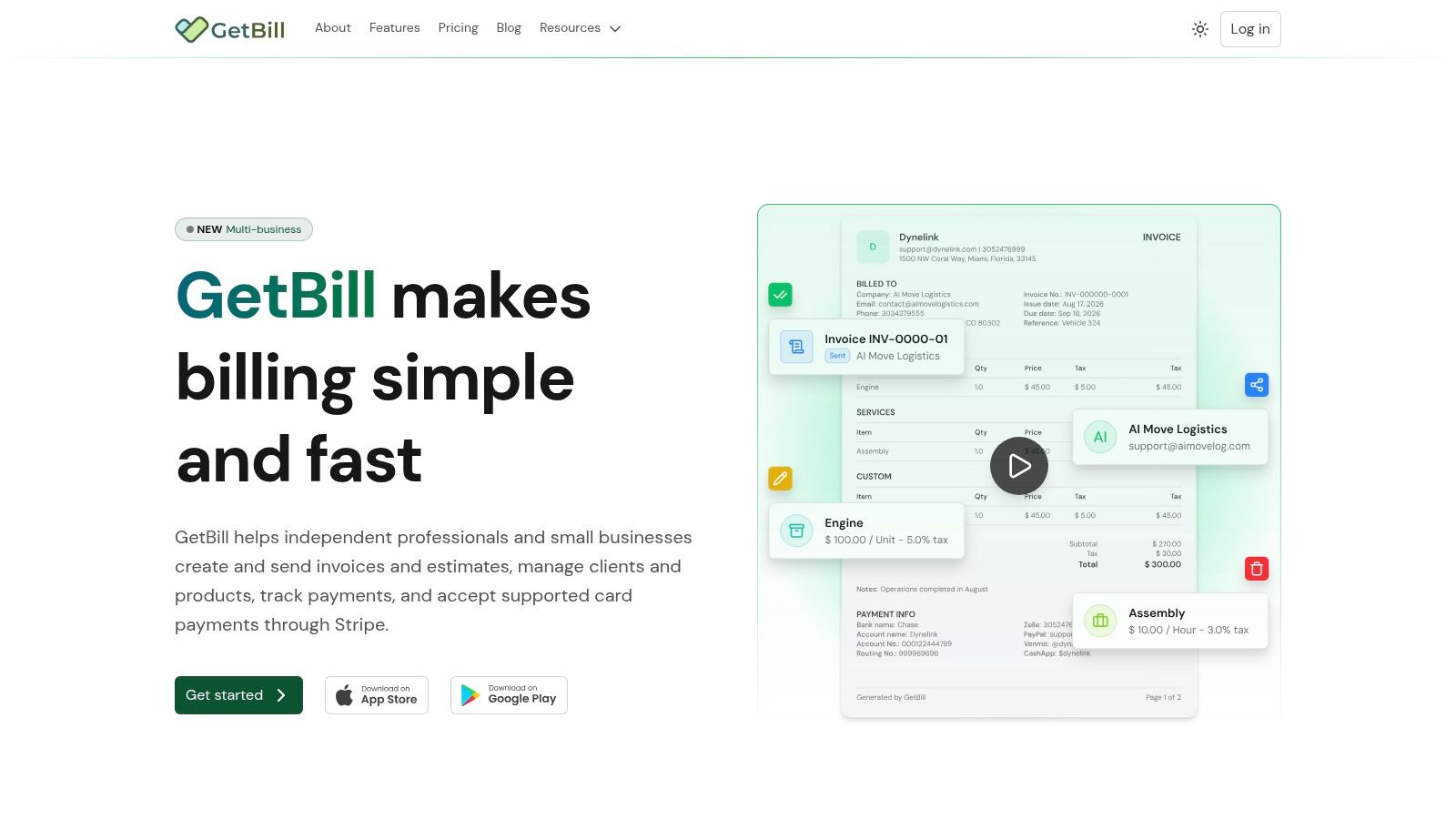
A good billing workflow reduces the number of places where a period can be misread. That's the practical place where GetBill fits in this topic, because it can create itemized invoices and estimates, reuse client and service records, and convert estimates into invoices with line items that show hourly work clearly.
A simple workflow that keeps the period clean
Start with the estimate, then carry the same service names and rates into the invoice so the client sees continuity. If the work was done across a semi-monthly boundary, list the service dates clearly and keep the labor lines separate from deposits or reimbursable expenses.
A workable sequence looks like this:
- Prepare the estimate with the expected hours and rate.
- Log the actual service dates when the work is completed.
- Generate the invoice with the same service descriptions.
- Record any deposit or partial payment as a credit.
- Send the final balance with a clear due date.
That flow keeps the invoice readable without forcing the client to reconstruct the job from memory. It also reduces the odds that a boundary-hour gets dropped when the period closes.
GetBill is one option for this kind of workflow because it supports itemized invoices and estimates, client and service records, branded PDFs, sharing by email or link, and deposits or partial payments with remaining balances. For a small service business, those are the features that matter most when the problem is tracking hours across a date-based billing cycle.
Where software helps and where it doesn't
Software can organize the billing trail, but it can't decide your payment terms. The owner still needs to choose whether the invoice is due on receipt, net-7, net-15, or net-30 based on the client and the balance of power in the relationship.
A tool can make the math cleaner. It can't make a vague agreement safer.
That's why the template and the terms have to work together. If the period is clear, the rate is clear, and the balance is clear, the client has fewer reasons to push the payment into the next cycle.
Best Practices for Semi-Monthly Billing Success
A semi-monthly hourly billing system works when the owner treats dates as part of the product. The invoice is not just a request for payment, it's the record that tells the client what was done, when it was done, and what remains due.
Build the invoice around the date range
The first habit is simple. Put the service period on every invoice and make sure it matches the work log exactly. If the period crosses a calendar boundary, don't smooth it over. Show it.
The second habit is to keep time records tight enough that the invoice can be defended later. The IRS says business records for gig work and sales should be kept so income can be reported and expenses can be deducted, and the invoice should support that record trail IRS recordkeeping guidance.
Use terms that fit the client, not the template
Net-30 sounds polished, but it can be a weak choice when the client's approval process is slow and the business needs cash sooner. A shorter term may be the better business decision when the project size is modest or the owner has limited reserves.
The practical trade-off is straightforward:
- Due on receipt works when the client already trusts the work and the payment process is simple.
- Net-7 or net-15 can fit recurring service work where speed matters.
- Net-30 may suit larger clients, but it can delay cash collection when used by default.
The invoice should also show payment instructions plainly. If the client needs to know where the money goes, every extra email slows the cycle.
Keep the labor line auditable
A reliable hourly invoice template should preserve decimal or quarter-hour precision when that's how the work is tracked, and it should keep materials, travel, or other non-hourly costs outside the labor total. That makes the rate basis easier to verify and reduces the chance that the hourly charge gets questioned as a bundled amount.
Stripe's published standard pricing lists 2.9% plus 30 cents per successful domestic card transaction, with additional charges for manually entered cards, international cards, and currency conversion Stripe pricing. If card acceptance is part of the payment flow, the invoice and contract should be clear about whether those costs are absorbed or passed through in a lawful way.
The strongest practice is consistency. Use the same fields, the same naming pattern, and the same payment terms until the client relationship proves it needs something different. That keeps the semi-monthly gap from becoming a recurring argument, and it makes the invoice feel like a routine part of doing business instead of a surprise.
A solid hourly invoice system should make semi-monthly periods easy to read, not easier to argue about. GetBill helps service businesses create itemized invoices and estimates, reuse records, and track deposits or partial payments in a way that fits this billing style. Visit GetBill to see whether its workflow matches the way the business already bills clients.