

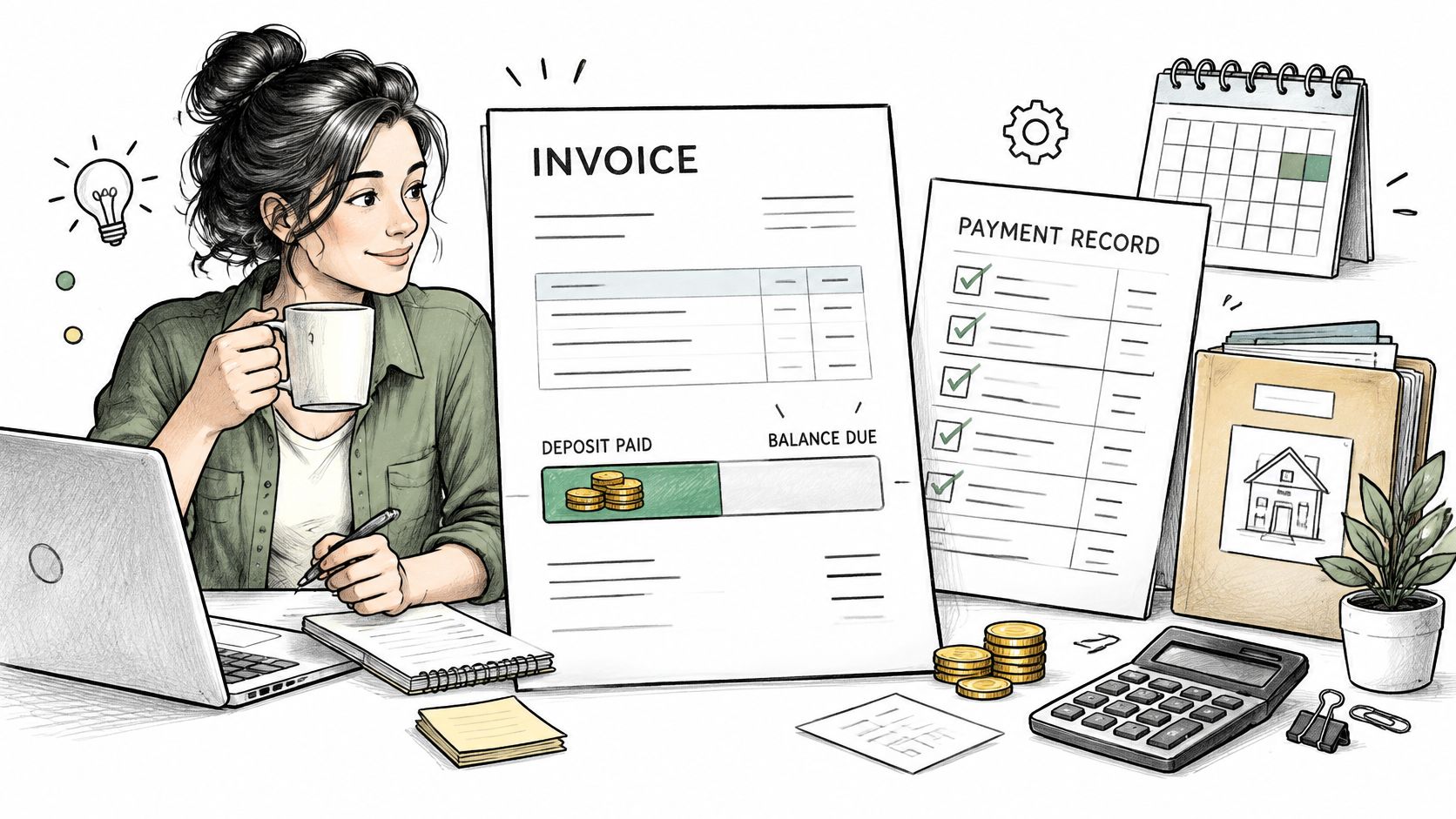
A client accepts a $1,000 estimate on Monday, pays a deposit on Tuesday, and disputes the final balance two weeks later. The work hasn't changed. The paperwork has. One document calls the upfront money a fee, another treats it as a discount, and neither shows what's still owed.
That dispute is preventable. A sound invoice deposit template doesn't just ask for money early. It tracks a balance from estimate to final payment, so the total stays fixed while paid to date and balance remaining change in plain view.
Table of Contents
- What a Deposit Invoice Actually Records
- Why Deposits Protect Your Cash Flow
- Invoice Deposit Template Fields to Copy
- How to Create the Deposit Invoice Step by Step
- Reconciling the Deposit Against the Final Invoice
- Tax Timing and Record Rules by Location
- Protecting Deposit Requests From Invoice Fraud
- Test the Deposit Process on Your Next Estimate
What a Deposit Invoice Actually Records
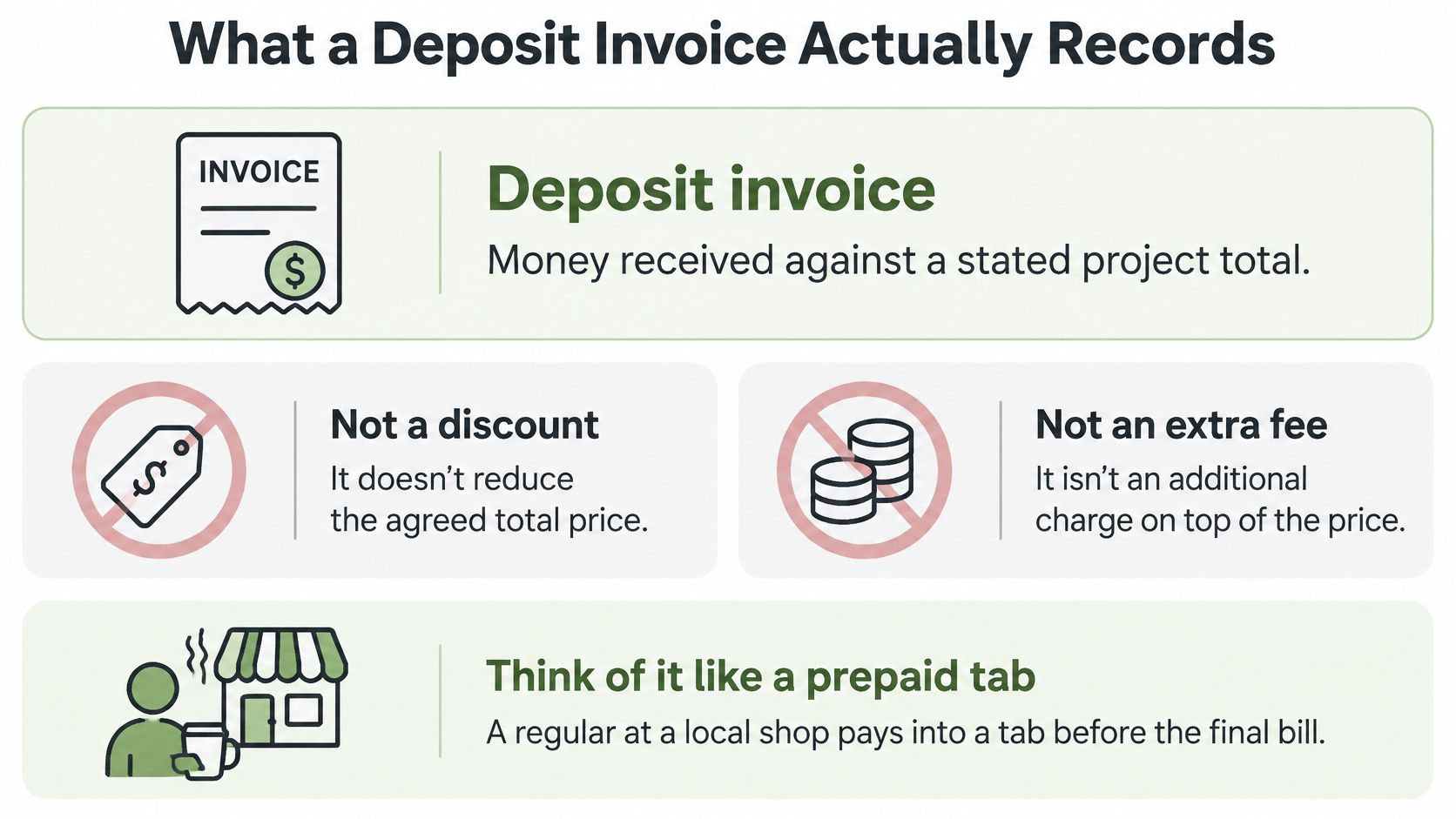
A deposit invoice records a payment on account. The client pays money against a stated project total before delivery, and that money is credited later. It's not a price cut, and it's not an extra charge on top of the agreed price.
Think of a prepaid tab. A regular at a local shop pays into a tab, and the balance is drawn down as goods are delivered. The tab doesn't change the price of the goods. It changes how much is still owed.
Four Arrangements That Look Similar
A refundable retainer holds a date or capacity. It's applied to the work or returned under the signed terms. A non-refundable booking fee reserves time and is kept on cancellation only if the agreement says so.
An advance payment works differently. It's credited against the final invoice, dollar for dollar. A progress payment is tied to a defined milestone, such as a completed site survey or a delivered first draft, and it's earned when that milestone is accepted.
Under IFRS 15, an advance received before the related goods or services are transferred is generally presented as a contract liability. This financial-reporting treatment does not determine when the payment is taxable income.
That distinction has an accounting basis. Under IFRS 15, money received or due before the supplier transfers the related goods or services is presented as a contract liability rather than immediately as earned revenue.
For each arrangement, the invoice should show the amount, the purpose, the application rule, and the refund treatment. The application rule is a short statement such as "credited against final invoice" or "applied to milestone 1." Refund and forfeiture treatment should point to the relevant clause in the signed agreement rather than restate a universal policy, because those rules depend on the contract and on the law where the business operates.
For businesses applying IFRS 15, recognizing an advance as earned revenue before the related performance obligation is satisfied can overstate revenue. Keep the payment record separate from the revenue-recognition assessment and apply the relevant accounting and tax rules.
Why Deposits Protect Your Cash Flow
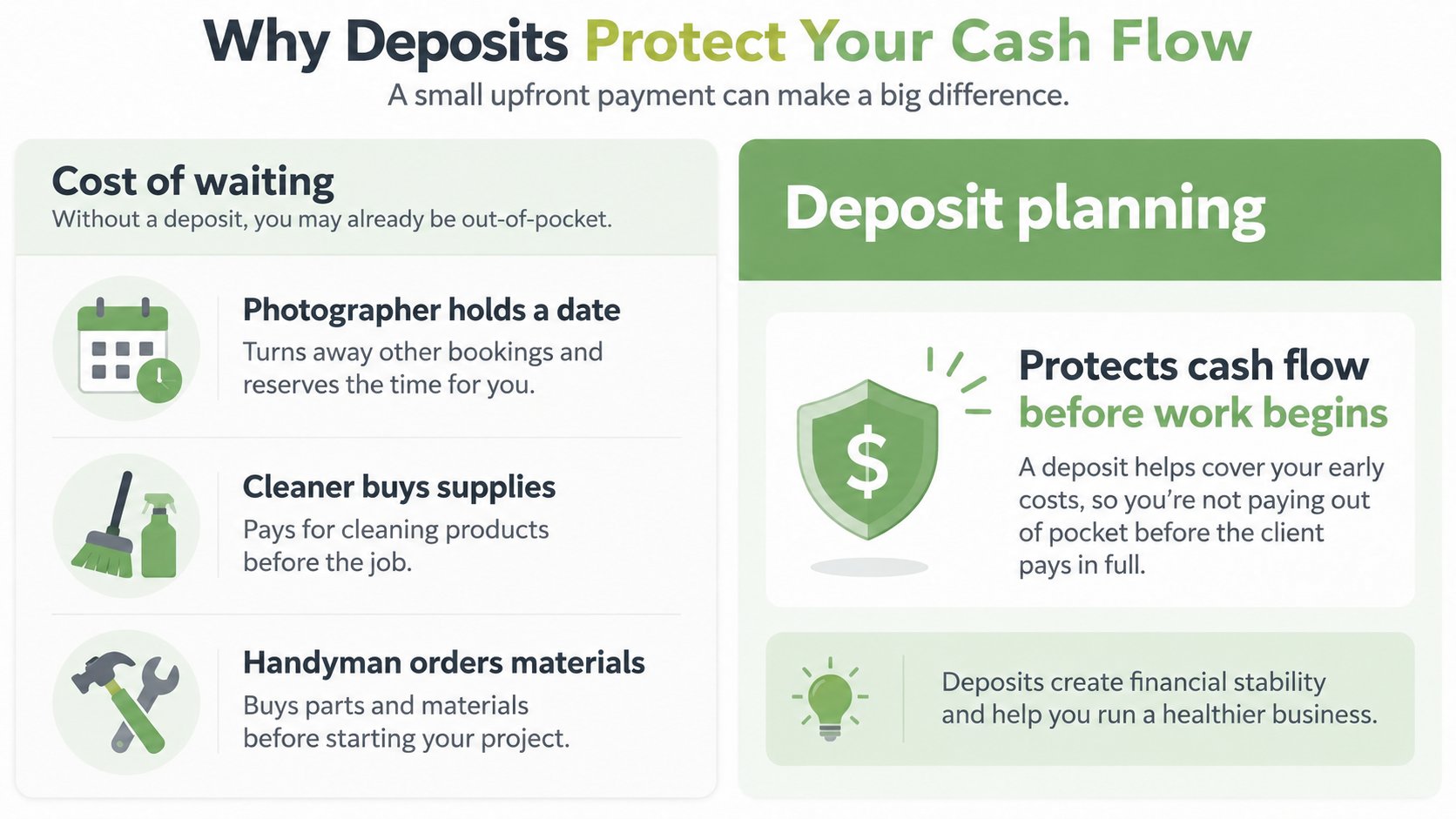
Waiting for a final invoice means funding the job first. A photographer holds a date and turns away other bookings. A cleaner buys supplies. A handyman orders materials. None of those costs wait for the client's payment cycle.
The Intuit QuickBooks small-business late payments report reported that 59% of small businesses had invoices overdue by at least 30 days, up from 47% the previous year. The same survey found 55% of businesses using net-30 terms had overdue invoices, compared with 26% of businesses requiring immediate payment. Those are survey results, useful as directional context rather than a prediction for any single business.
When a Deposit Is Warranted
- New client: There's no payment history to rely on.
- Large materials purchase: The business would otherwise fund stock from its own cash.
- Reserved date: Holding capacity blocks other paying work.
- Longer project: Work spanning several weeks exposes more unpaid labor.
Sizing matters more than copying a percentage from another trade. The deposit should cover the cost the business would otherwise carry, such as materials, subcontractor booking, or scheduled capacity. A deposit that's too small doesn't solve the funding gap. One that's larger than the early costs can create resistance without adding protection.
A deposit doesn't remove collection risk. It reduces the amount of unpaid work exposed to that risk, and the balance schedule still matters. Businesses looking to tighten the rest of the receivables process can reduce late payments from customers with clearer follow-up and terms.
Practical rule: Ask for a deposit whenever the job would otherwise be funded from the business's own cash.
Invoice Deposit Template Fields to Copy
Say a cleaning or design client agrees to a $1,000 project, and the owner wants $300 before work starts. The goal isn't just collecting $300. It's making sure the client can't reasonably dispute the $700 balance later.
The fields below do that job. Each one exists to keep the balance correct from the first send to the final payment, especially the application rule, which stops the deposit being read as an extra charge. Creators adapting the same structure to brand work can find a creator invoice template for comparison.
| Field | What to Enter | Example |
|---|---|---|
| Business name and contact | Legal name, billing email and phone | Riverside Cleaning Co., [business billing email] |
| Client name and billing contact | Person who approves payment | Dana Ortiz, accounts payable |
| Invoice number | Unique, sequential identifier | DEP-2026-014 |
| Estimate or project reference | Accepted estimate number or project name | Estimate E-1042, Spring deep clean |
| Total project amount | Full agreed price before any payment | $1,000 |
| Deposit amount or percentage | Fixed amount or percentage of the total | $300 |
| Deposit due date | Date payment is expected | March 3, 2026 |
| Accepted payment methods | Card, bank transfer or cash, with instructions | Card link, or bank transfer with invoice number in memo |
| Amount paid to date | Running total of received payments | $0 at issue, $300 after deposit clears |
| Balance remaining | Total minus payments received | $1,000 at issue, $700 after deposit clears |
| Application rule | How the deposit is credited | Credited against the final invoice |
| Cancellation or refund reference | Pointer to signed terms | Section 4 of the signed agreement |
The same fields work for a single appointment and for a multi-stage contract. The owner can copy the table into a saved invoice deposit template and check it before any deposit request goes out. Missing fields are where disputes start. A request without the estimate reference can't be matched. A request without the balance remaining invites the client to guess.
How to Create the Deposit Invoice Step by Step
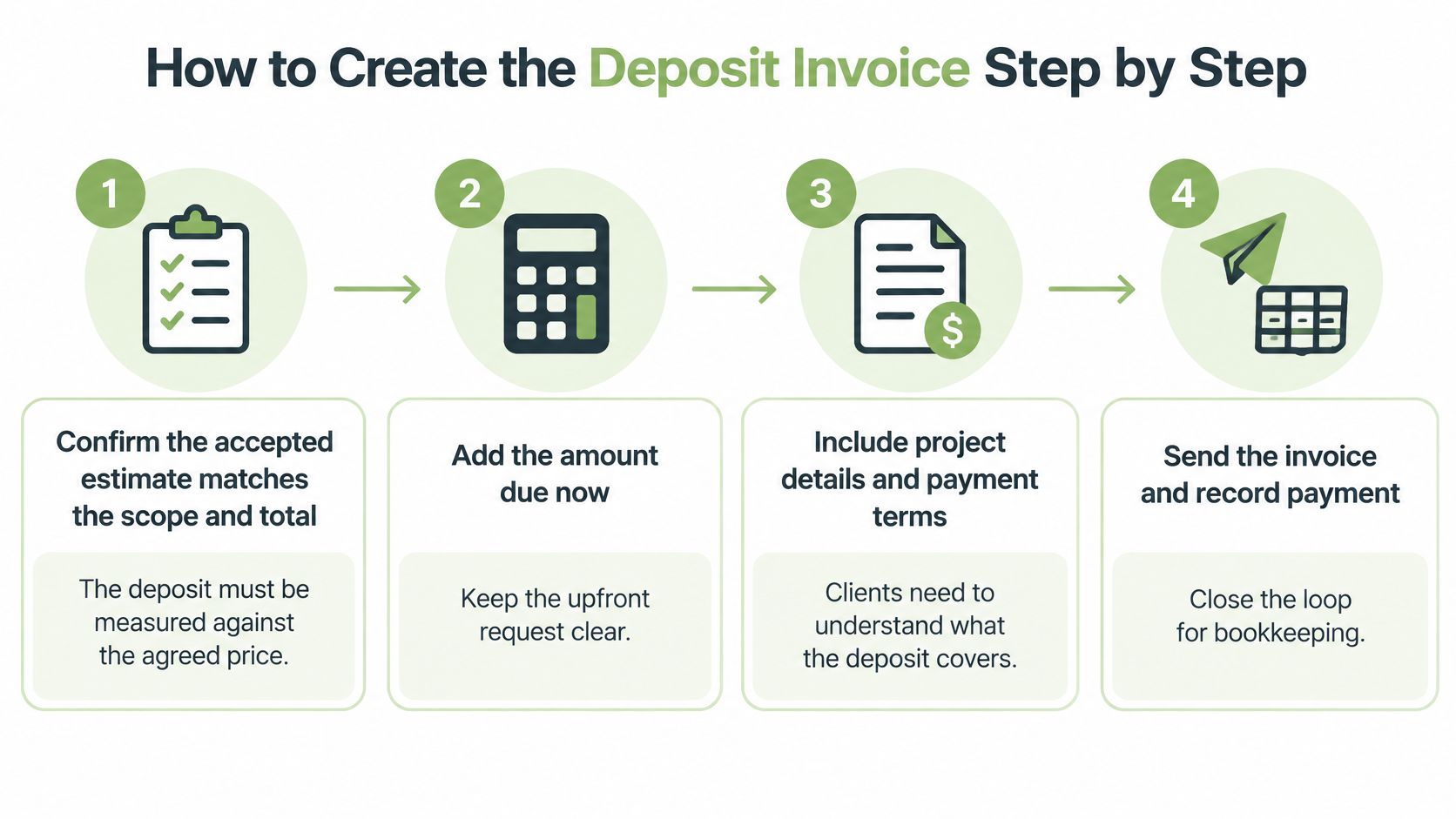
A deposit invoice built from the accepted estimate holds together. One retyped from memory drifts. The steps below keep the total, the deposit, and the balance aligned.
The Seven Steps
- Confirm the accepted estimate. The scope and total must match what the client approved, because the deposit is measured against the agreed price. The common slip is using an earlier draft total.
- Convert the estimate into an invoice. Converting instead of retyping prevents line items and amounts from drifting between documents. GetBill allows an accepted estimate to be converted into an invoice with one click, without re-entering data.
- Describe the deposit without increasing the project total. State the amount requested now and that it will be credited against the agreed project price. On an invoice for the full project, do not add the deposit as an extra positive line item or treat it as a discount. Record it as a partial payment when received.
- Enter the deposit amount and due date. Both come from the field table, and both should match the estimate the client accepted. A mismatch here creates a second negotiation.
- Write the application rule in plain words. "Credited against the final invoice" leaves nothing to interpret. Vague wording such as "deposit applied as agreed" forces the client to find the agreement.
- Send the invoice with payment instructions. The invoice number and remaining balance should be visible on the document. For bank transfers, the instructions should require the invoice number in the memo, since a transfer without it is hard to match.
- Record the payment when it clears. The date, method, and amount get logged, and the balance is recalculated. Skipping the recalculation is the most frequent slip at this step, and it carries forward into the final invoice.
Saving the Result
Once the invoice is correct, it should be saved as the template for the next project. The saved version keeps the field order, the application-rule wording, and the payment instructions intact. Only the client, amounts, dates, and references change. That consistency matters when several deposits are open at once, because the owner can scan any document and find the balance in the same place.
Reconciling the Deposit Against the Final Invoice
Reconciliation is where deposit workflows usually break. The money arrives, but the balance doesn't move, or it moves twice. Tracing one project from estimate to final payment shows what should change and what shouldn't.
The figures below are illustrative and continue the $1,000 example. The total contract value stays fixed at every stage. Only paid to date and balance remaining change.
| Stage | Amount Shown | Paid to Date | Balance Remaining |
|---|---|---|---|
| Estimate accepted | $1,000 total | $0 | $1,000 |
| Deposit invoice sent | $300 deposit due | $0 | $1,000 |
| Deposit received | $300 deposit paid | $300 | $700 |
| Final invoice sent | $700 balance due, $300 credited | $300 | $700 |
| Final payment cleared | $700 paid | $1,000 | $0 |
How Payment Tools Record the Balance
Stripe's partial payments documentation describes a workflow where a separate PaymentIntent is attached to an invoice and confirmed. When the payment succeeds, Stripe updates the invoice's amount_paid and amount_remaining, so a $300 payment on a $1,000 invoice leaves $700 outstanding, provided the invoicing setup supports this workflow. That's a payment-processing mechanic, not a guarantee that every invoicing application or Stripe account supports every deposit arrangement.
Bank transfers need extra care. A transfer reduces an invoice balance automatically only under specific reconciliation conditions, including the client including the invoice number in the transfer memo and the account's reconciliation setting being enabled. Without those conditions, the owner should match the transfer manually using the remittance details and update the balance by hand. That manual step isn't a failure. Skipping it is.
The Final Invoice Check
On the final invoice, the deposit should appear as an amount already credited, alongside the original contract amount, completed work or milestone charges, taxes where applicable, and the net amount due. A clear layout helps here, and an itemized billing statement shows how line-level detail supports that presentation.
Before any final invoice goes out, paid to date plus balance remaining must equal the total. If the two figures don't add up, the invoice isn't ready to send.
That single check catches double-counted deposits, missed payments, and stale balances. It takes seconds, and it prevents the most common deposit dispute, a client charged for the same money twice.
Tax Timing and Record Rules by Location
A deposit can be recorded correctly on the invoice and still be treated differently for tax purposes. The accounting method and local rules determine when it counts as income, so the invoice layout alone cannot settle the question. Keep records that show what was paid, when it was paid, and what work the payment covers.
For US federal purposes, cash-method taxpayers generally report income when they receive it. Accrual-method taxpayers generally report income when it is earned. Rules for advance payments may allow limited deferral in some eligible accrual-method arrangements, but the requirements are specific.
| Accounting Method | When Deposit Is Usually Income | Record to Keep |
|---|---|---|
| Cash method (US federal) | When the payment is received | Payment date, method and amount |
| Accrual method (US federal) | Generally when earned, subject to advance-payment rules | Signed agreement and milestone completion evidence |
| Other countries or US states | Set by local tax and accounting rules | Written confirmation from a local accountant or tax adviser |
Records That Support Either Method
Label the deposit as a customer payment or advance, and preserve the payment date. The invoice date does not by itself determine when revenue is recognized. For milestone work, keep the agreement and evidence showing when the work was completed or accepted. For cash-method reporting, retain the cleared payment date and payment method.
Sales tax and VAT add another layer. Their treatment depends on location and the goods or services sold. A VAT invoice template can help organize the relevant tax fields, but the fields do not determine when tax is due.
The business issuing the invoice remains responsible for the underlying goods or services, the payer relationship, payouts, chargebacks, refunds, disputes, taxes, and compliance obligations. GetBill generates invoices, estimates, reports, calculations, templates, payment links, tax settings, and business records, but does not warrant that they meet legal, tax, accounting, or regulatory obligations.
Confirm the treatment with a qualified local accountant or tax adviser before relying on it. General guidance is not a tax opinion. Recording a deposit under the wrong method can misstate income, so keep the agreement, payment record, and evidence of work together.
Protecting Deposit Requests From Invoice Fraud
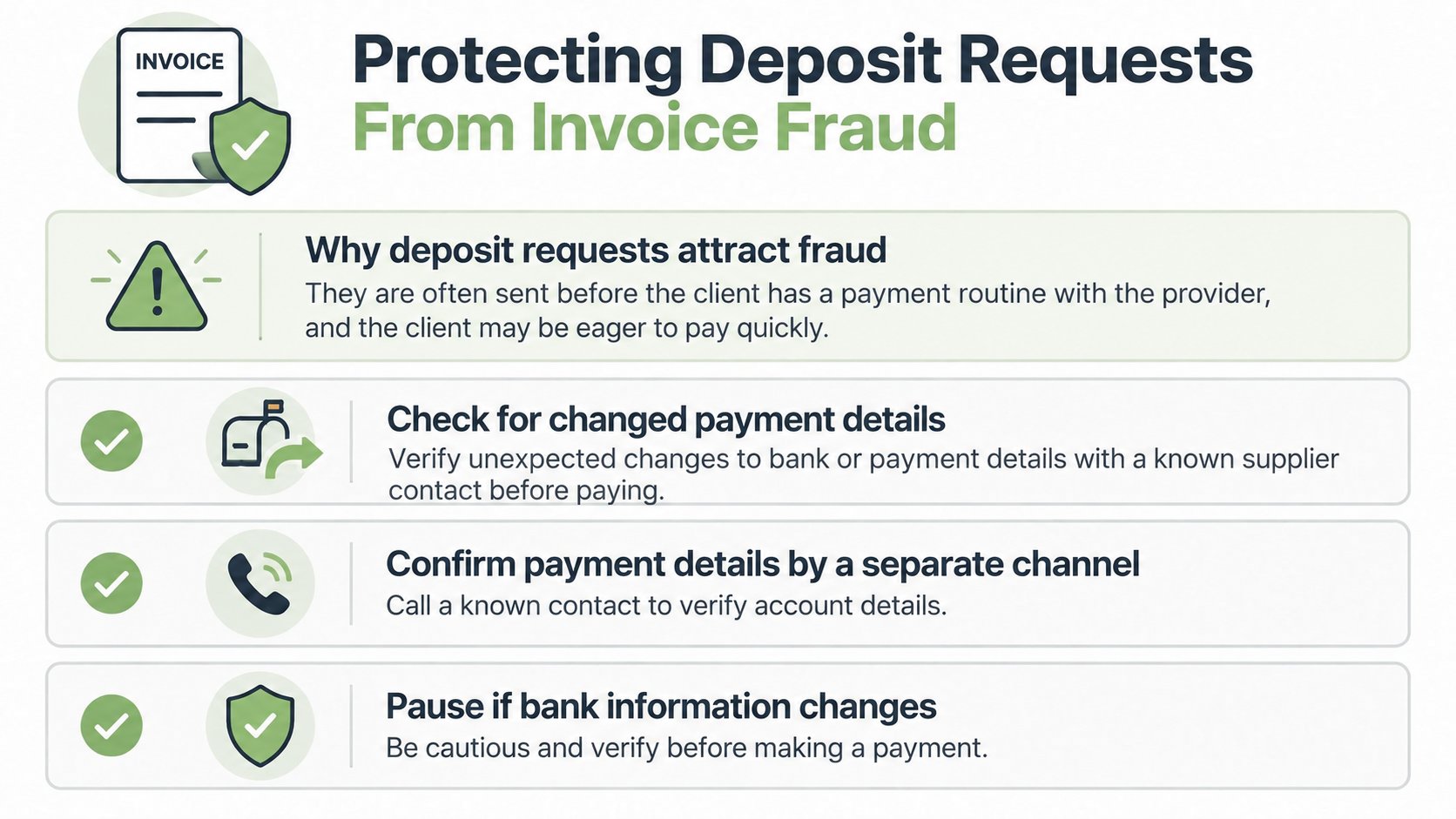
A deposit can be lost before work begins if a client sends it to a fraudster's account. The risk is higher when payment is urgent and the client has not paid the business before, so make verification part of the payment instructions.
Invoice redirection occurs when someone impersonates a supplier or intercepts an invoice and replaces the payment details. The UK National Crime Agency invoice fraud infosheet advises checking unexpected changes and verifying the genuine supplier on a previously used phone number before transferring money.
Controls Worth Adding to the Template
- Bank-detail notice: State clearly that changes to bank details will never be requested by email alone.
- Verification rule: Ask clients to call a phone number they already know before transferring money if payment details change. They should wait for confirmation before paying.
- Verified payment link: Where possible, provide a secure payment link rather than asking clients to type account details from a PDF.
- Minimal sensitive data: Leave unnecessary bank details out of the PDF.
For supported online card payments through GetBill, clients enter payment details in Stripe-hosted checkout. Cash and bank transfers received outside that checkout can be recorded against the invoice. Recording a bank transfer does not by itself initiate the transfer or prove automatic bank reconciliation. GetBill prohibits fraudulent, deceptive, unlawful, or misleading invoices and payment requests.
For a bank transfer, clients should confirm the account details using a previously known phone number. For a card payment, check that the payment page belongs to the payment provider and displays the correct business name, invoice number, and amount. If money has gone to a suspected fraudster, contact the bank immediately. The bank may be able to stop or recover some fraudulent electronic transfers.
Test the Deposit Process on Your Next Estimate
Redesigning every document at once rarely sticks. Testing the process on one upcoming estimate does. A single real job shows whether the fields, wording, and balance check work under actual payment conditions.
Three Actions in Order
- Choose the deposit rule for that client. The amount should cover the early cost the business would otherwise fund itself. Contractors estimating larger jobs may compare approaches in tools such as Exayard construction estimating software, while service businesses can keep the rule tied to materials and reserved time.
- Put the deposit terms in the estimate itself. The amount, due date, and application rule belong next to the total, so the client sees them before accepting. Guidance on writing an estimate covers how that placement works in practice.
- Convert and check after payment. After acceptance, the estimate becomes an invoice. Once the first payment clears, paid to date plus balance remaining must equal the total.
Partial payments can be recorded from cash, cards, or bank transfers in GetBill, and invoice balances are kept updated. Clients can also pay through Stripe-hosted checkout, with funds moving directly to the business's connected Stripe account.
The template should be checked against local rules before use. The business remains responsible for its services, taxes, refunds, and disputes, whatever tool produces the document. One clean test, with a balance that adds up at every stage, is worth more than a folder of untested templates.
Put the next deposit on a template that tracks the balance from estimate to final payment, instead of reconstructing it later. GetBill lets a small service business convert an accepted estimate into an invoice, record deposits and partial payments, and show the remaining balance on the document the client pays.