

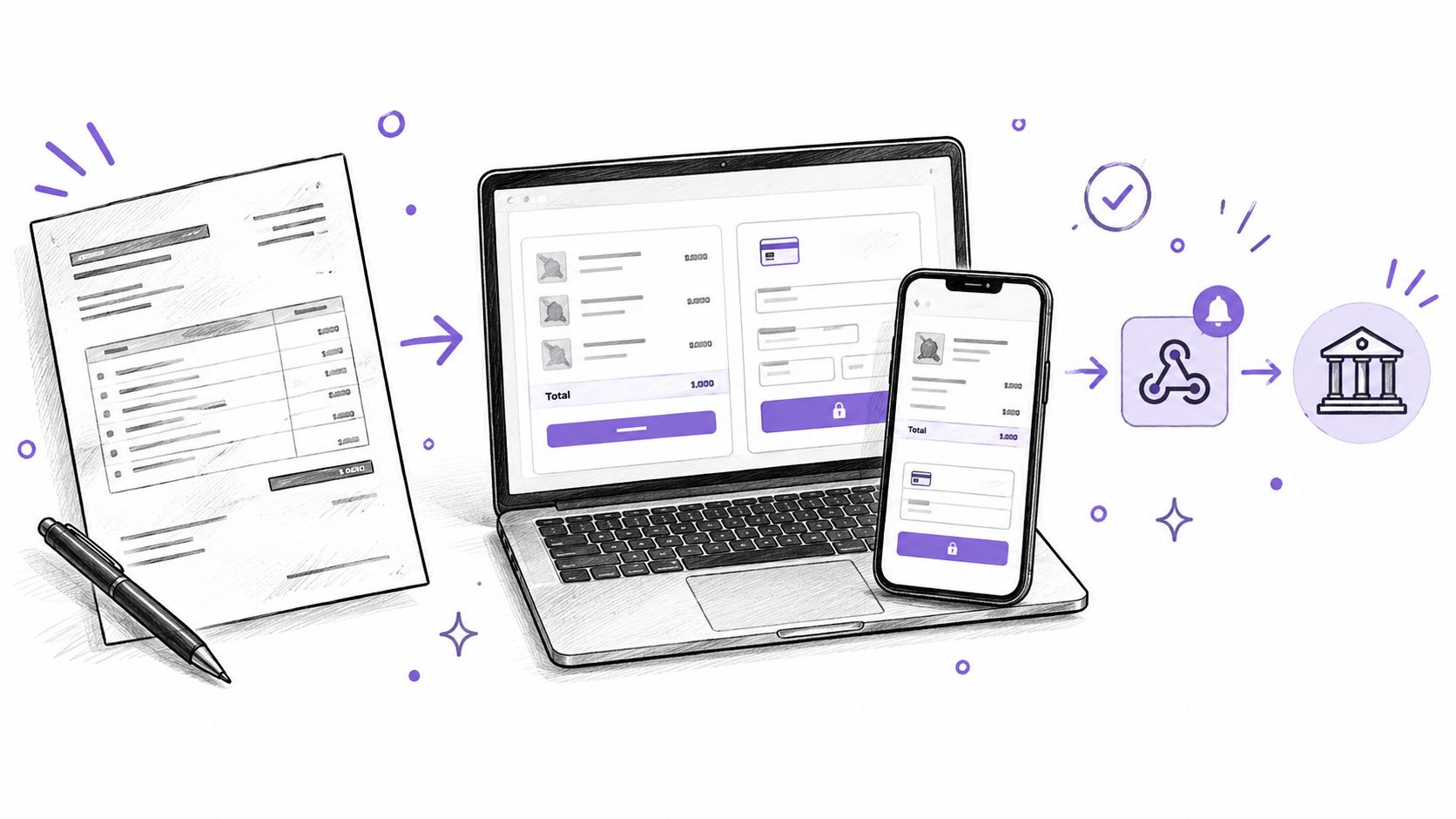
A photographer approves a project estimate, sends the client an invoice, and asks for a deposit before reserving the date. The client is ready to pay, but the photographer needs the amount to match the approved document and doesn't want to build a card-entry form. A Stripe Checkout page can handle the payment interface while the business keeps control of the invoice and the work behind it.
That separation matters. A payment page can collect money, but it doesn't automatically issue the right invoice, confirm that a deposit left a balance due, or keep tax records. The useful mental model is a Stripe-controlled checkout connected to a transaction the business defines, not a replacement for invoicing, bookkeeping, or tax advice.
Table of Contents
- Why a Stripe Checkout Page Matters
- How the Hosted Checkout Page Works
- Security and PCI Responsibilities
- Verify Webhooks Payments and Payouts
- Choose Payment Methods for International Clients
- Configure Deposits and Partial Payments
- Use Checkout with GetBill Invoices
- Manage Taxes Records and Final Checks
Why a Stripe Checkout Page Matters
A service invoice isn't a shopping cart. A contractor usually isn't asking a client to choose products, shipping options, and quantities. The client has already agreed to a defined job, such as repairing a fence, and the payment page needs to collect the agreed deposit or balance without changing the terms.
Stripe describes Checkout as a prebuilt payment form that can be embedded on a website or used as a Stripe-hosted page. Stripe also offers no-code Payment Links that can be shared by email, on a website, or through social media. Those options let a service business collect payment without building its own card-entry interface, but they don't replace the estimate or invoice that explains what the client is paying for (Stripe's guide to creating Payment Links).
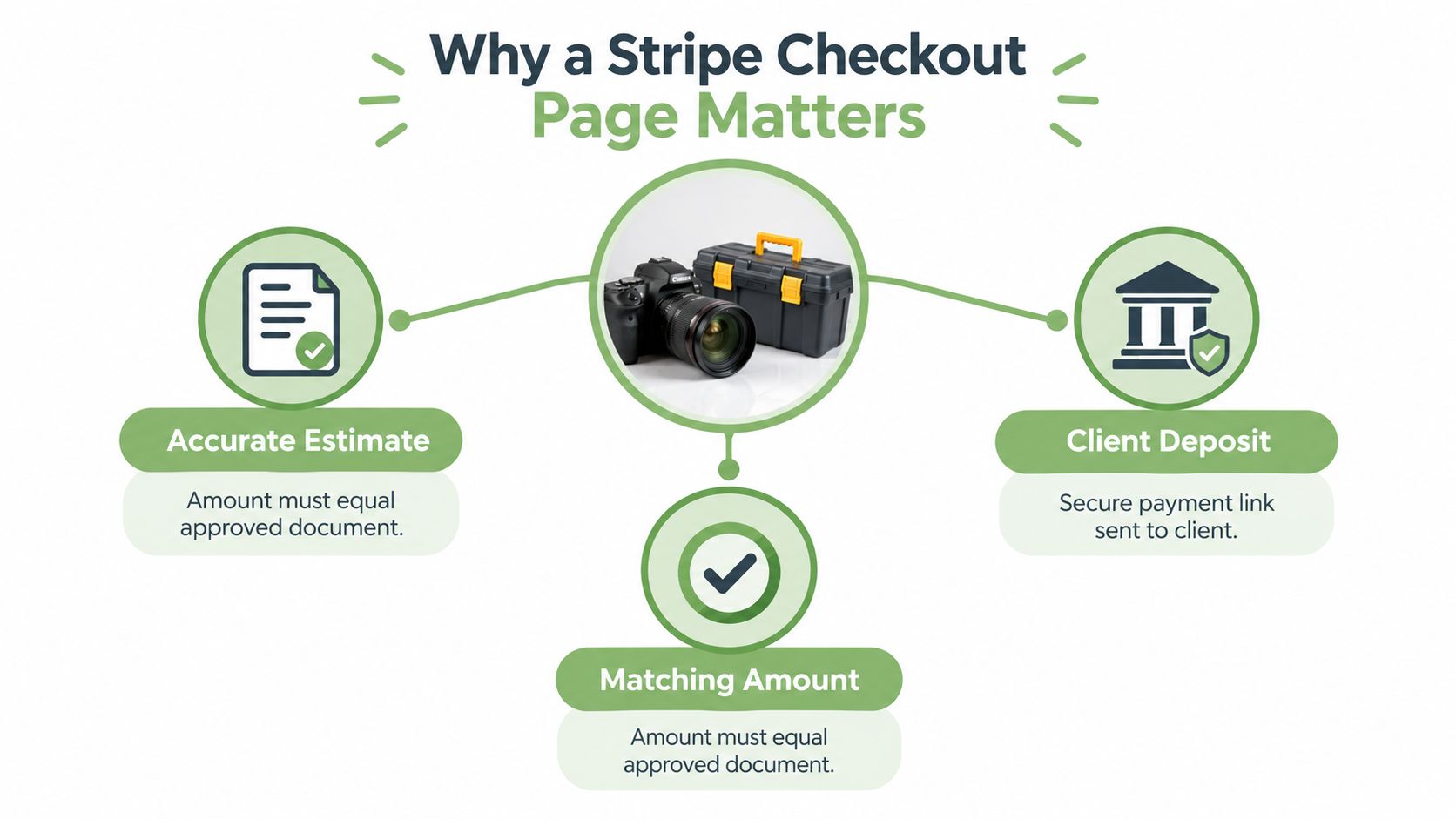
For example, a photographer's approved estimate might cover a session and editing, while the invoice requests a deposit to reserve the date. The payment request needs to show the amount due now, not accidentally charge the full project value. After payment, the photographer still needs to record what was received and what remains.
A hosted page removes the need for the business to collect card details directly through a custom form. It doesn't decide whether the charge matches the estimate, issue a complete invoice, or reconcile the payment with the project. Those remain business and billing-system responsibilities.
For owners who want to follow service interruptions or payment-platform developments, Disputely's Stripe alerts offer a related resource. Alerts can help an operator stay informed, but they don't replace checking the status of an individual transaction or keeping invoice records.
How the Hosted Checkout Page Works
A hosted payment starts with information the business controls, not a price typed into the customer's browser. A server creates a Checkout Session with the transaction's line items, amount, currency, mode, and permitted payment methods. Stripe returns a session URL, and the customer's browser opens the hosted page for that session (Stripe's Checkout quickstart).
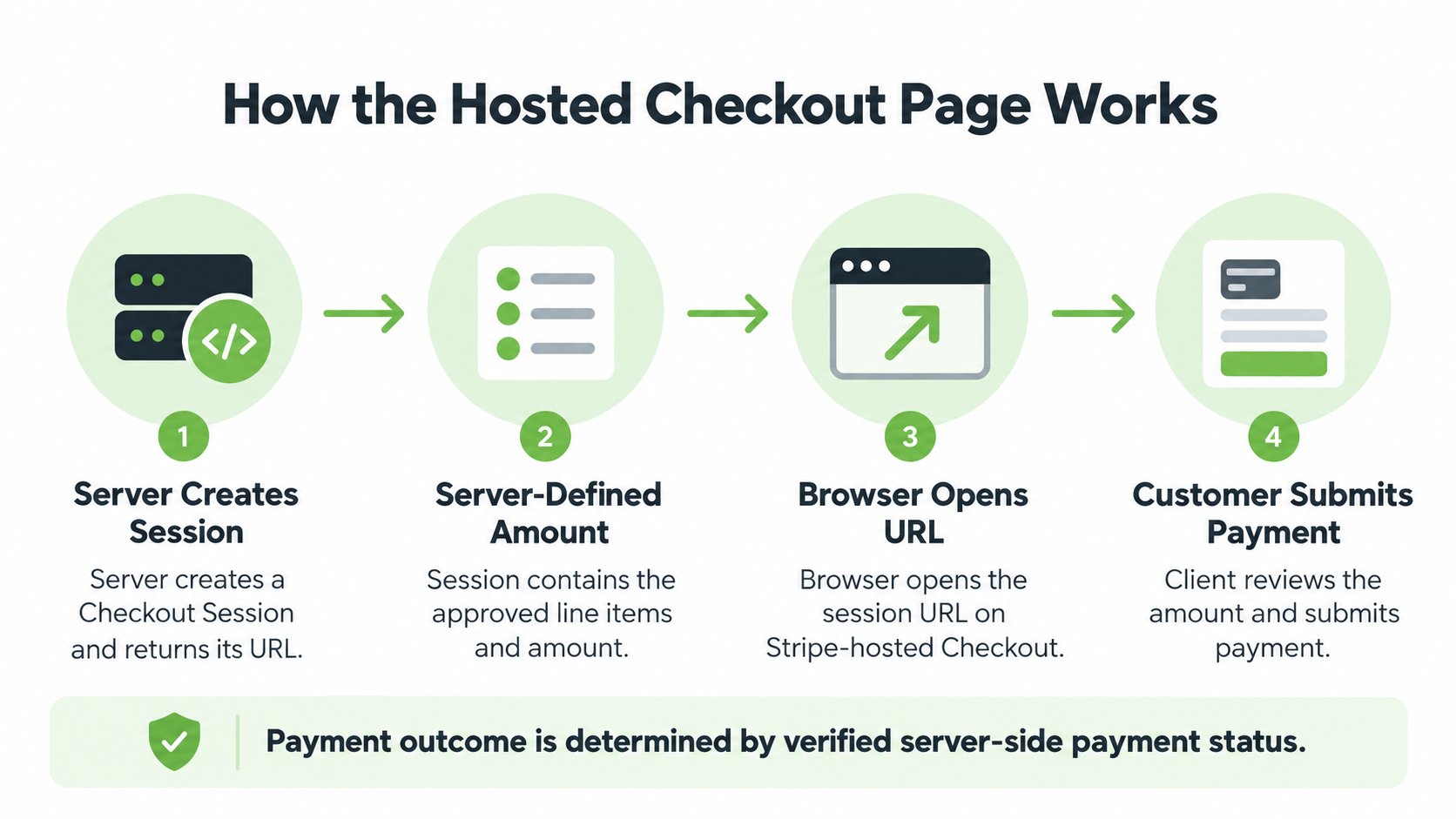
The server-defined amount is an important boundary. Suppose a contractor's approved estimate covers a larger job, but the invoice requests a deposit to book the work. The Checkout Session should use the approved deposit amount, not the total estimate value, and the session should be associated with the relevant invoice. That way, the browser displays a payment request based on the business's transaction data rather than a customer-editable total.
Keep the transaction tied to its invoice
The estimate describes the proposed work; the invoice states what the client owes and when. The Checkout Session carries the amount being collected. Keeping the invoice identifier with the transaction gives the business a way to connect a payment record to the right client and job later.
A useful invoice should make the distinction plain: total project value, amount due now, and remaining balance. A customer shouldn't have to infer whether the page requests a deposit or full payment from a project total.
Choose a mode that matches the payment
Stripe documents three Checkout Session modes. Payment is for a one-time transaction, such as an invoice or deposit. Subscription is for recurring transactions, while setup is for saving payment details for later use. A service business should use only the workflows it needs and has verified for its Stripe account.
A typical deposit doesn't require a subscription just because the business may invoice the client again later. The transaction mode should match what is happening now. The server defines the transaction; Stripe hosts the payment page; the business keeps responsibility for the invoice and its records.
Security and PCI Responsibilities
A hosted checkout changes where card details are entered. Stripe says Checkout and Elements host card-collection inputs on Stripe's domain, so card data doesn't touch the merchant's server in an eligible integration. Stripe also says its own PCI Service Provider Level 1 certification is assessed by an independent qualified security assessor (Stripe's security documentation).
The practical analogy is a controlled cashier station. The customer enters sensitive card information into the payment processor's interface rather than handing the business a card number to store in a spreadsheet or on its own server. The business receives payment information it can use for records and reconciliation, without needing to build its own card-entry system.
Reduced scope isn't automatic compliance
Hosted collection can narrow, but doesn't erase, a business's PCI responsibilities. Stripe says eligible Checkout integrations may qualify for the shorter SAQ A validation path. That eligibility depends on the actual integration and the merchant's circumstances, so each business should confirm its situation with its payment provider or a qualified adviser.
The business still needs to protect its Stripe account, limit access appropriately, and make sure its integration handles the transaction as intended. Poor account controls or an incorrect payment flow aren't fixed because the card form is hosted.
Practical rule: Keep card details out of the business's own systems, and verify the compliance obligations that still apply to the business and its integration.
The distinction is straightforward: Stripe provides a hosted collection interface and infrastructure; the merchant remains responsible for its own account, business records, and applicable compliance work.
Verify Webhooks Payments and Payouts
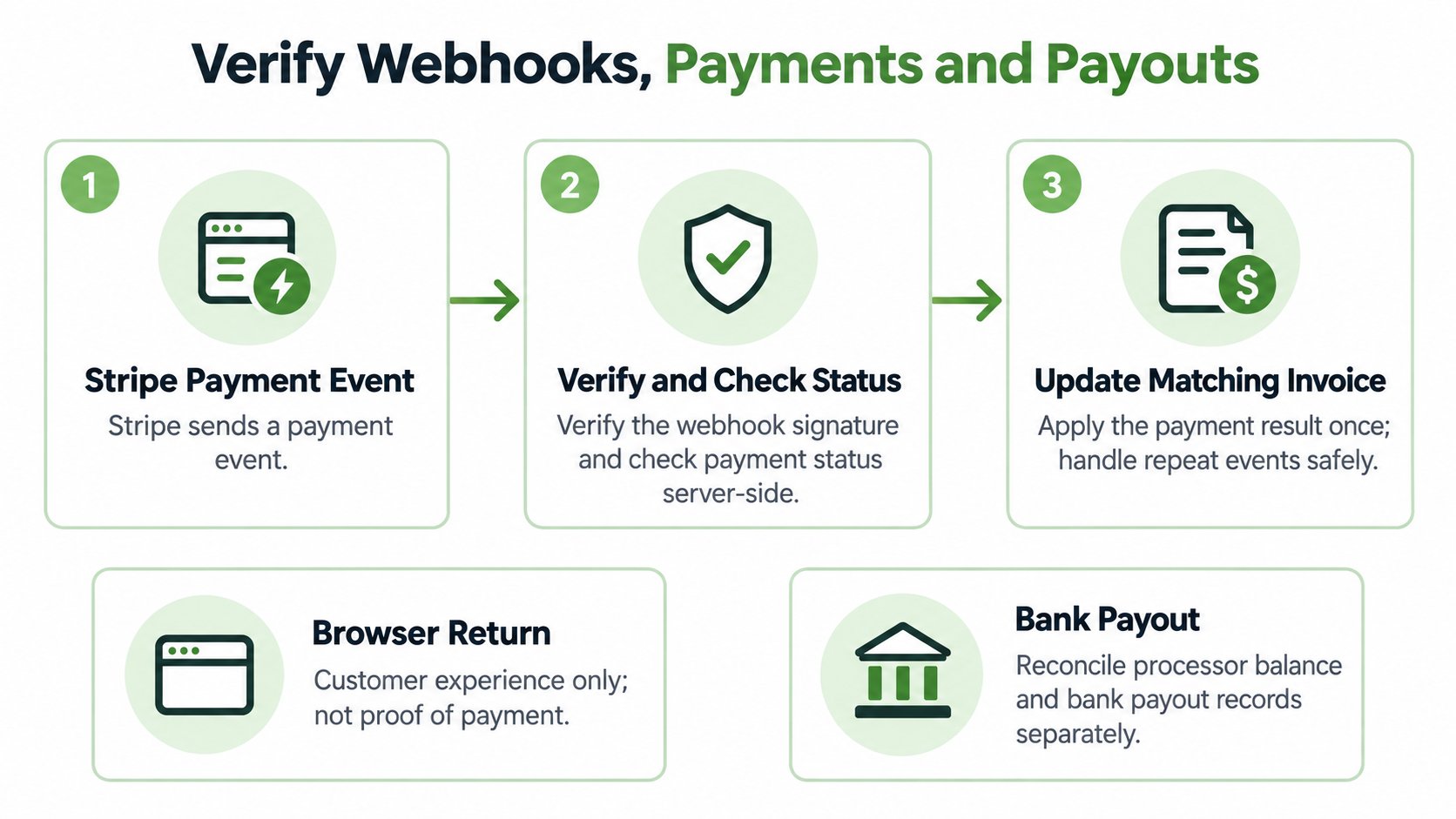
A customer returning to an invoice page isn't, by itself, reliable proof that an invoice is paid. The browser can be closed, interrupted, or redirected before the business records the transaction. Payment verification needs to rely on the payment processor's event and the business's handling of it, not only on what the customer sees after checkout.
Separate the redirect from payment confirmation
A useful operating model has three states:
- Customer redirect: The client returns to the business's site after checkout. This is helpful for the customer experience, but it isn't enough on its own to mark the invoice paid.
- Stripe confirmation: Stripe reports the transaction's payment status. The business needs to use the status and transaction record to determine what happened.
- Webhook processing: The business receives and handles Stripe's server-to-server event, then updates the relevant invoice record.
A webhook gives the business a way to respond to payment events without depending on the customer's browser. The integration should verify incoming events and handle repeat delivery safely, so processing the same event again doesn't accidentally create duplicate payment records. If an event can't be processed, the business also needs a way to investigate and reconcile the transaction rather than assuming that the invoice status is correct.
Treat payment and payout as different stages
A successful payment and a payout to the business's bank account are not the same event. The business should track the payment against the invoice, then separately check the processor balance and payout records. Timing and settlement behavior can vary by payment method, so the workflow shouldn't promise that every payment becomes available in the same way.
For a deposit, the invoice state may be partially paid even when the deposit transaction succeeded. For an unpaid or interrupted attempt, it may remain pending; for an unsuccessful transaction, it may be failed. A later payment can settle the remaining balance. Clear states help the owner respond accurately to clients and avoid treating a deposit as full payment.
Choose Payment Methods for International Clients
The right payment options depend on the client and the business's ability to manage the resulting records. Stripe says the methods shown in Checkout can depend on the account, currency, customer location, and Dashboard configuration. Its Checkout documentation describes support for more than 125 local payment methods, while that number doesn't mean every method will be available to every business or client (Stripe's Checkout payments documentation).
Cards and wallets can be familiar options for clients paying a deposit. Local bank or real-time methods may be worth considering for a client or transaction where they're supported, but the business should check how each option affects confirmation, settlement, refunds, and disputes before enabling it.
| Client or payment context | Potential Checkout option | Operational consideration |
|---|---|---|
| Client wants a familiar way to pay a deposit | Card or an available wallet | Check how the payment appears in the invoice and refund workflow. |
| Client is in another country | A locally available method or card | Verify account eligibility, currency support, and settlement behavior. |
| Client prefers saved details | Link, where available | Confirm which customer details can be saved and how the transaction is recorded. |
| Business is considering a bank-based method | An eligible local bank option | Confirm timing, failure handling, and how payment status maps to the invoice. |
Stripe says Link is available in Checkout without an additional Link-specific fee and can save and autofill eligible customer details (Stripe’s Link with Checkout documentation). Link confirms transactions immediately, and successful payments settle to the Stripe balance on the same timeline as card payments regardless of the funding method (Stripe’s Link overview). That convenience doesn’t remove the need to reconcile the payment with the correct invoice.
A long list of payment methods can make the operational job harder if the business can't tell when funds settle or how to handle a refund.
An agency weighing bank payments for client invoices can consult Jumpstart Partners' overview of ACH processor integration for agencies as a separate resource. Before launch, the business should test the actual Checkout configuration on mobile and for the regions it serves, rather than assuming that a method shown in documentation will appear for every customer.
Configure Deposits and Partial Payments
A deposit is a payment toward a job, not proof that the job's full price has been paid. A photographer may collect a booking deposit; a designer may request a milestone payment; a contractor may bill the remaining balance after the work is complete. In each case, the business needs to preserve the client, project, and invoice identity as money arrives in stages.
The amount in the Checkout Session should match the invoice request that the client approved. For an integration, the server should create that amount from the approved invoice or deposit and associate the invoice identifier with the transaction. The total estimate value, amount due now, amount received, and remaining balance are separate figures, and the invoice record should keep them separate too.
Record what happened, not just what was attempted
Consider a designer whose invoice requests a project milestone. If the client completes that payment, the invoice should show the amount received and the balance still due. If payment fails or the client cancels, the invoice shouldn't be marked paid. If a payment is refunded later, the refund needs its own record and the invoice balance may need updating.
Duplicate event processing can also create a false picture of what the client paid. The integration should safely handle repeated notifications, then reconcile the result against the processor record. This is distinct from refreshing the customer's payment page: the business needs a reliable record that links the transaction, invoice, and any remaining amount.
For a closer look at how staged payments can appear in an invoice workflow, see this partial payment example. The important business practice is to tell the client what the current payment covers and what will still be due. A successful deposit is a completed payment transaction, but it doesn't establish that the full invoice has been settled.
Use Checkout with GetBill Invoices
An invoice workflow can keep the payment request attached to the document that explains the work. GetBill supports itemized estimates and invoices, estimate-to-invoice conversion, branded PDFs, document sharing, deposits and partial payments, and supported online card payments through an eligible connected Stripe account.
A practical workflow starts with an itemized estimate for the agreed service. When the work is ready to bill, the estimate can be converted into an invoice, the invoice can be produced as a branded PDF, and the document can be shared by email or public link. If the business's connected Stripe account and region support the payment flow, the client can pay online, while deposits and partial payments can be recorded with the remaining balance preserved.
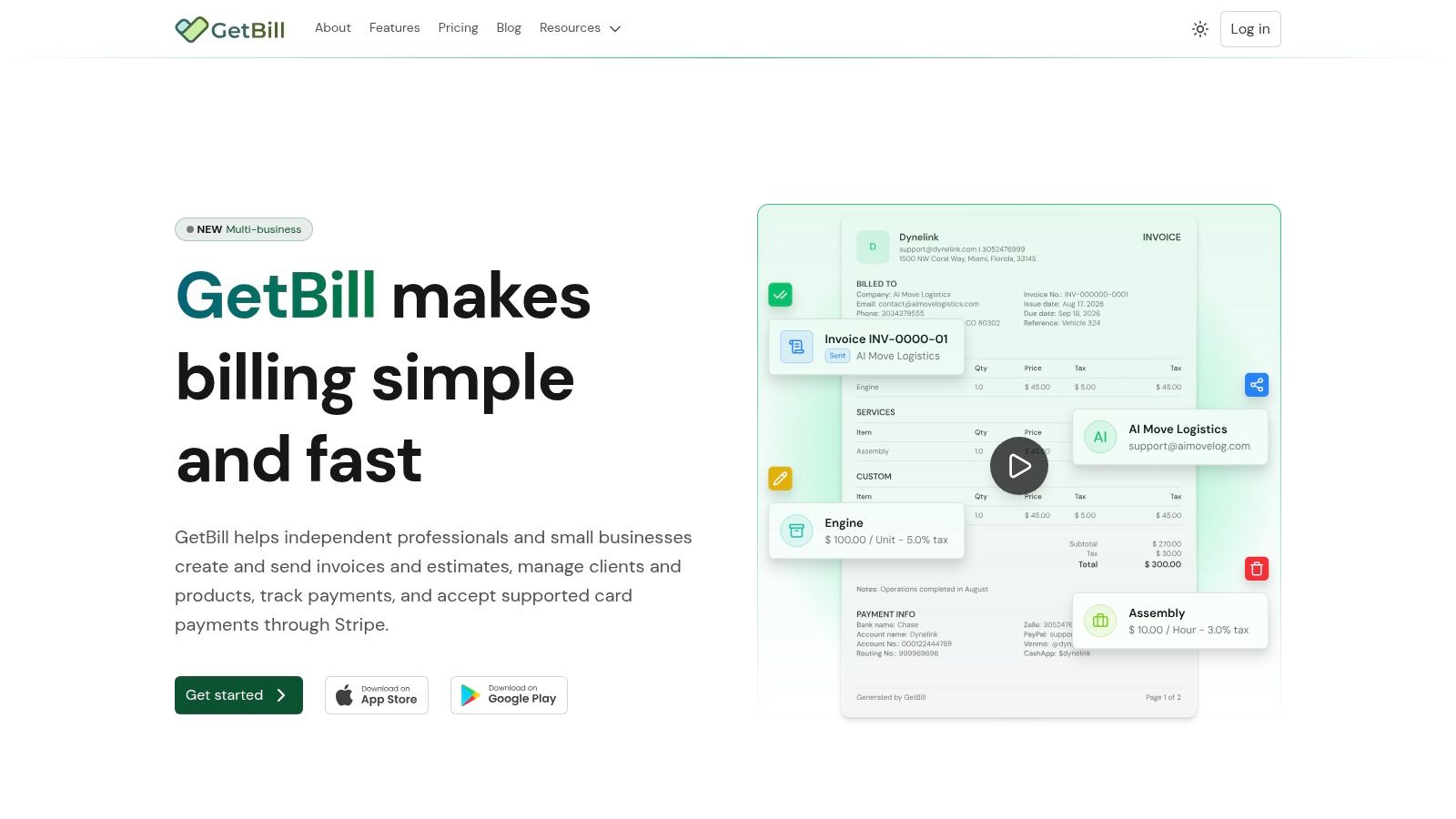
That can help a small service business keep the estimate, invoice, and staged payment connected in one billing workflow. It doesn't make payment availability universal: Stripe account eligibility and region affect which online payments are supported. For a related look at invoice payment pages, see how payment links can make it easier for clients to pay invoices.
Manage Taxes Records and Final Checks
Tax settings depend on the business, the client, and the relevant jurisdiction. Stripe Checkout can collect address information relevant to Stripe Tax calculations, but the address hierarchy and customer-update settings affect how that information is used. For remote professional services, asking for extra details that don't apply to the transaction can add friction, so the business should choose its information requirements based on its tax obligations and workflow.
For U.S. recordkeeping, the IRS lists invoices, receipts, deposit slips, canceled checks, sales slips, and paid bills as supporting documents. For purchases and business expenses, supporting records should identify the payee, amount paid, proof of payment, date incurred, and a description of the item or service. For gross receipts, including client income, supporting documents should show the amounts and sources received (IRS guidance on business records). A processor payout alone isn’t a complete transaction record; the business should retain the estimate, final invoice, payment confirmation, processor statement, and refund documentation. For questions about bookkeeping roles, HireAccountants’ comparison of a CPA and a bookkeeper can help clarify what kind of professional support may fit.
Check the complete workflow before going live
Before accepting a real client payment, the owner or developer should verify that:
- The server uses the approved invoice amount, not a browser-submitted total.
- Payment events update the correct invoice and can be processed safely if delivered again.
- Mobile customers can understand the amount due now and complete the payment.
- The account can offer the selected methods in the intended customer regions.
- A deposit leaves the correct remaining balance on the invoice.
- The business knows how failed payments, cancellations, and refunds are recorded.
- Tax settings collect only the information needed for the applicable workflow.
- A test payment is followed through to payment confirmation and processor reconciliation.
Businesses with cross-border clients can also review VAT invoice template considerations, then confirm current federal, state, local, and international obligations with qualified tax sources or an adviser. Tax rules depend on jurisdiction and the services provided, so a payment page alone can't establish that a business has handled tax correctly.
GetBill supports itemized estimates and invoices, estimate-to-invoice conversion, branded document sharing, and recording deposits and partial payments through a supported connected Stripe account. Visit GetBill to review whether its billing workflow fits the way the business prepares estimates, collects invoice payments, and tracks remaining balances.